• Features
  • Screenshots
  • FAQ

All Platform Screens

See Every Screen

Real screenshots of the Genlix DMS platform — 14 screen categories, desktop & mobile side by side. Click any image to enlarge.

Login Dashboard Orders Items Bulk Verify Shipment Builder Dispatched Invoices Payments Memo Tracking Activity Log User Mgmt Company Mgmt Pickup Address
Screen 01

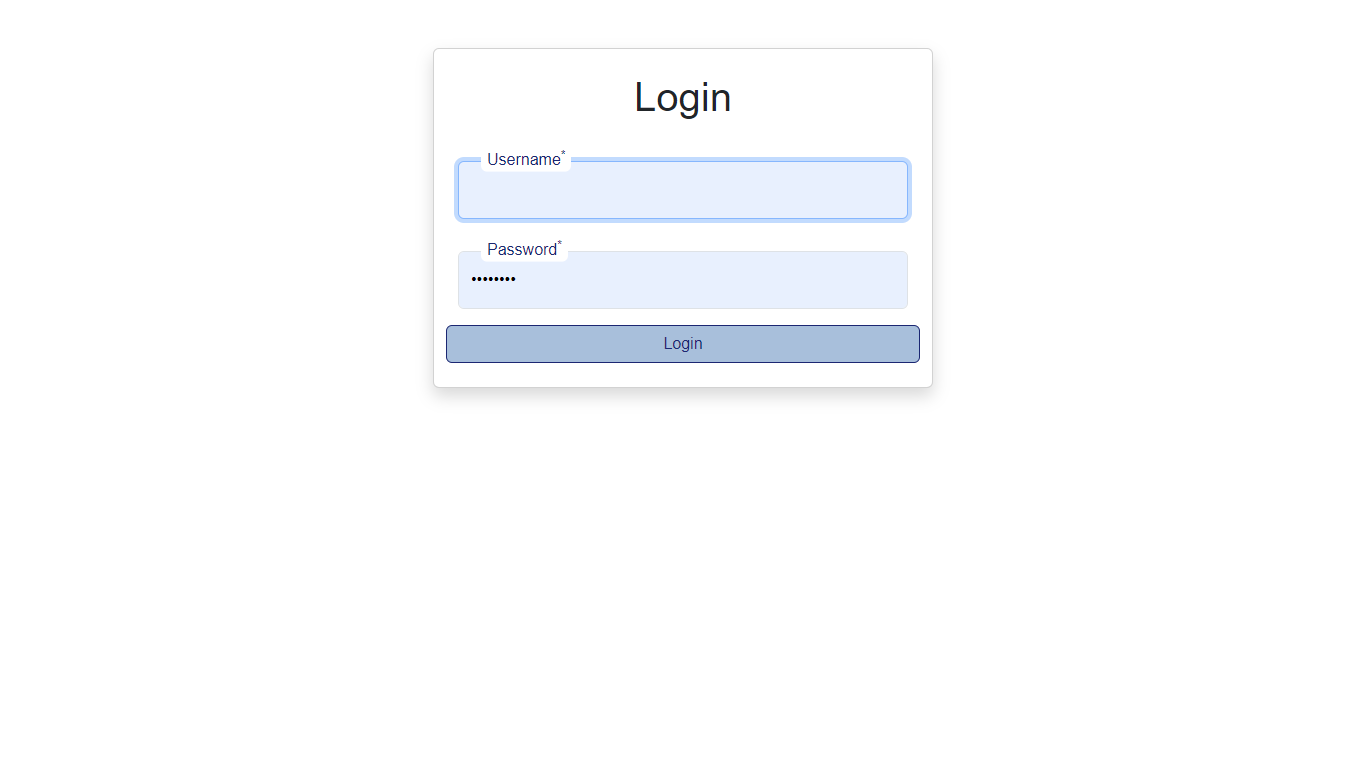
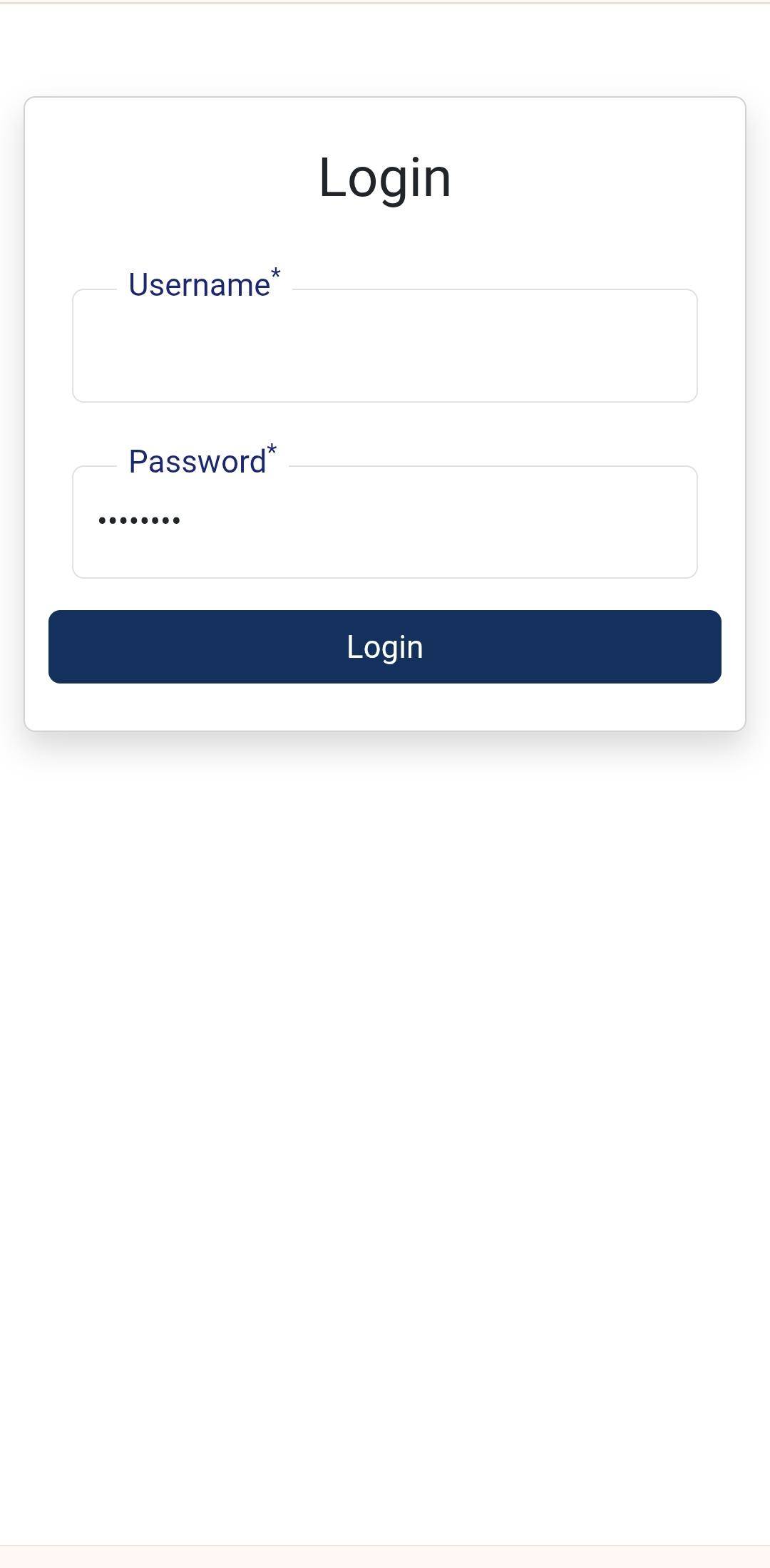
Login

Secure login with role-based access. Admin users reach the full portal; authenticated mobile clients receive a per-device token for the REST API.
Desktop
Login desktop
Login screen
Mobile
Login mobile
Login
Screen 02

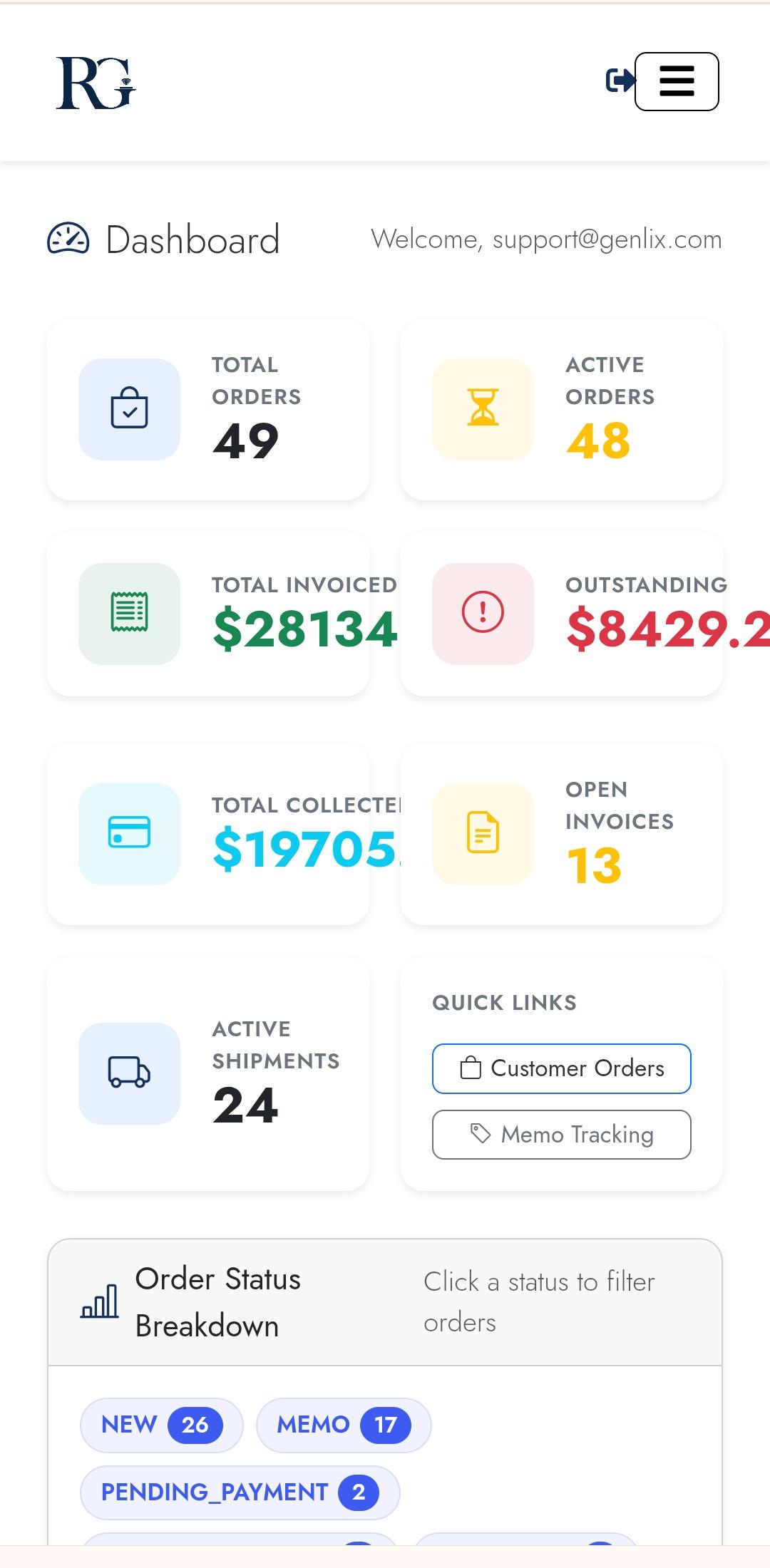
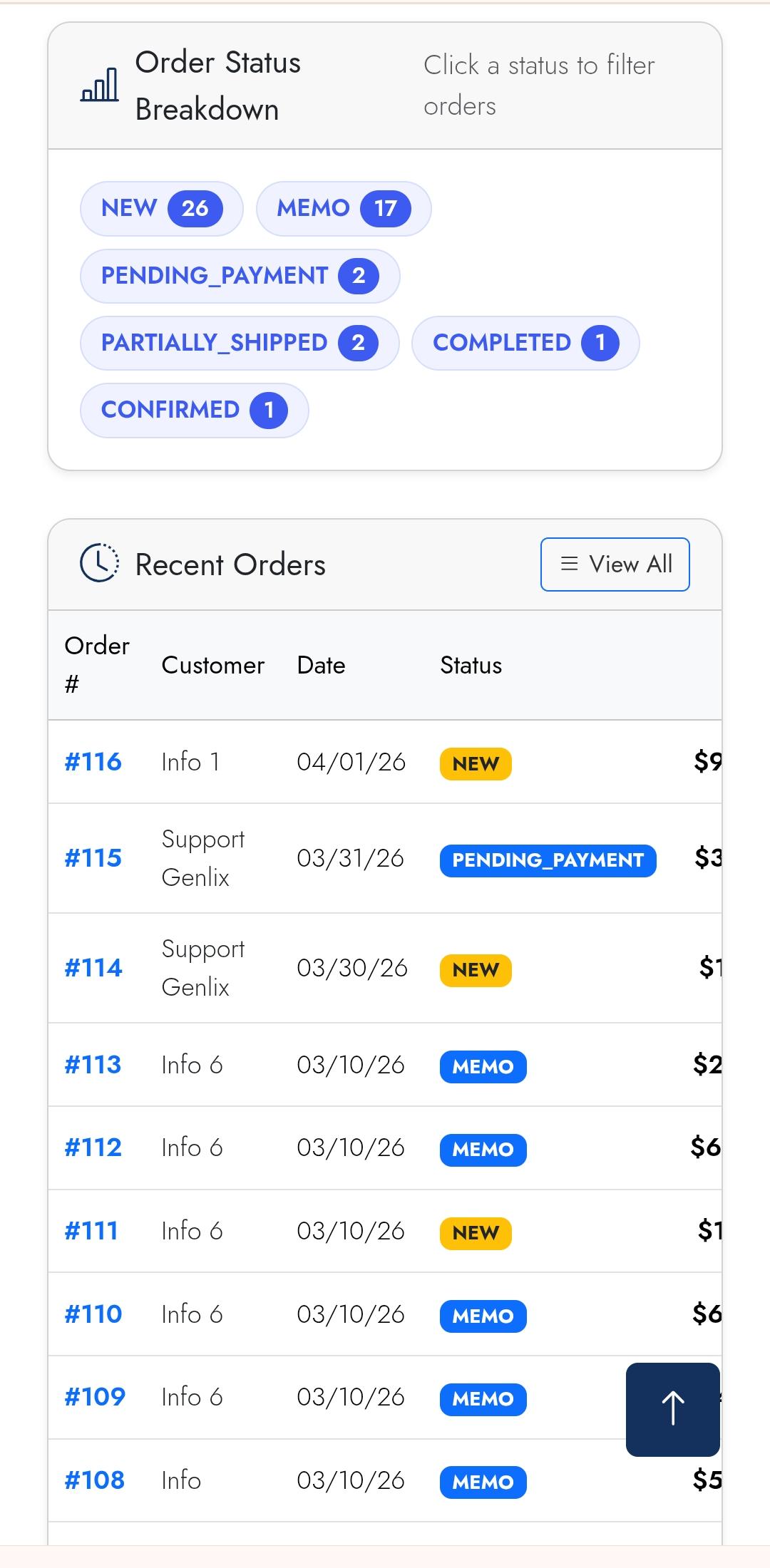
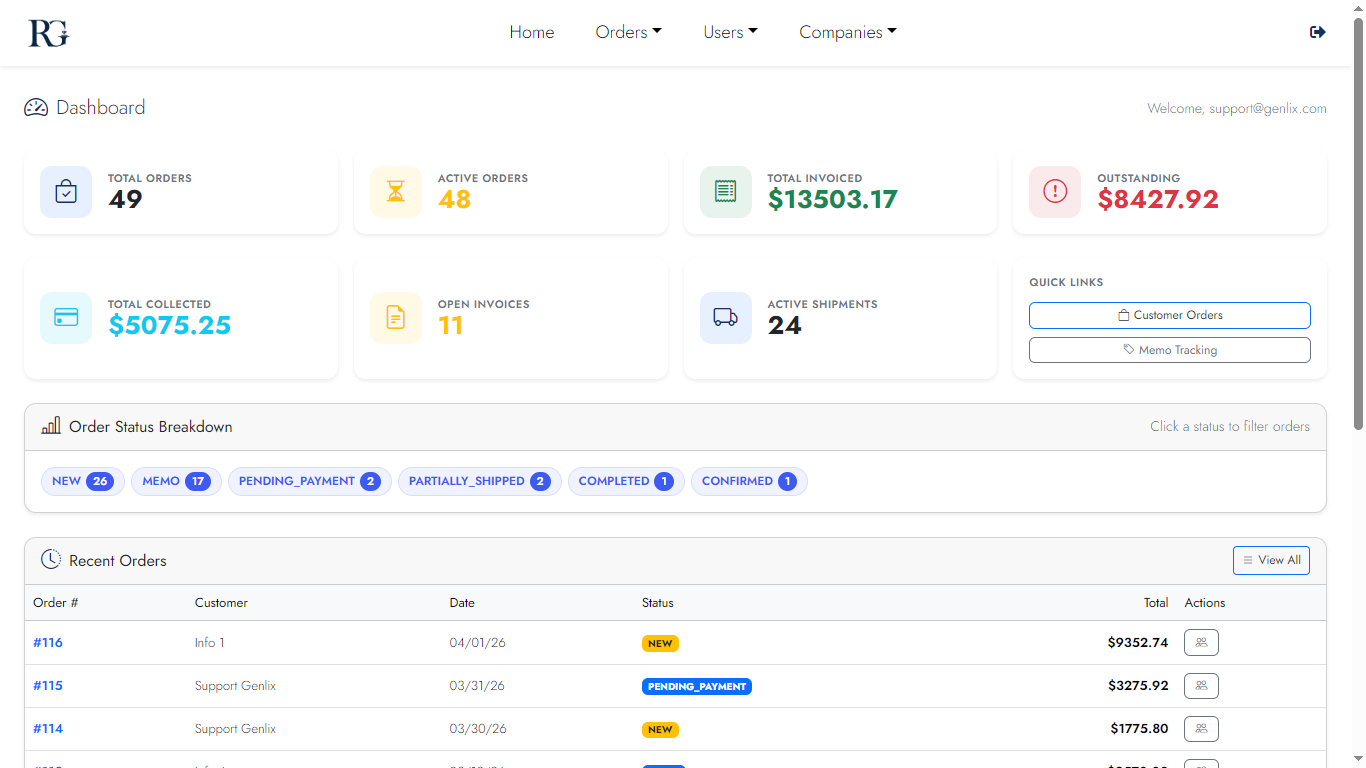
Admin Dashboard

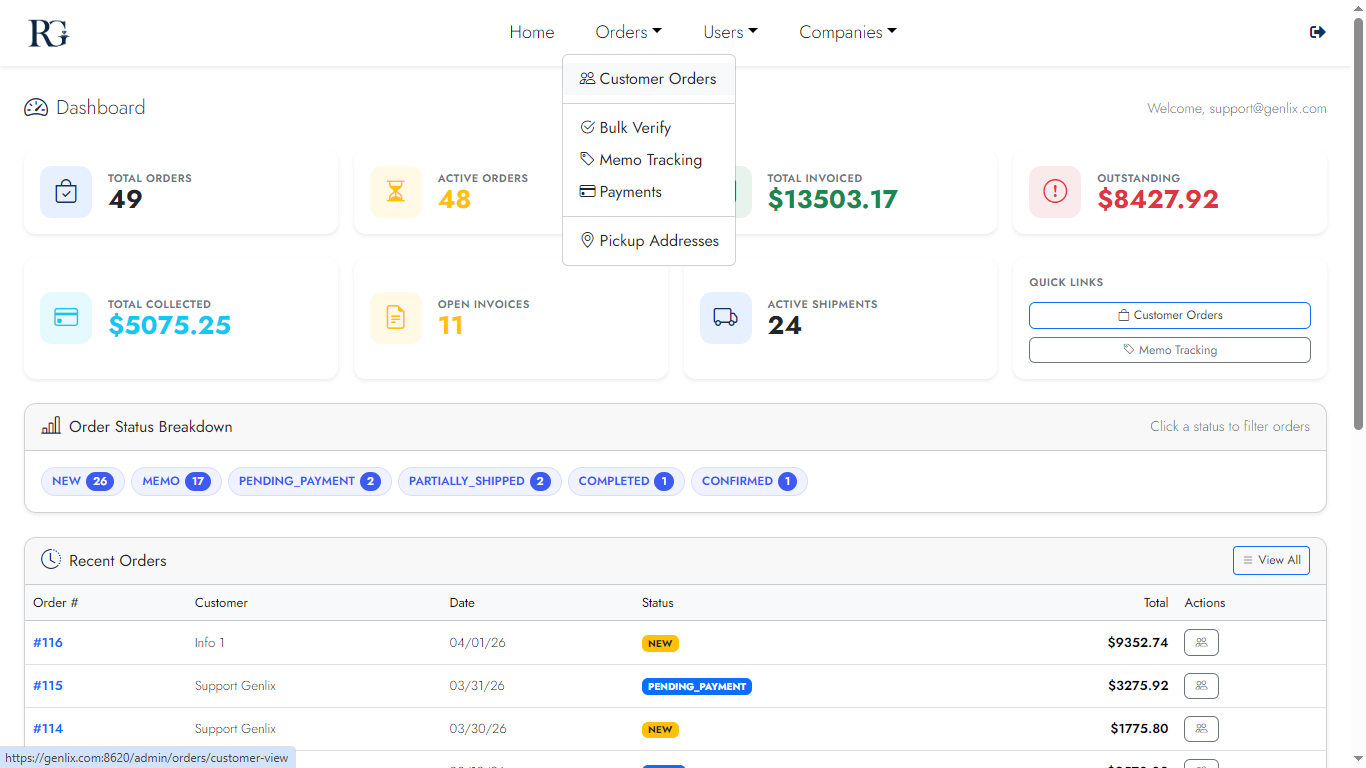
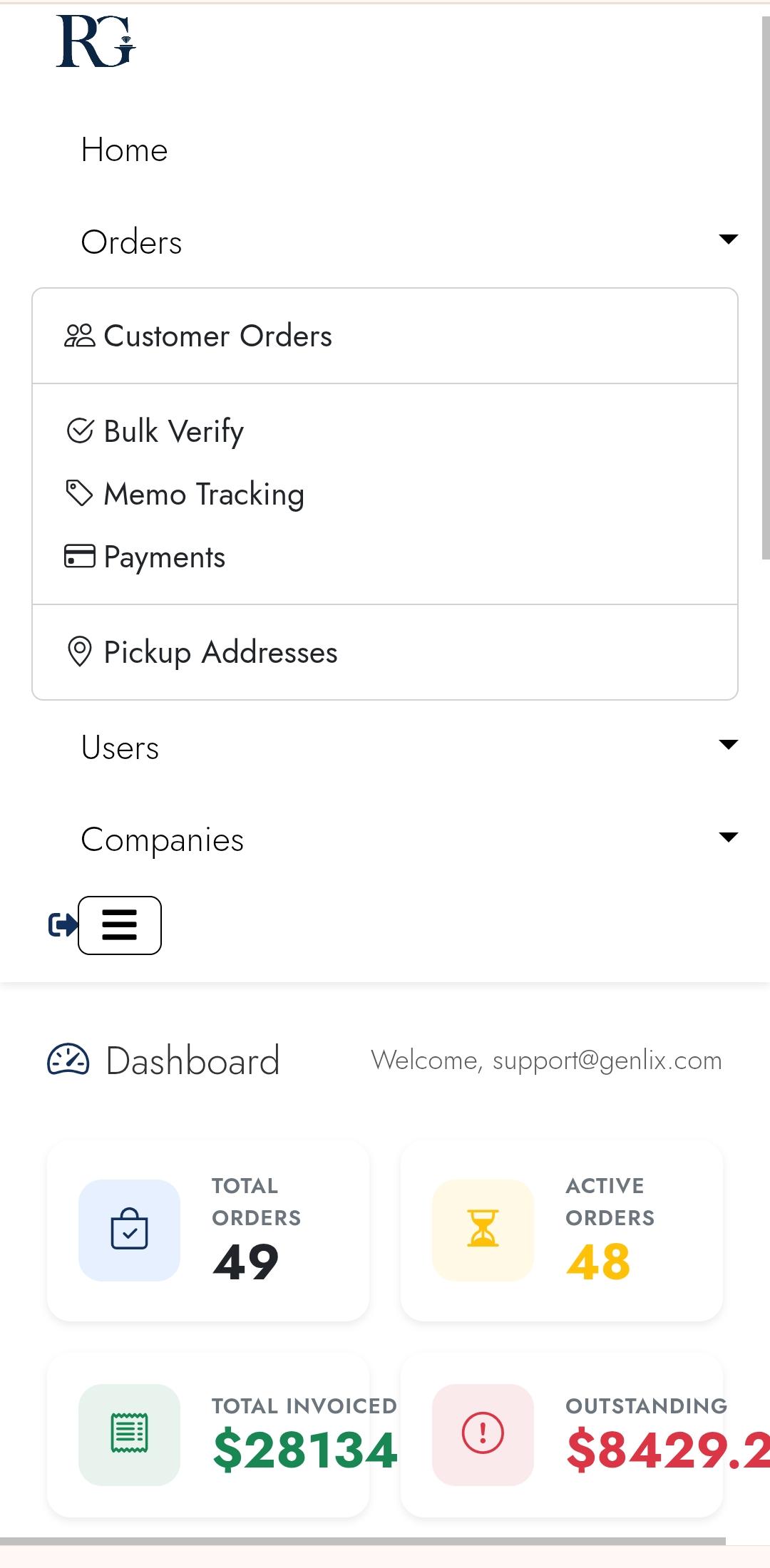
Bird's-eye view of your entire operation — order-status summary cards, shipments in transit, outstanding invoices, and weekly payment totals at a glance.
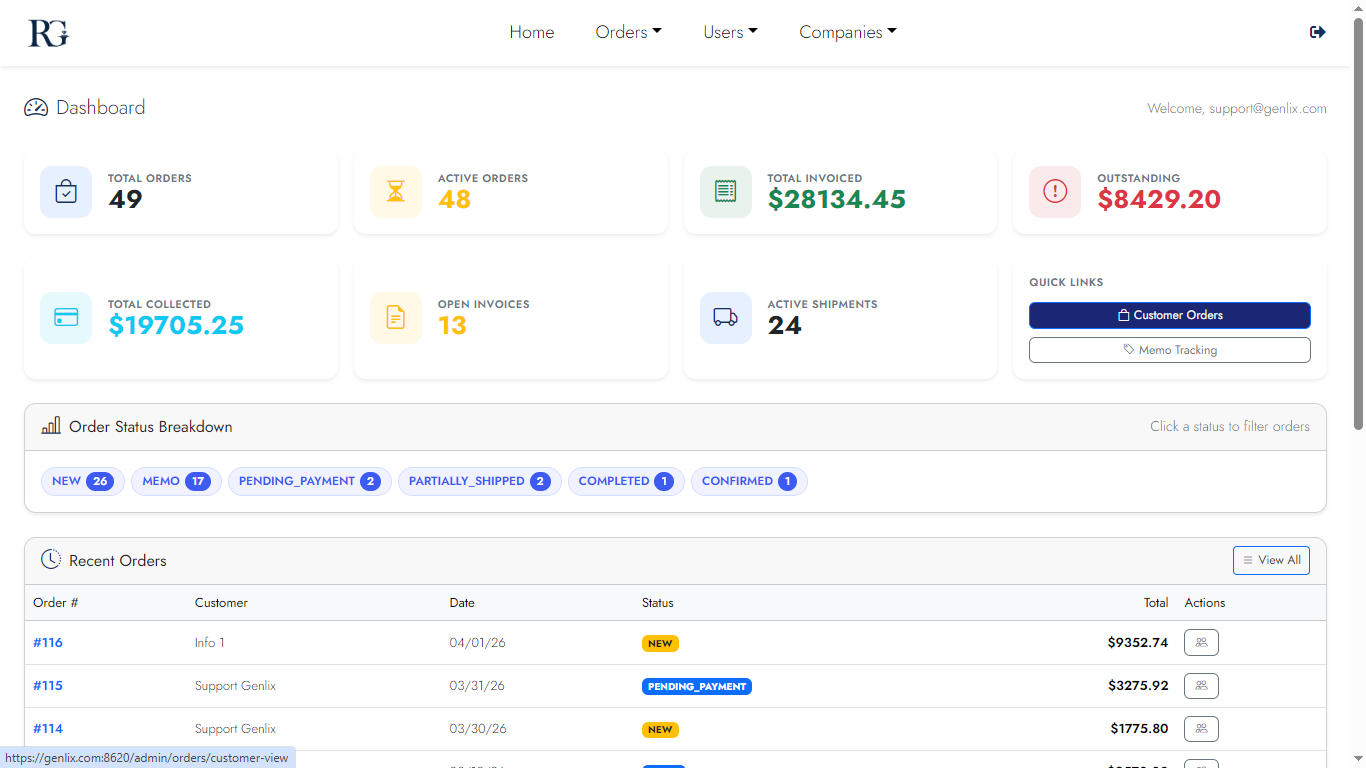
Desktop
Dashboard overview
Overview
Dashboard detail
Detail view
Mobile
Dashboard mobile 1
Dashboard
Dashboard mobile 2
Detail
Screen 03

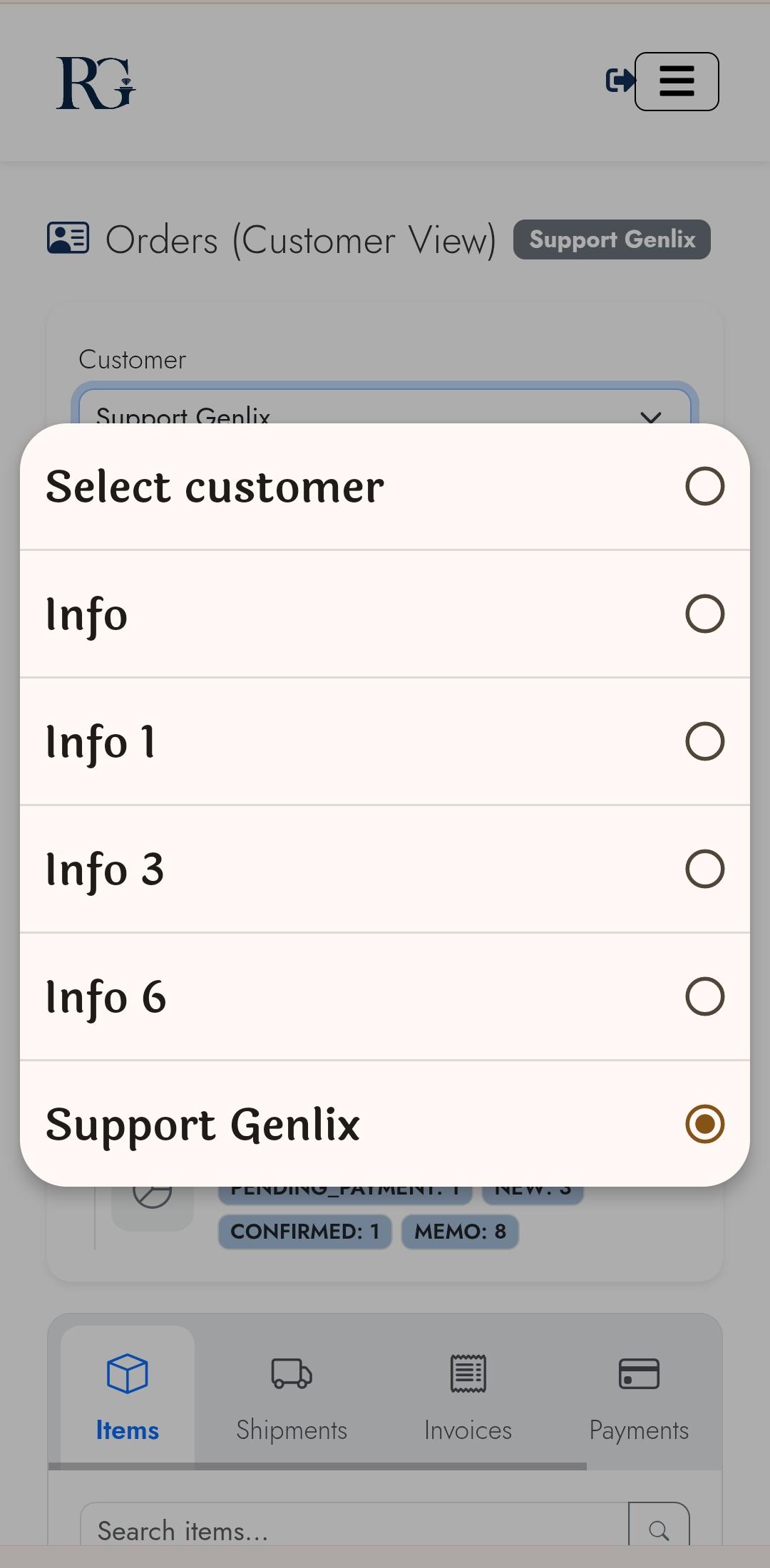
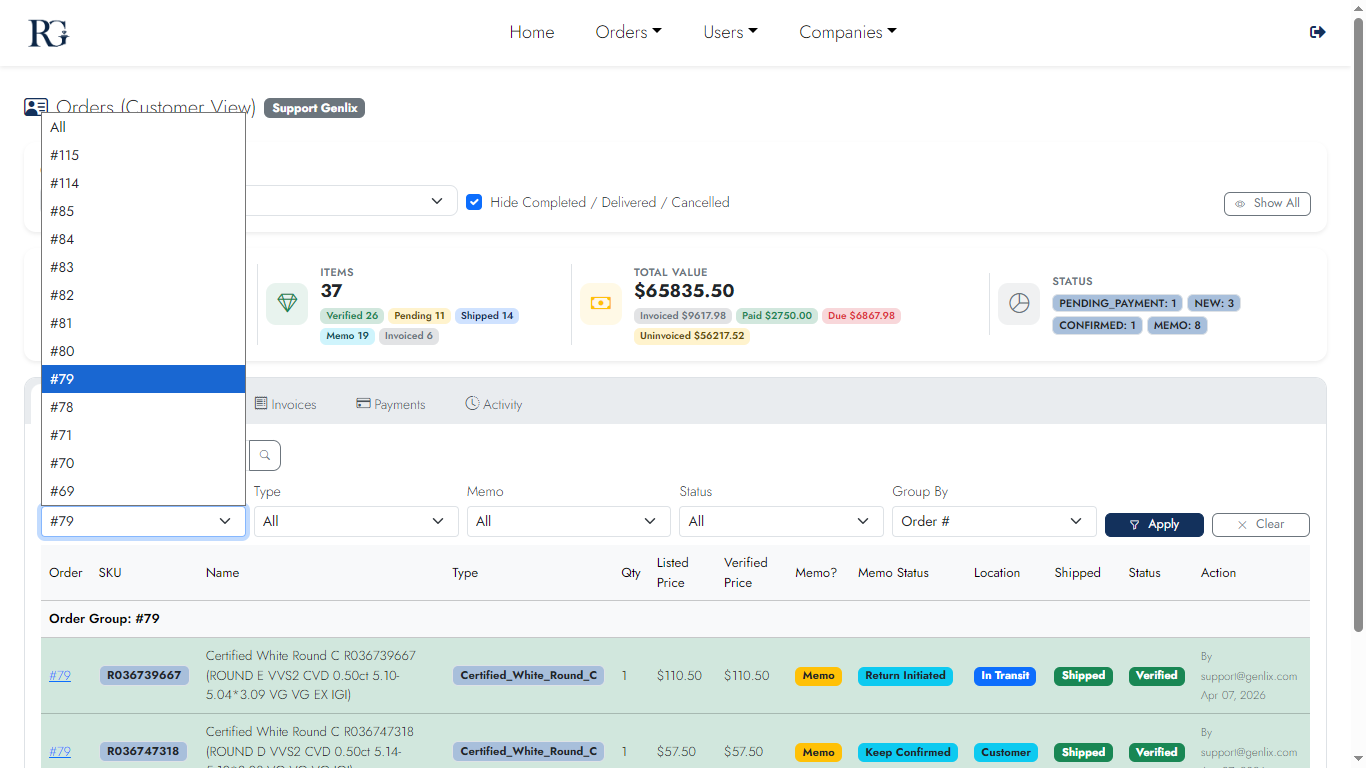
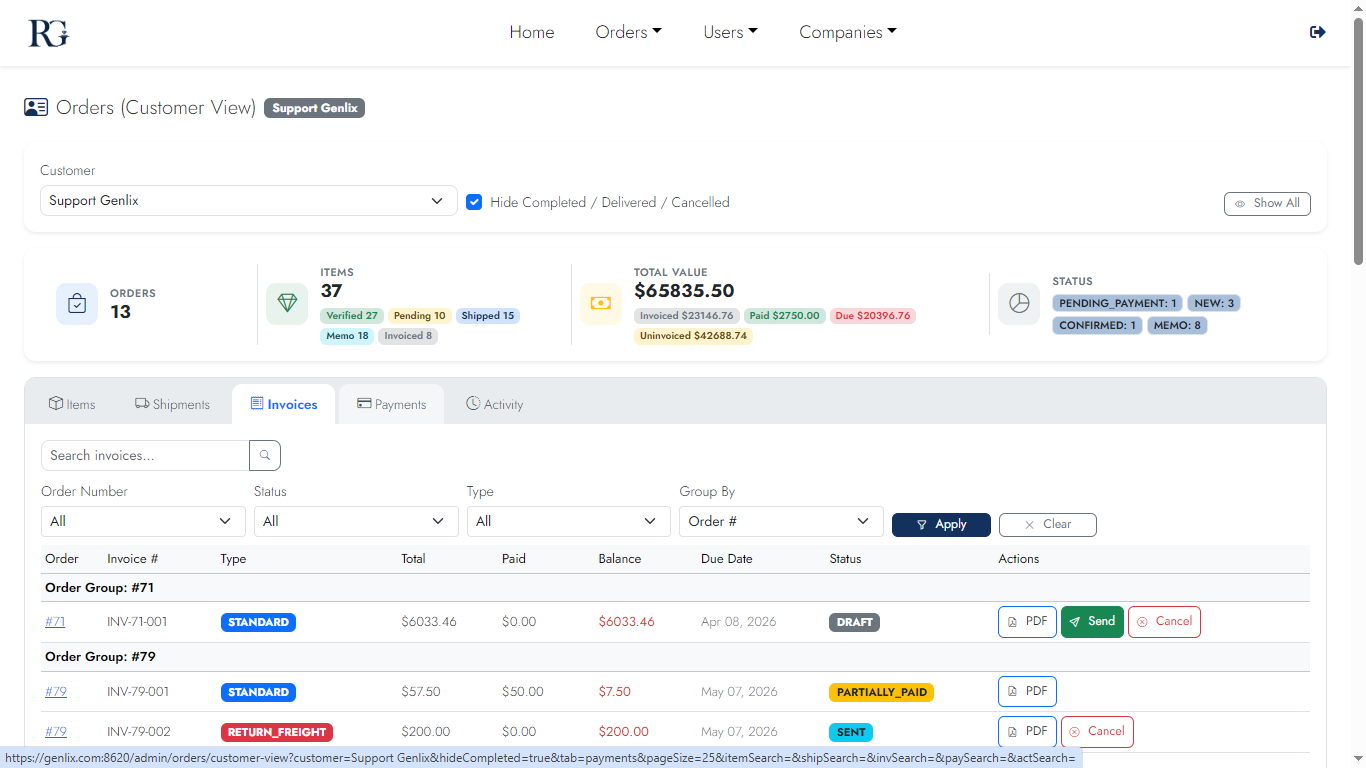
Customer View — Orders Tab

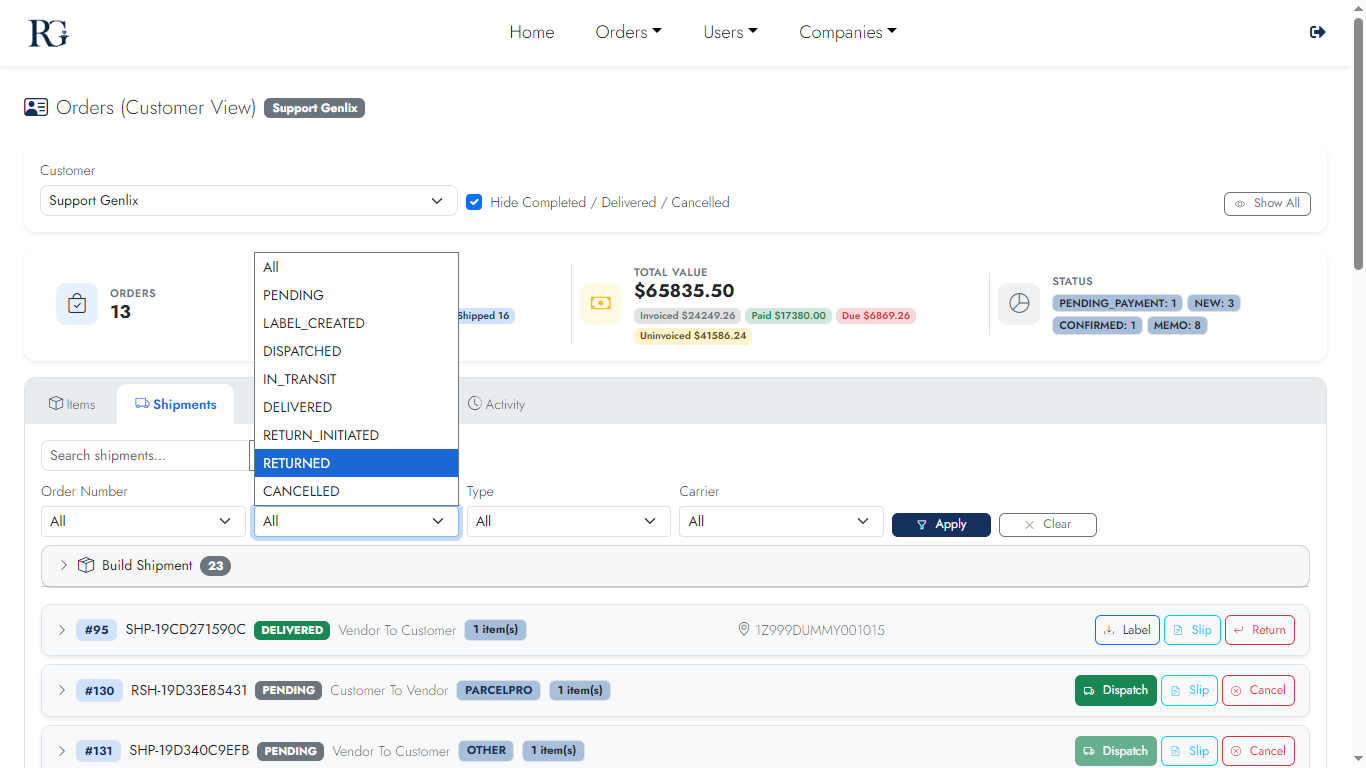
Every order for a customer with live status badges, financial totals, and one-click access to items, shipments, invoices, payments, and activity via the tab bar.
Desktop
Orders Tab desktop
Orders list
Mobile
Orders mobile 1
Orders list
Orders mobile 2
Order detail
Screen 04

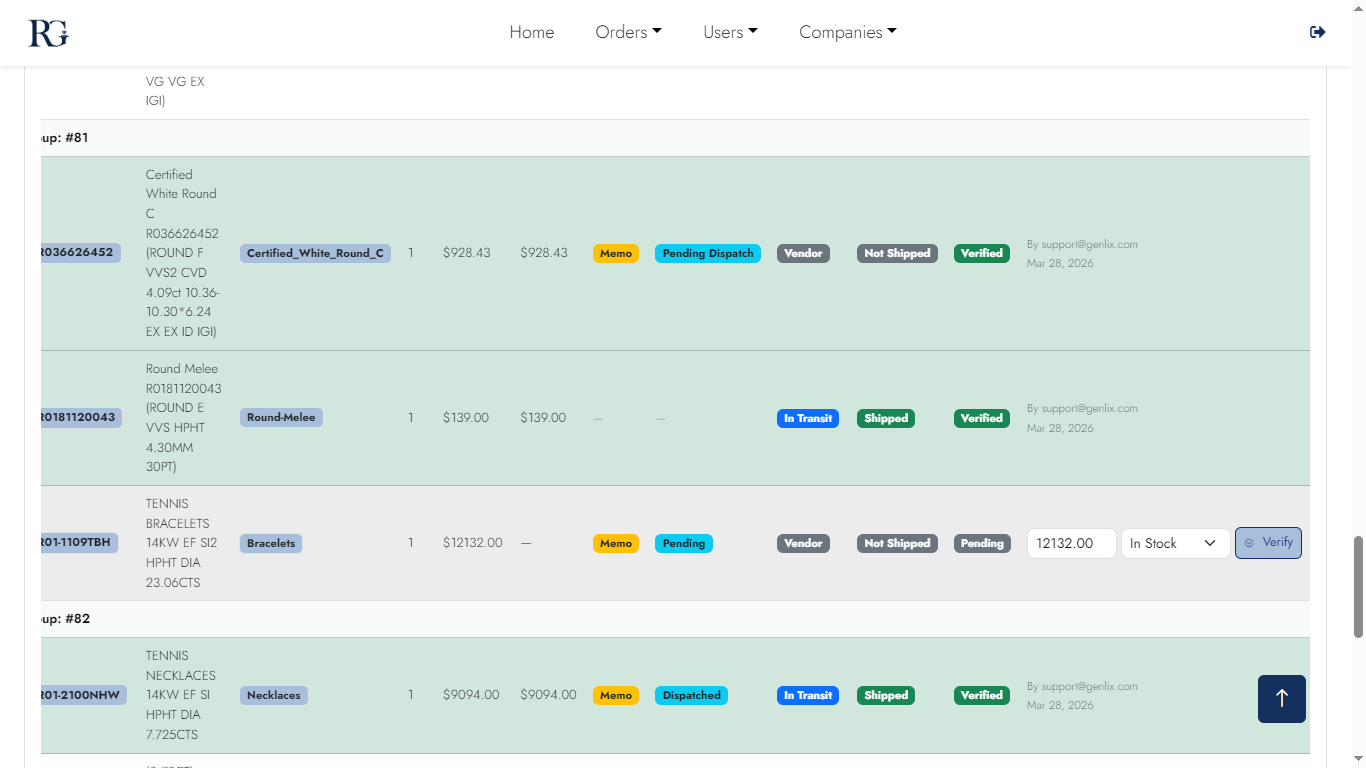
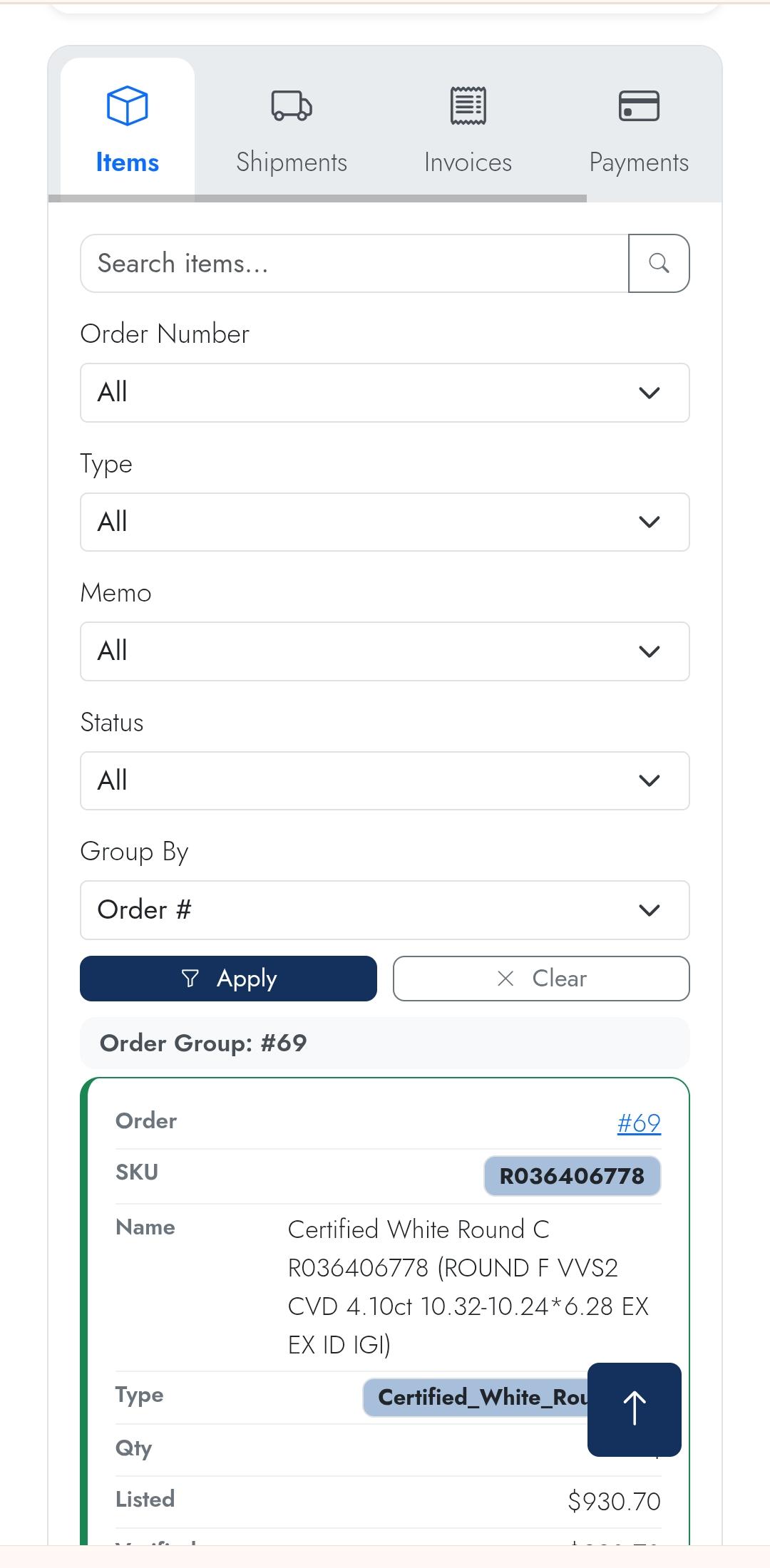
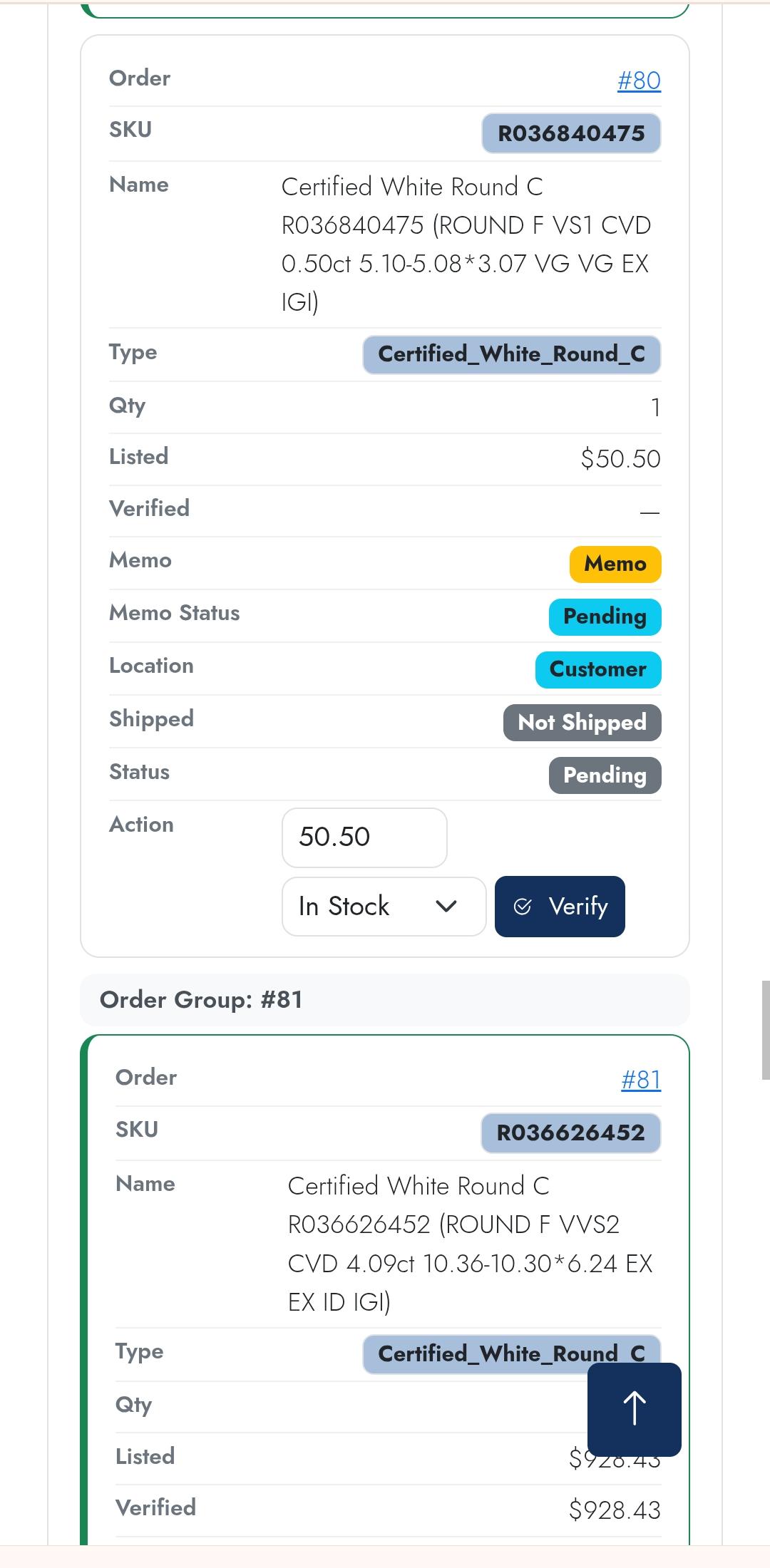
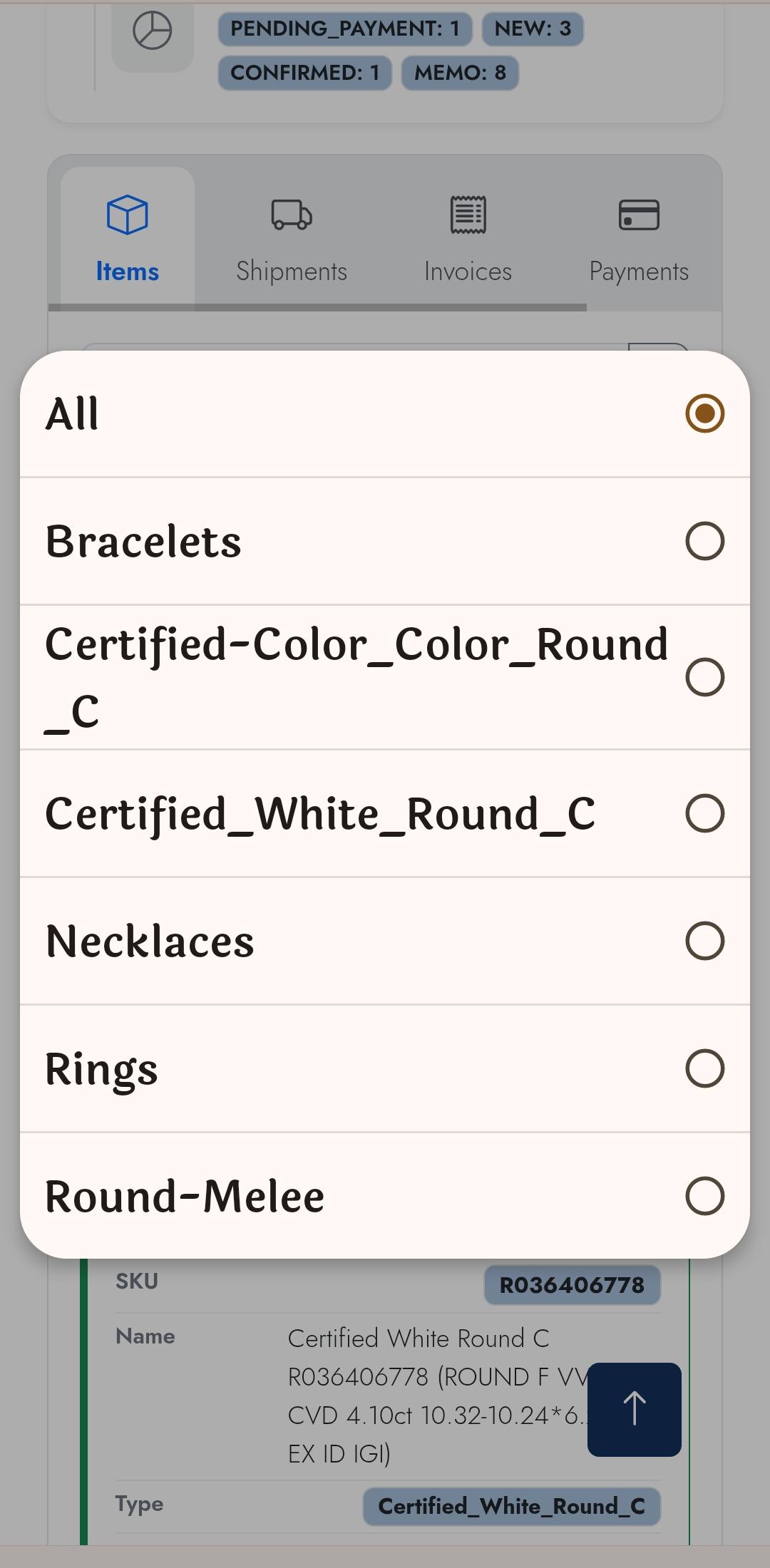
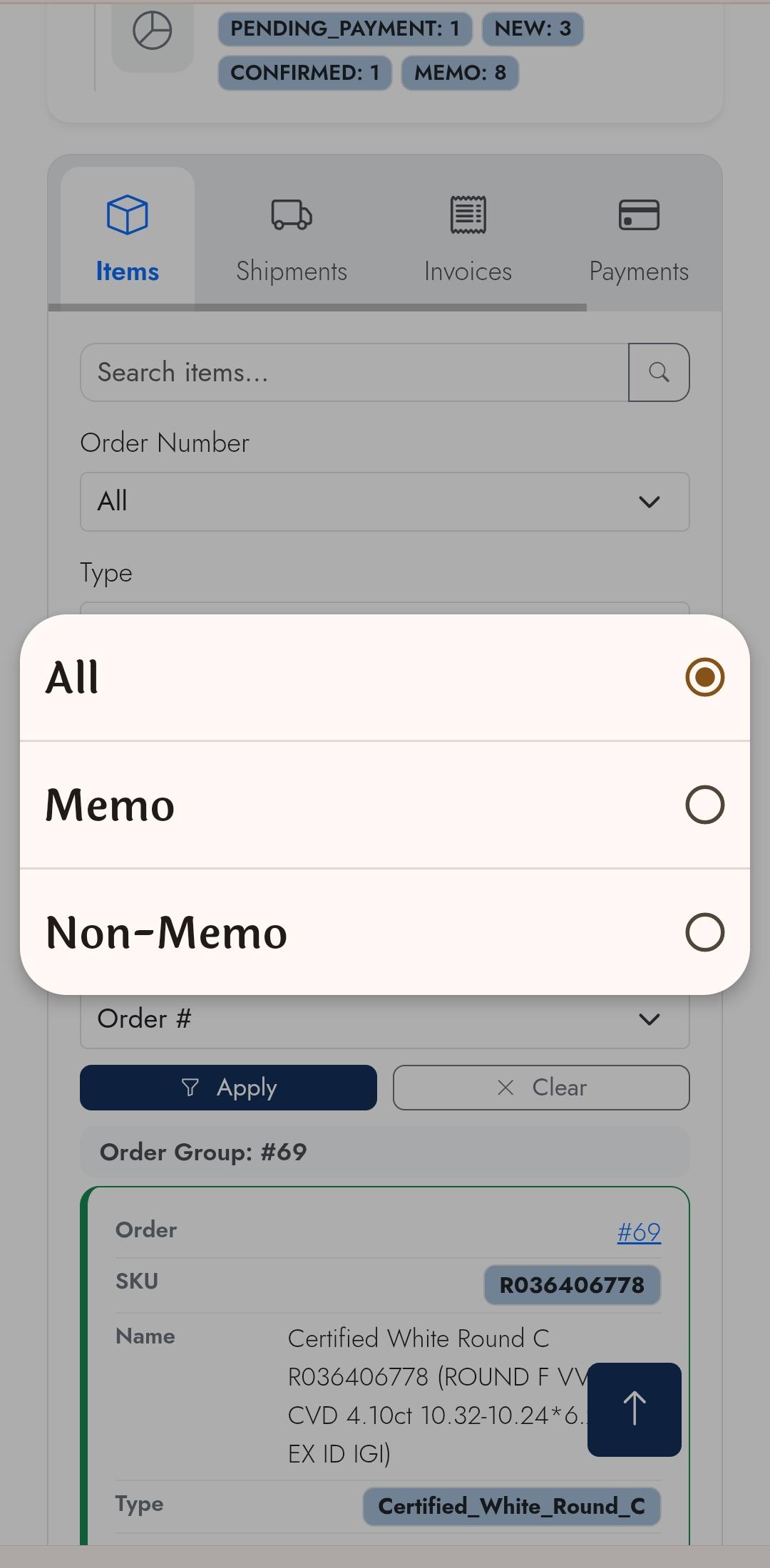
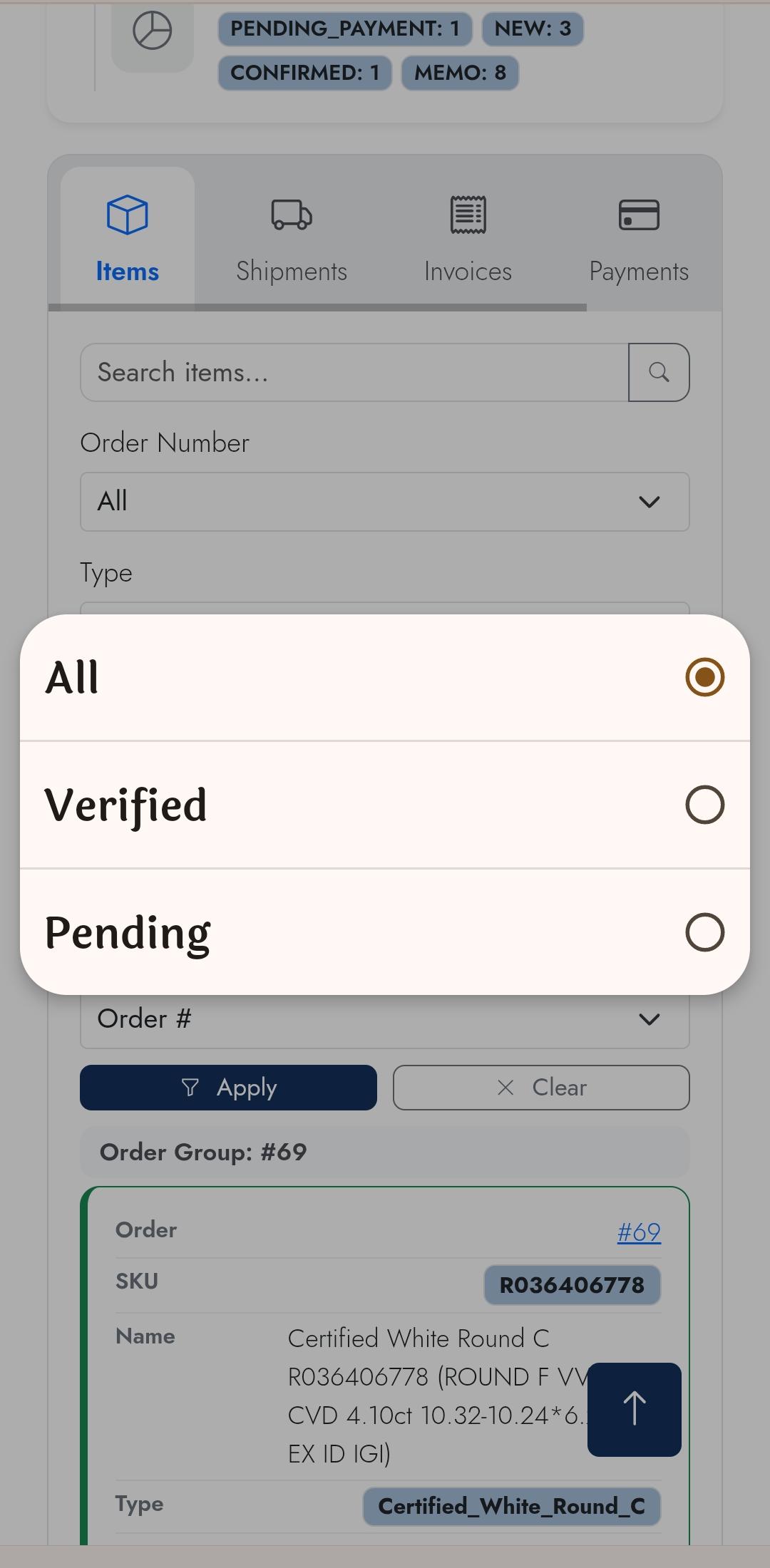
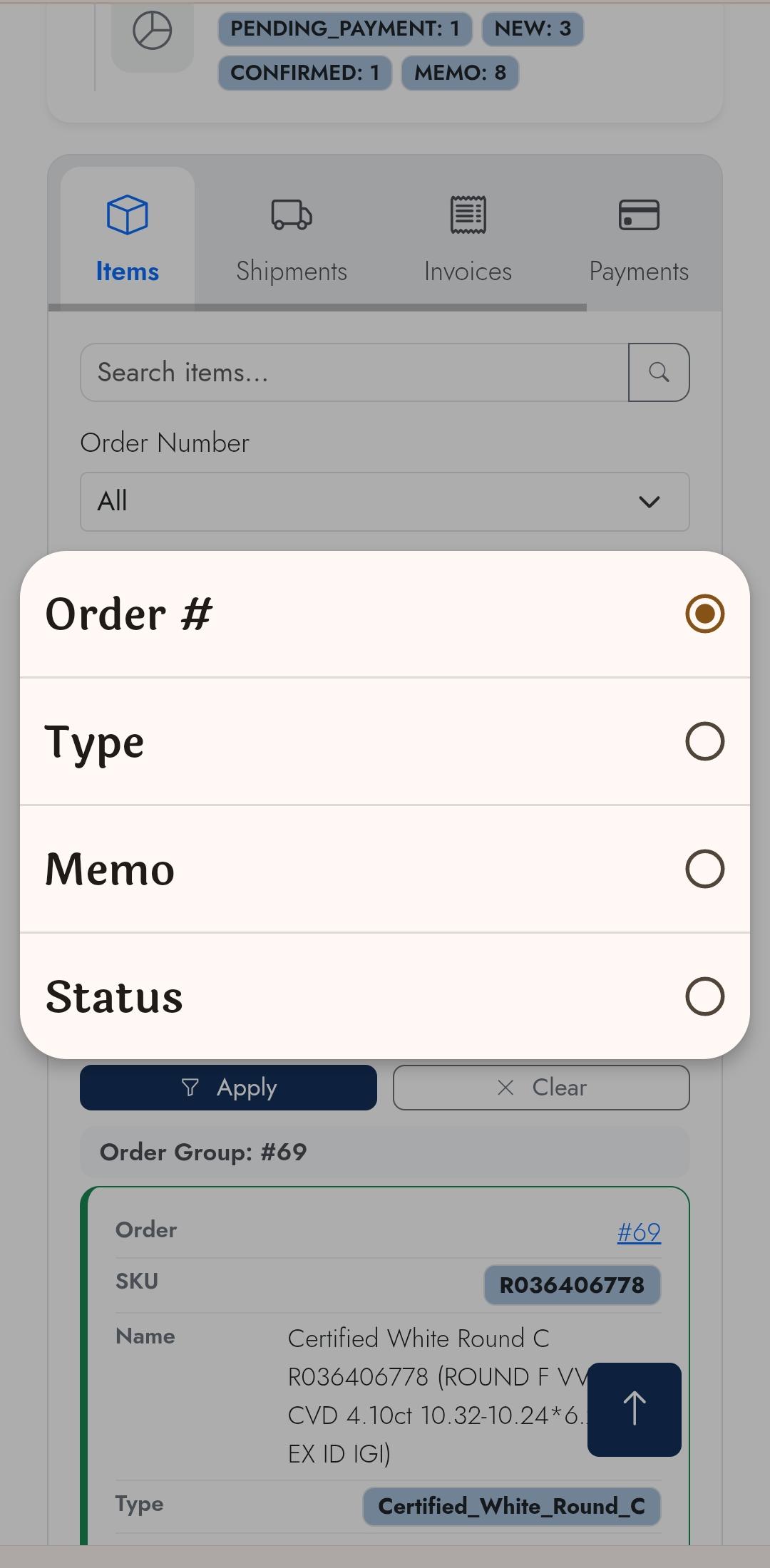
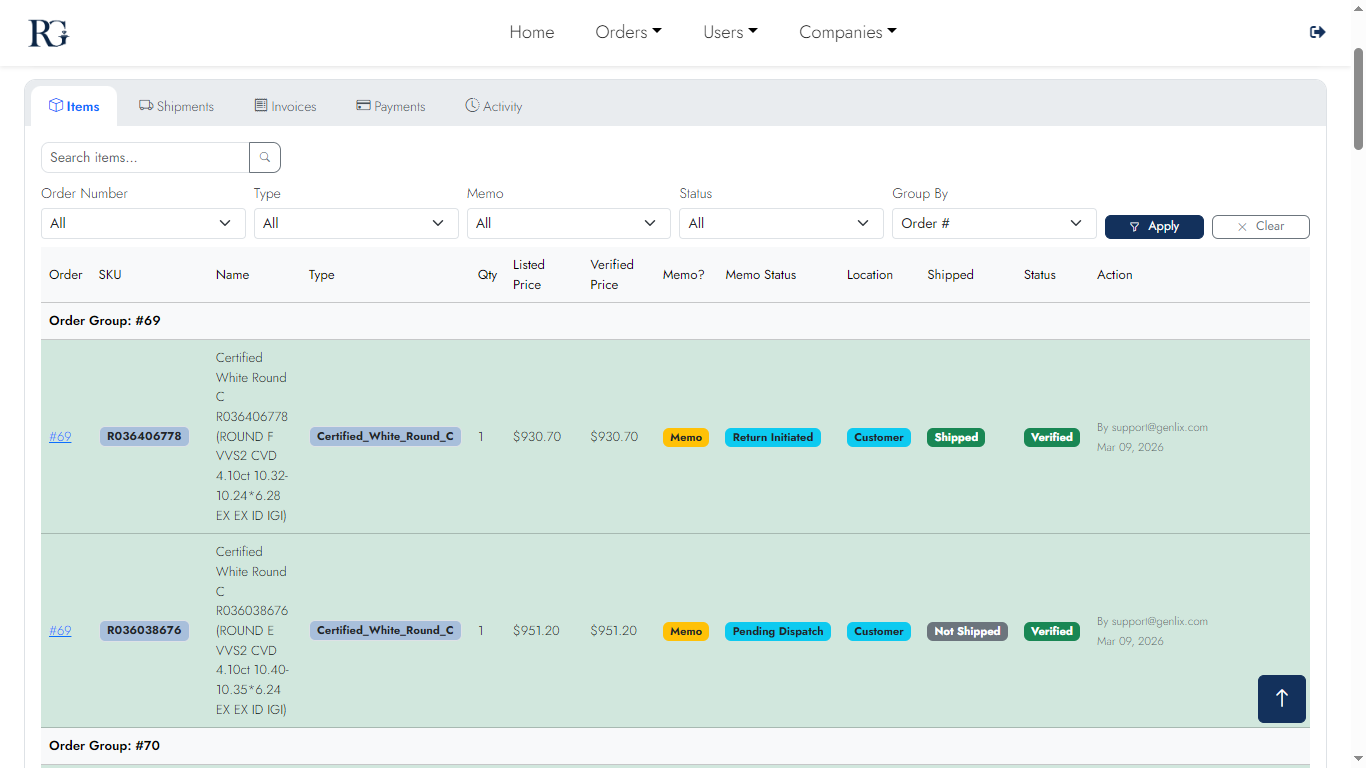
Customer View — Items Tab

Full item-level management: SKU, description, vendor, value, memo status, and verification status. Inline verify, bulk-verify, add-to-shipment, and certificate-view buttons per item.
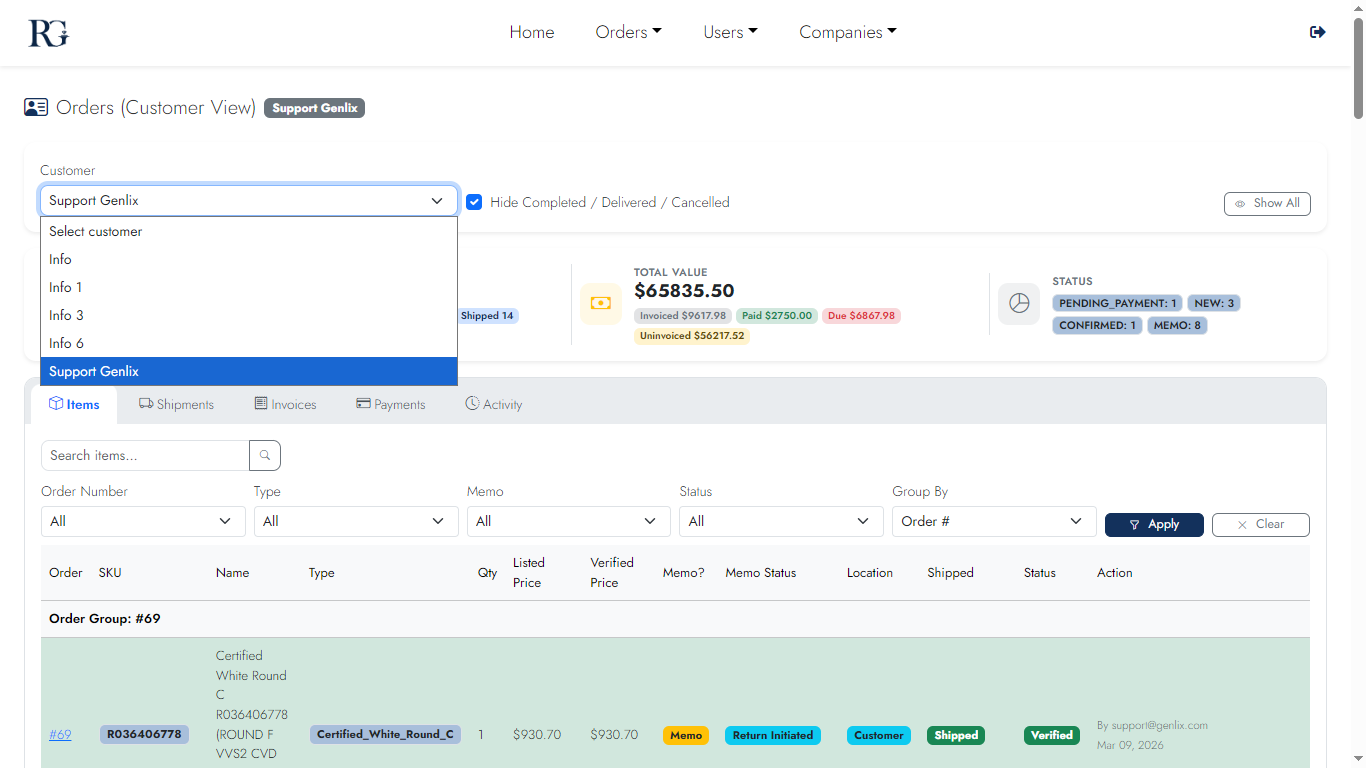
Desktop
Items 1
Items list
Items 2
Item actions
Items 3
Verification flow
Items 4
Bulk verify panel
Mobile
Items m1
List
Items m2
Detail
Items m3
Verify
Items m4
Status
Items m5
Edit
Items m6
Confirm
Screen 05

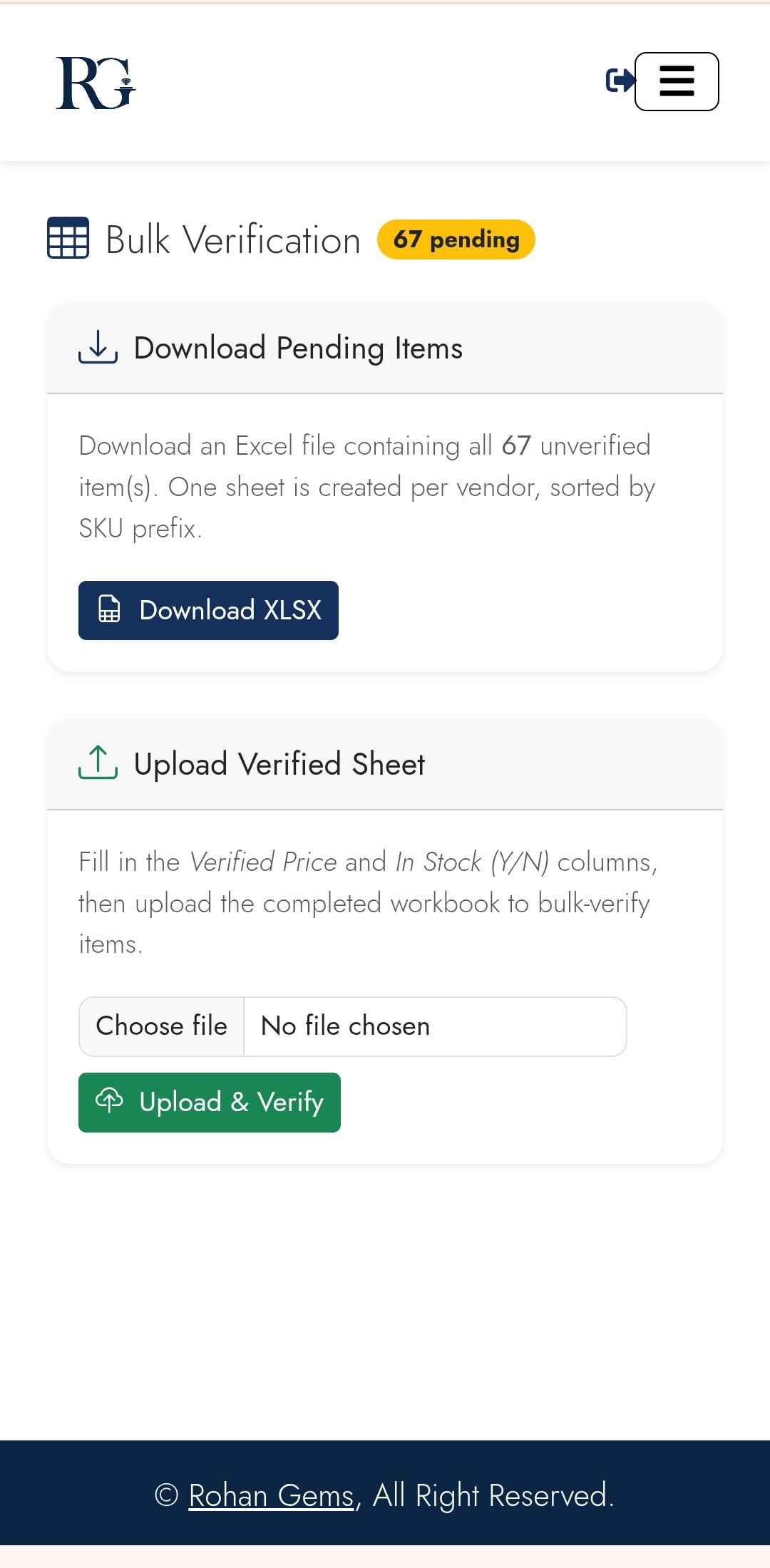
Bulk Verify

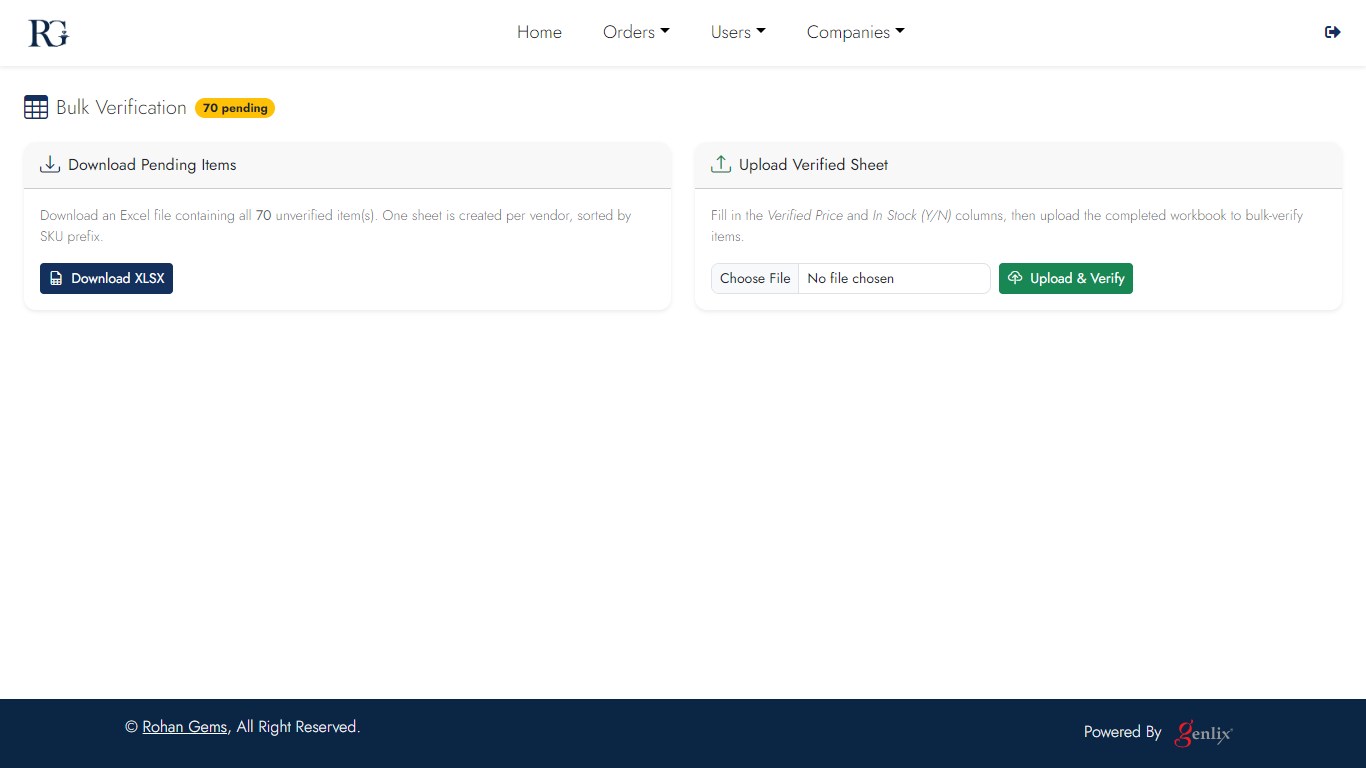
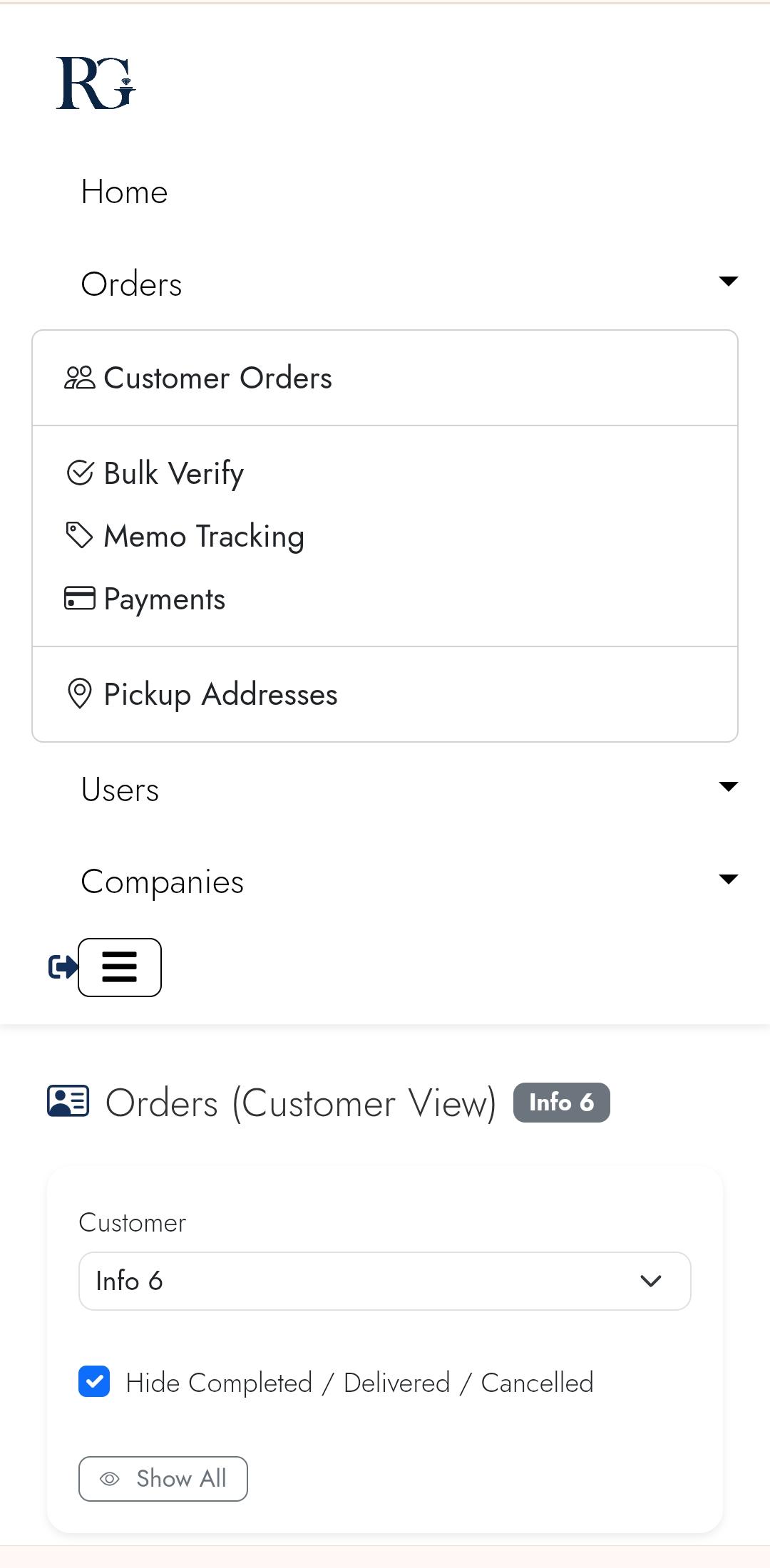
Upload an Excel sheet of verification results and the system automatically marks matching items as Verified — saving hours of manual data entry for high-volume orders.
Desktop
Bulk Verify desktop
Excel upload & match
Mobile
Bulk Verify m1
Bulk verify
Bulk Verify m2
Results
Screen 06

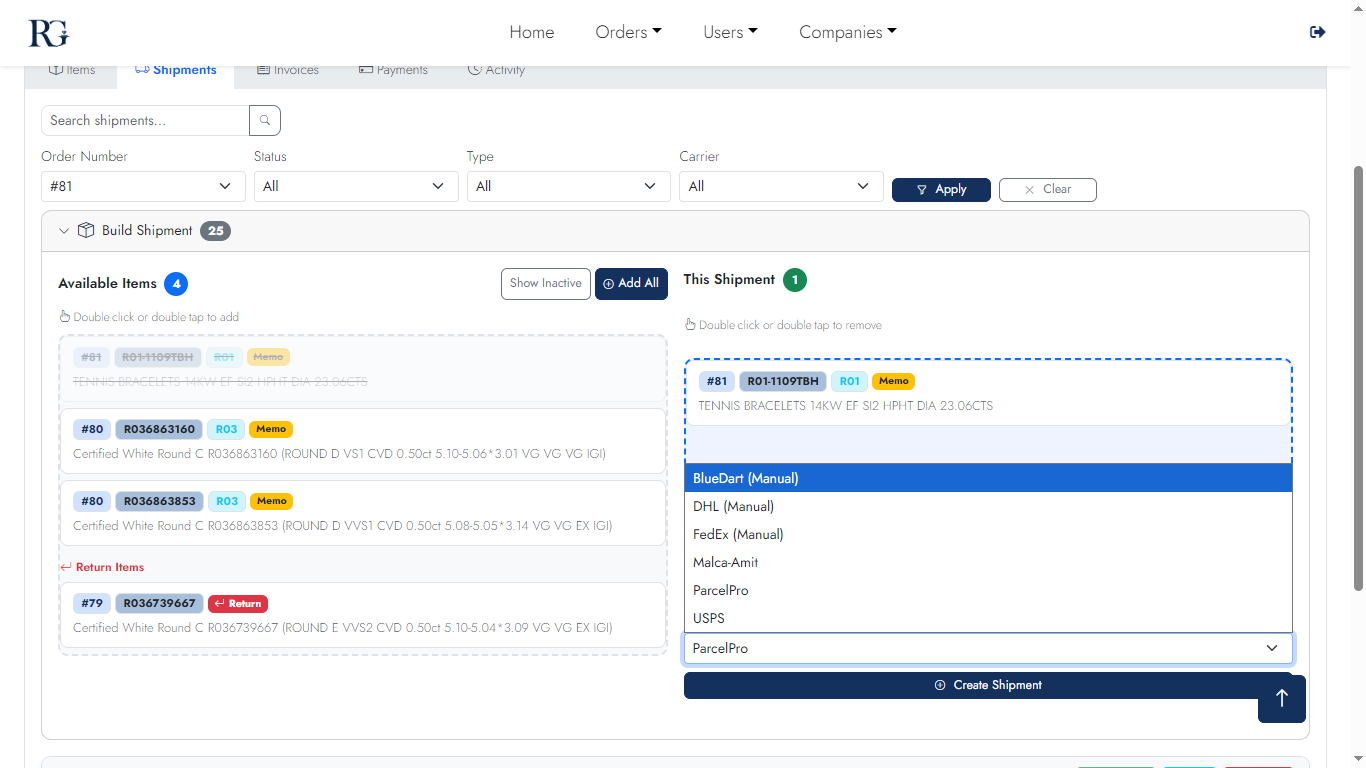
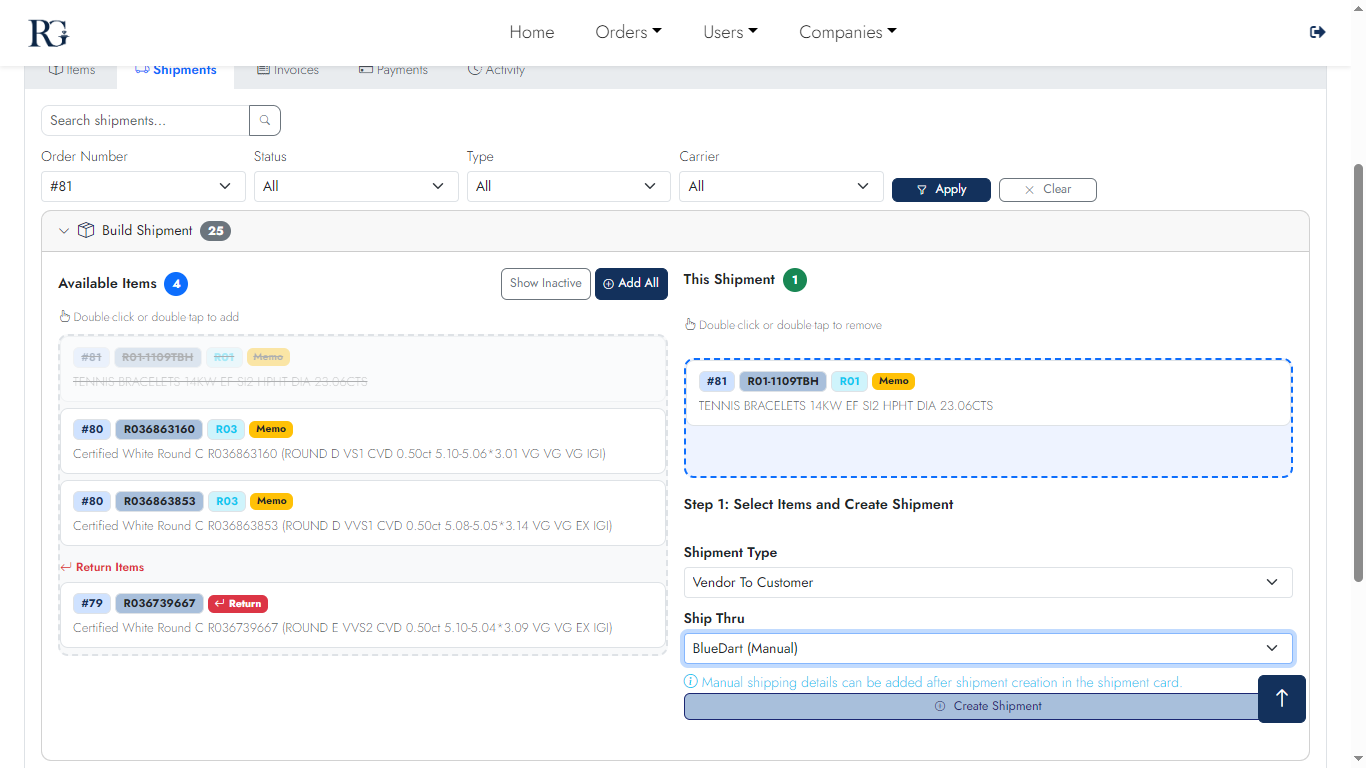
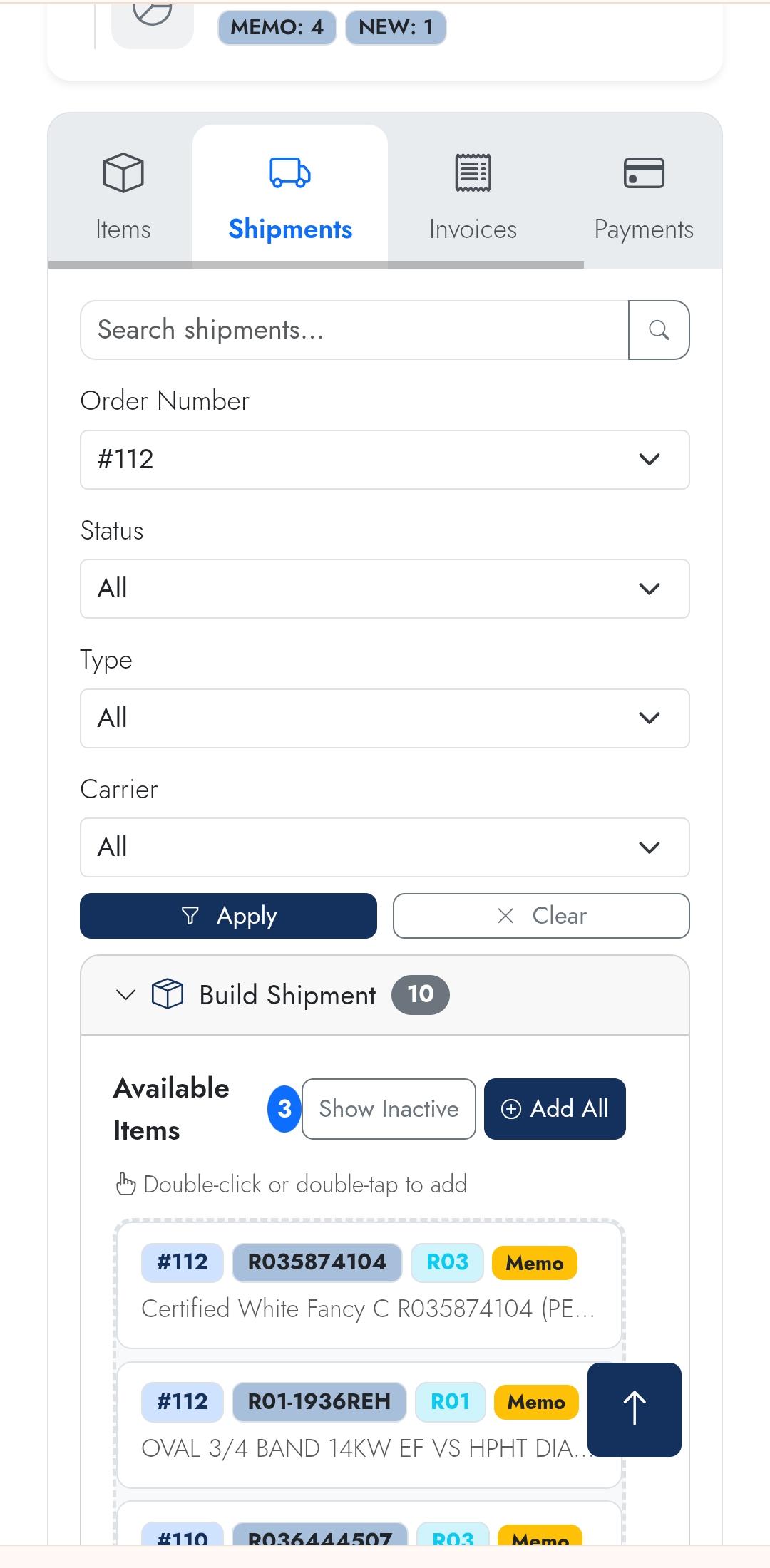
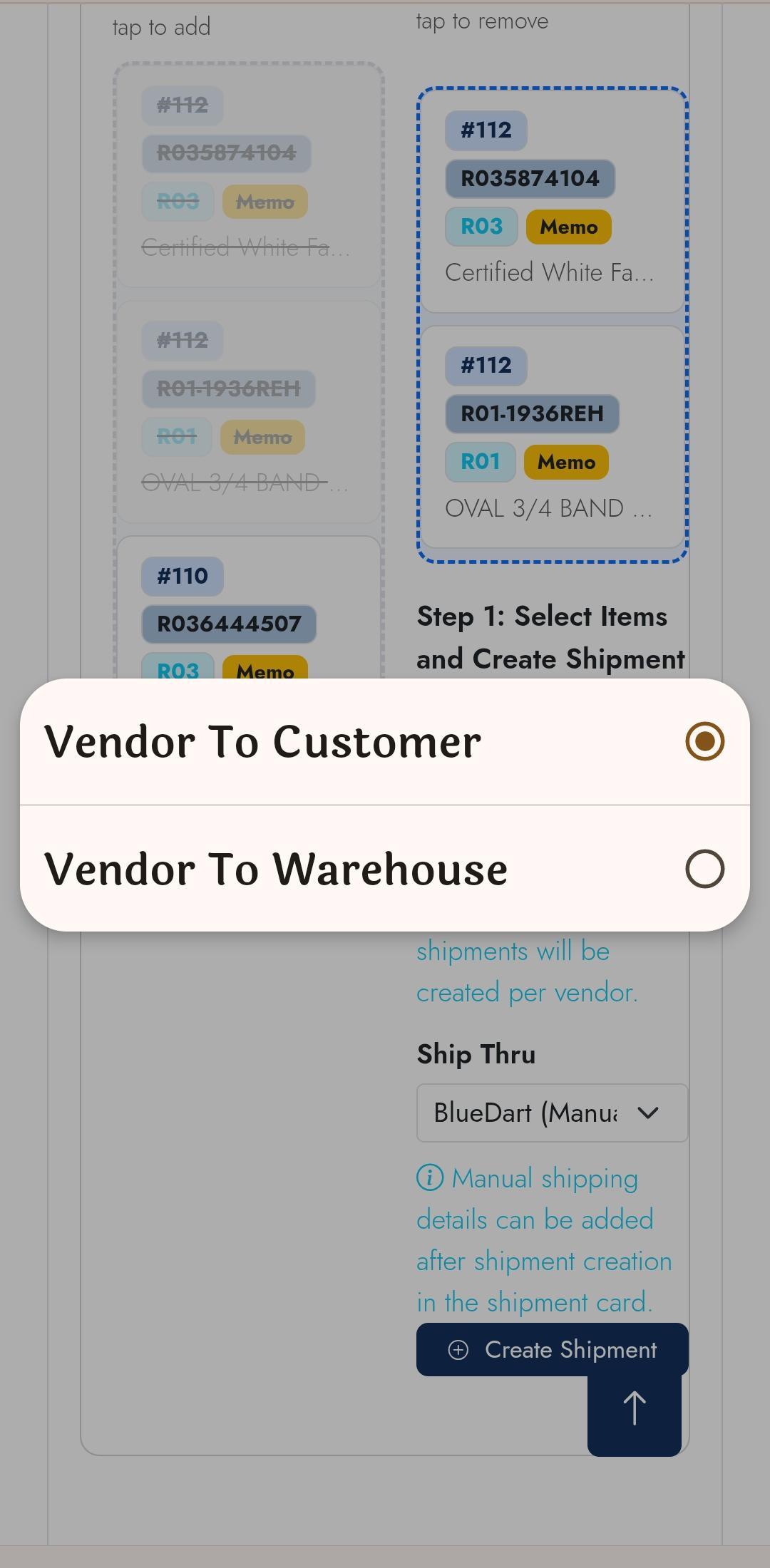
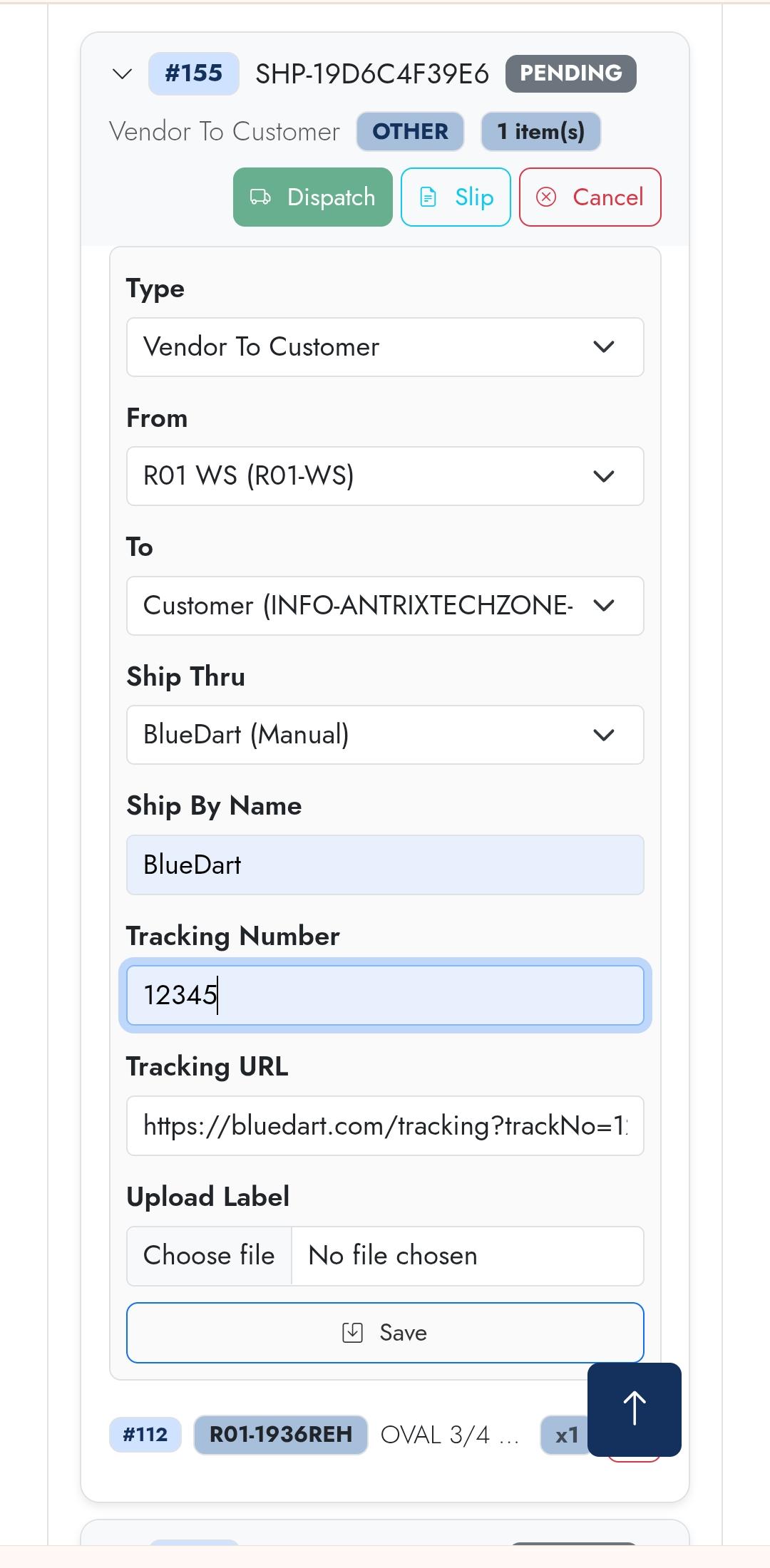
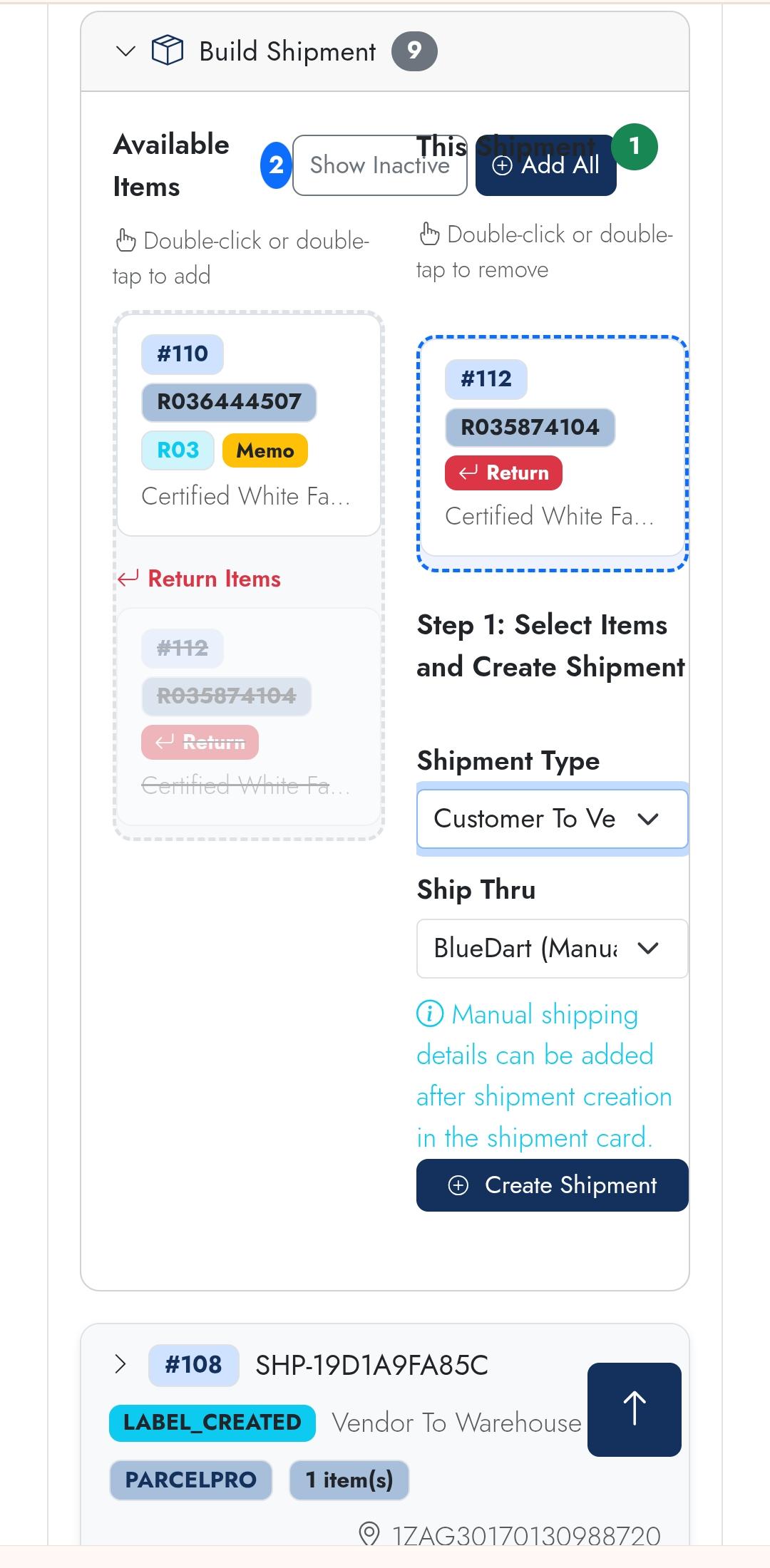
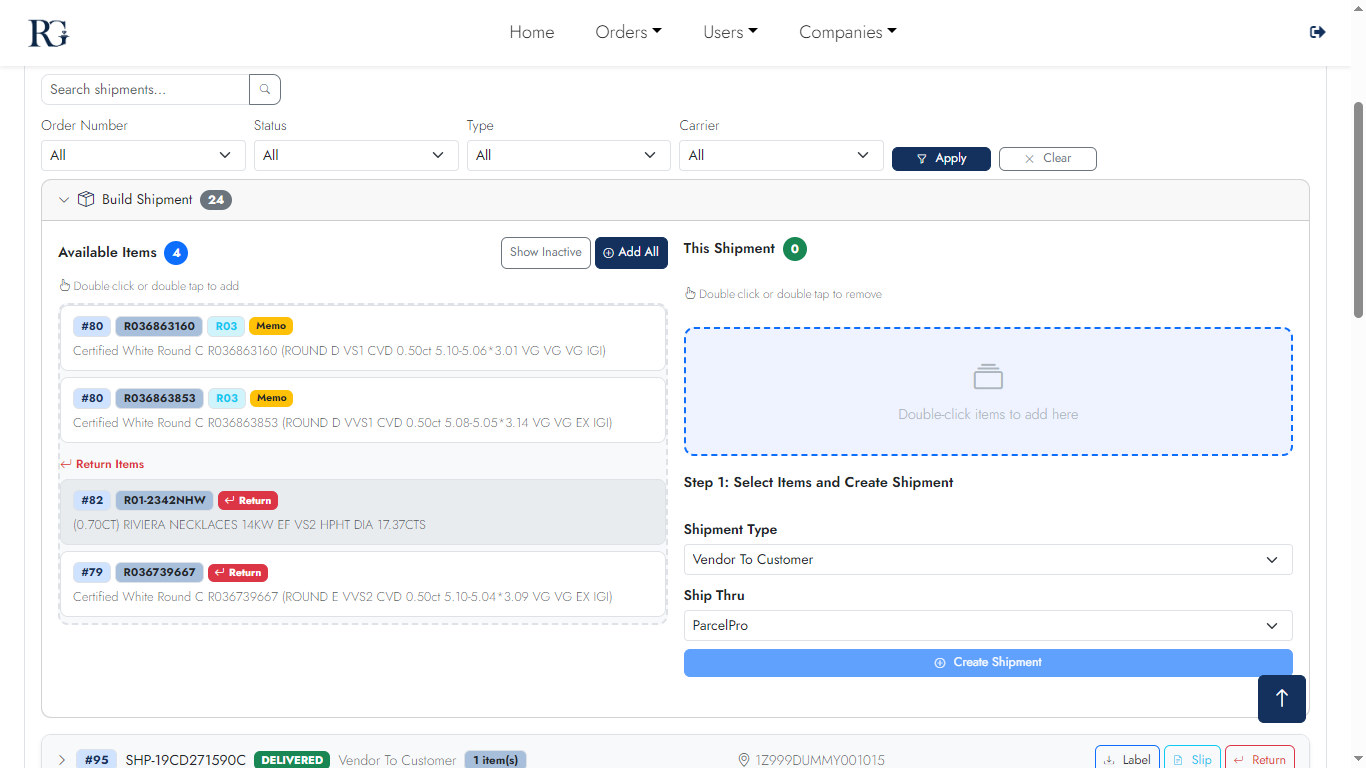
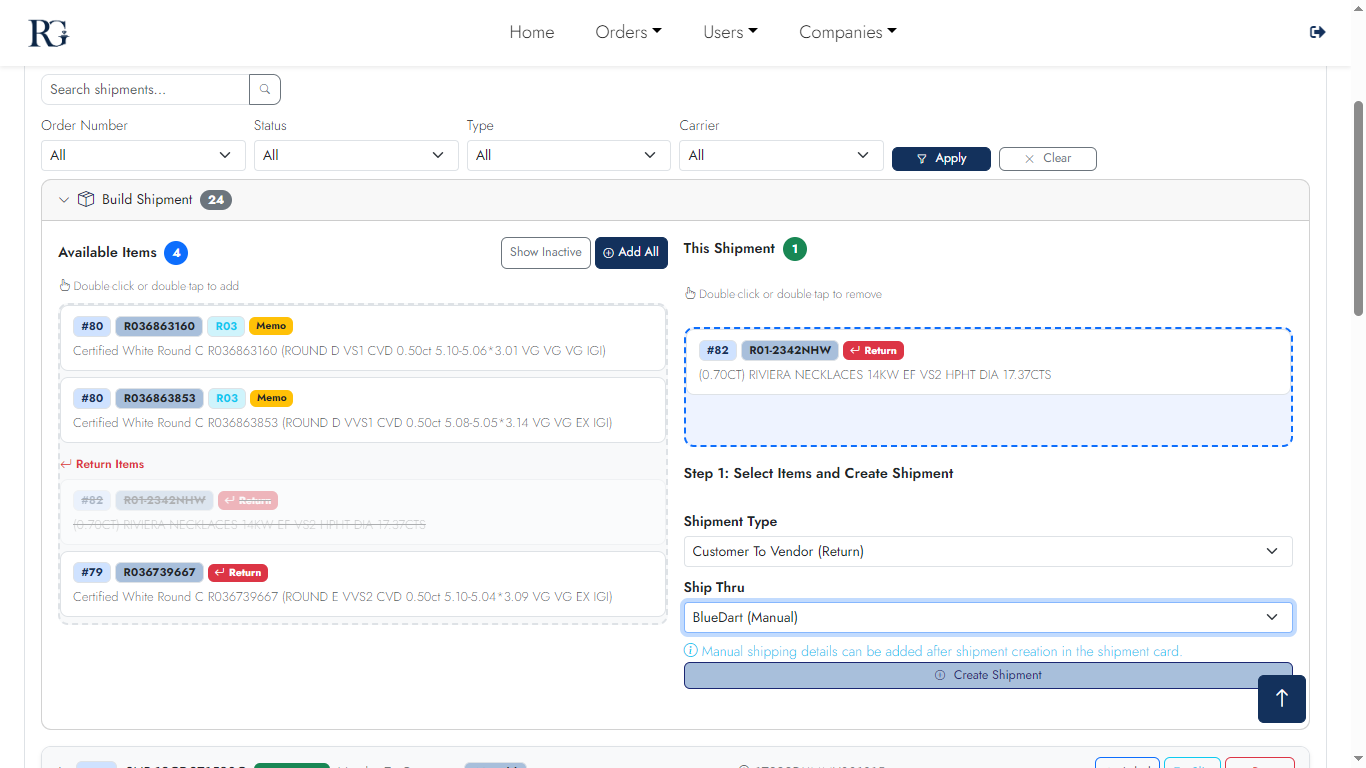
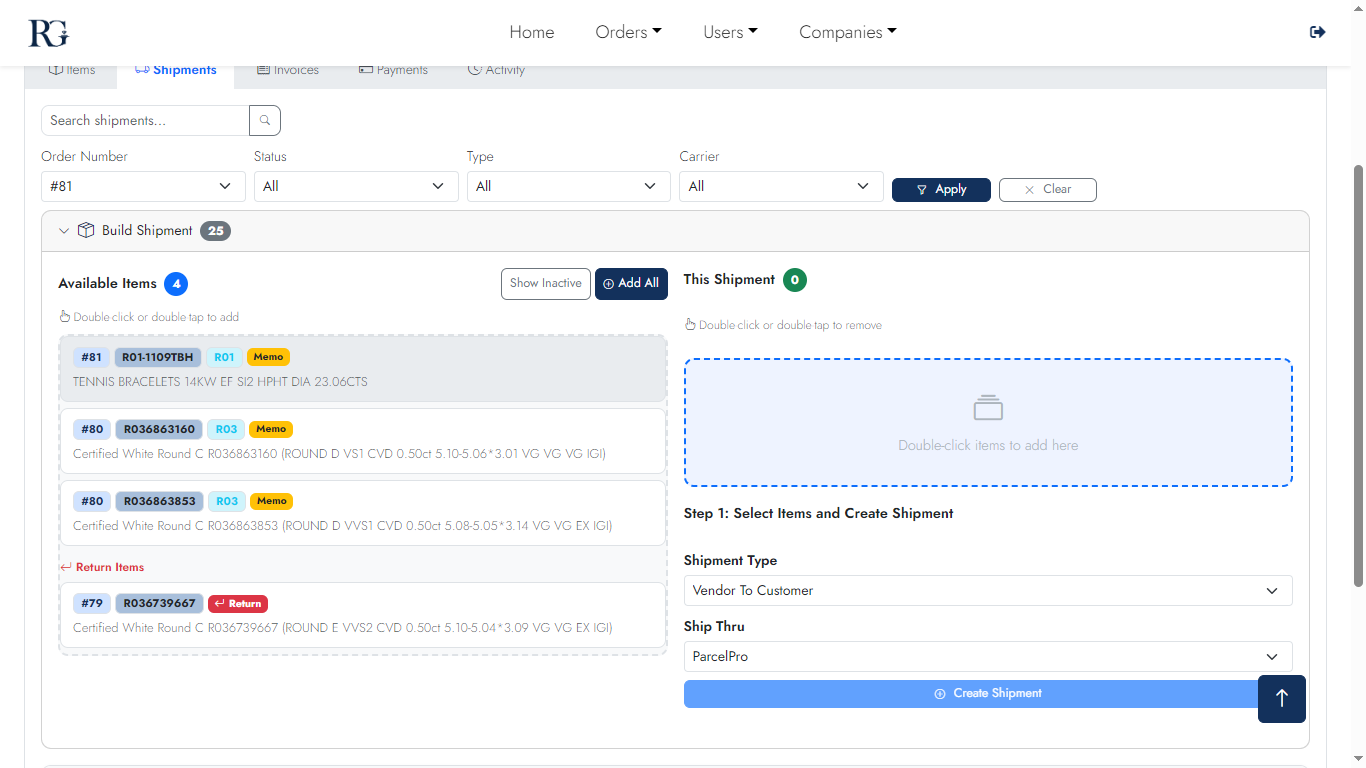
Shipment Builder

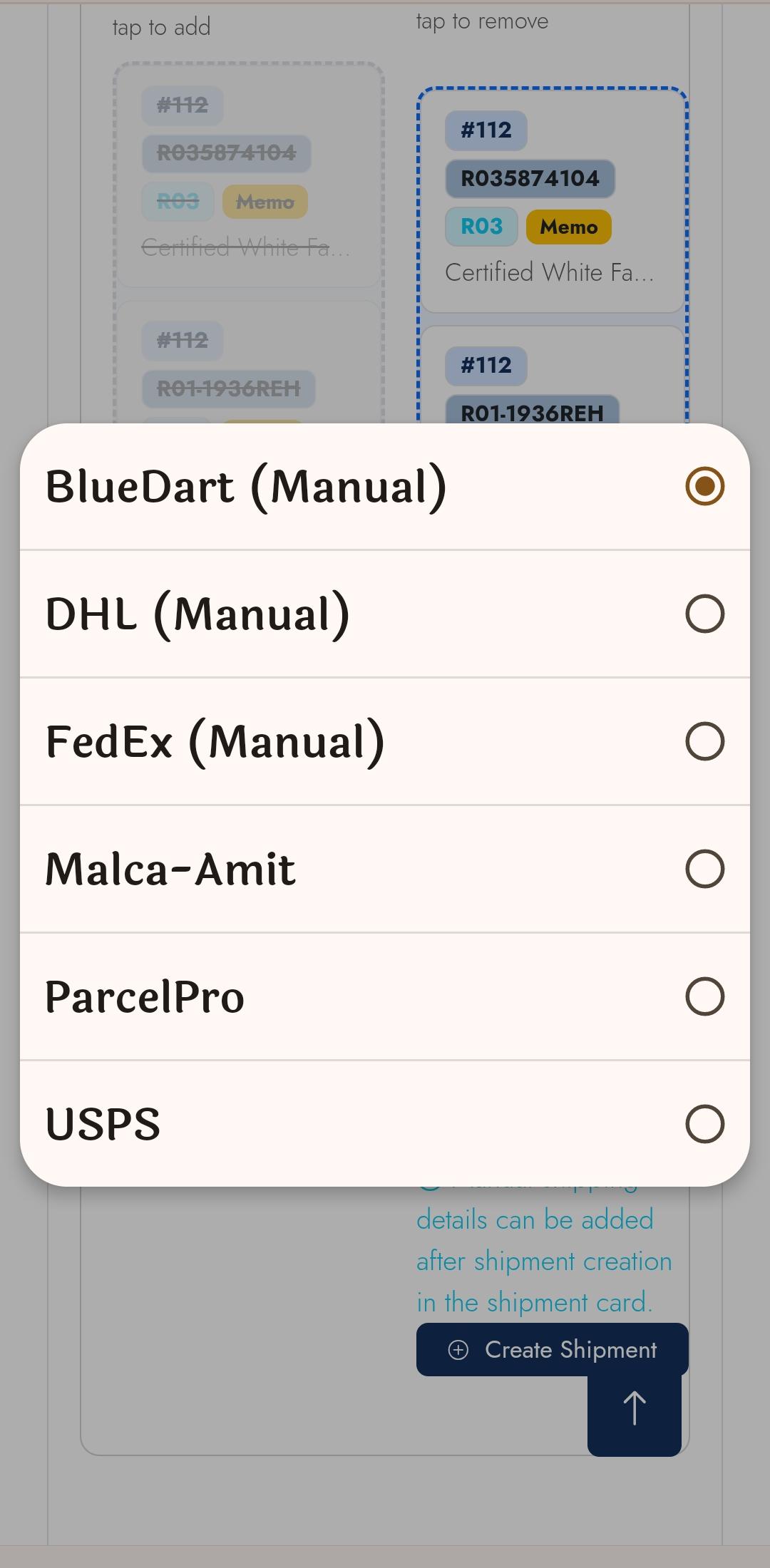
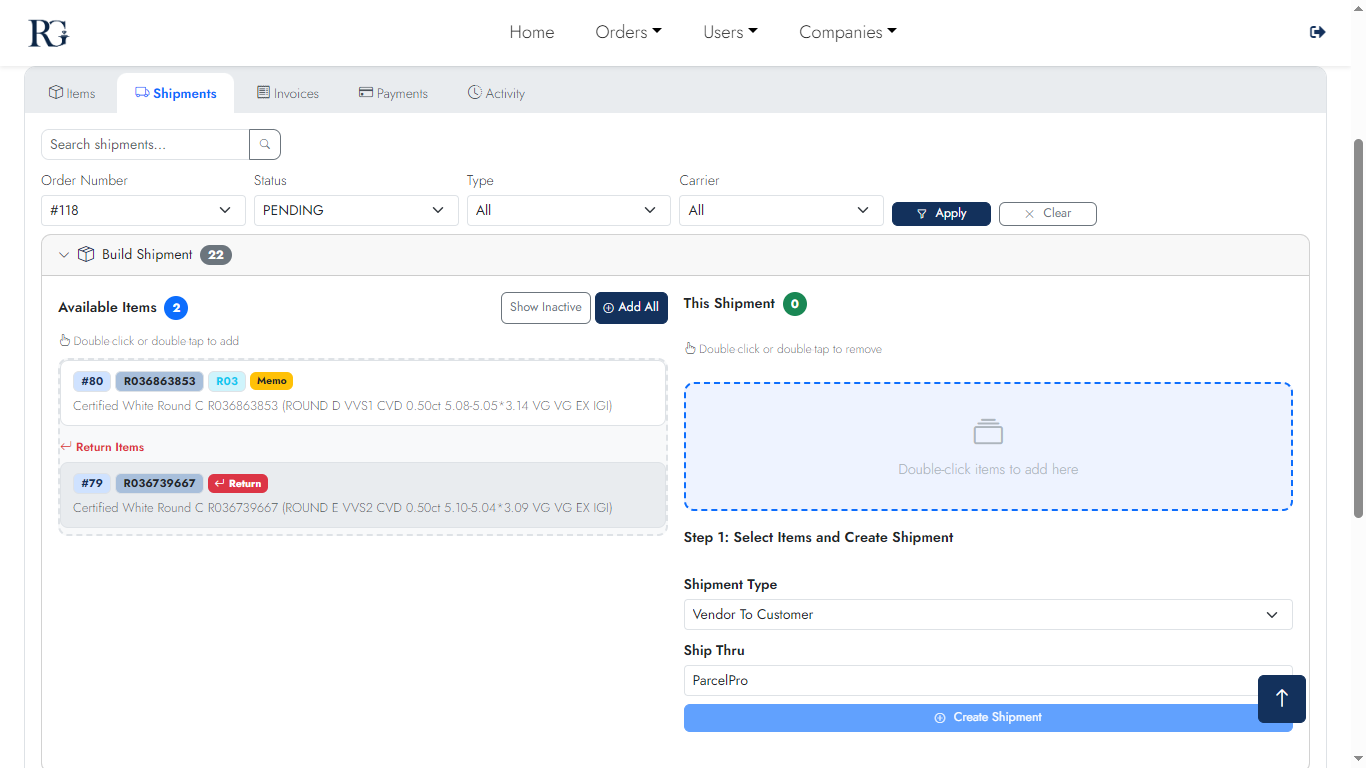
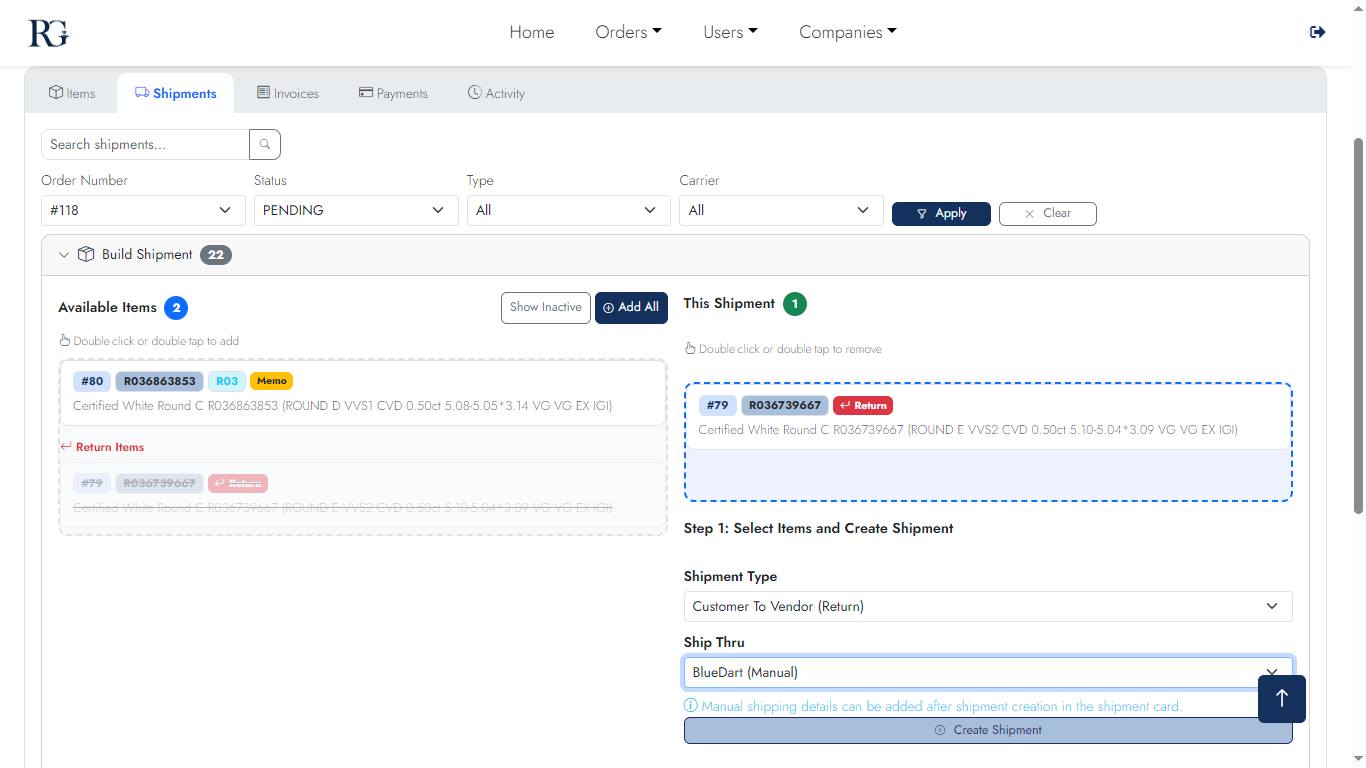
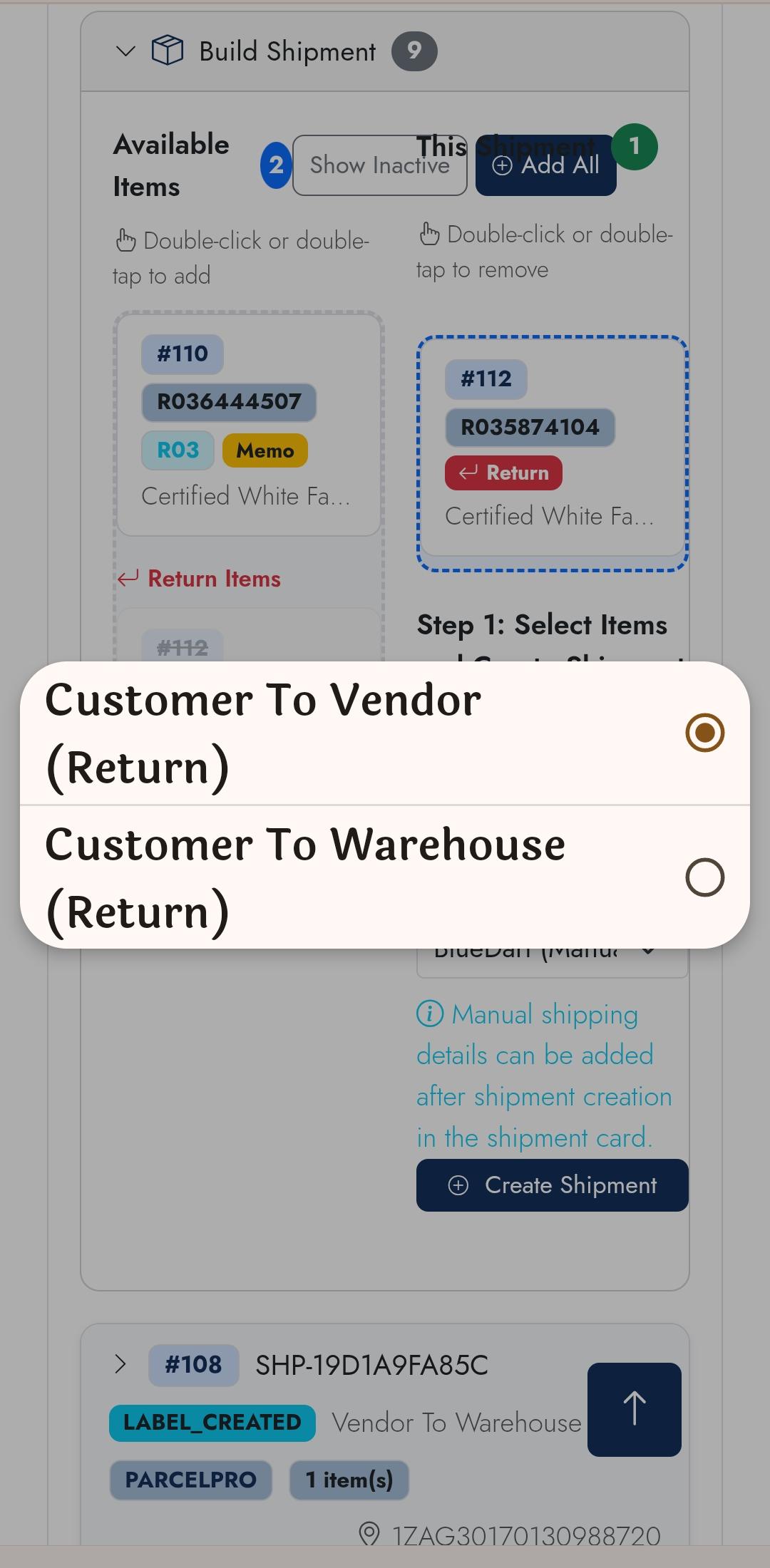
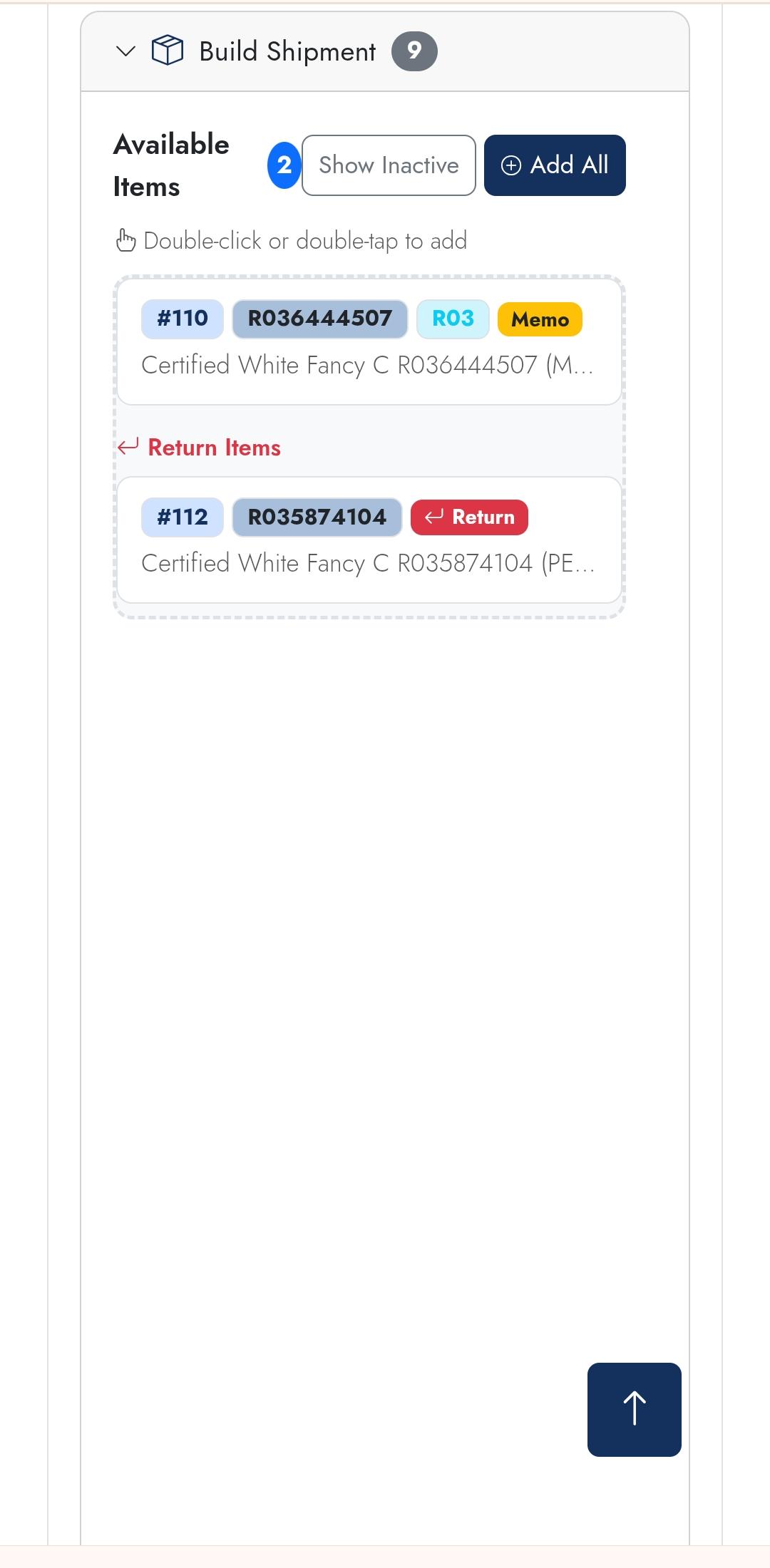
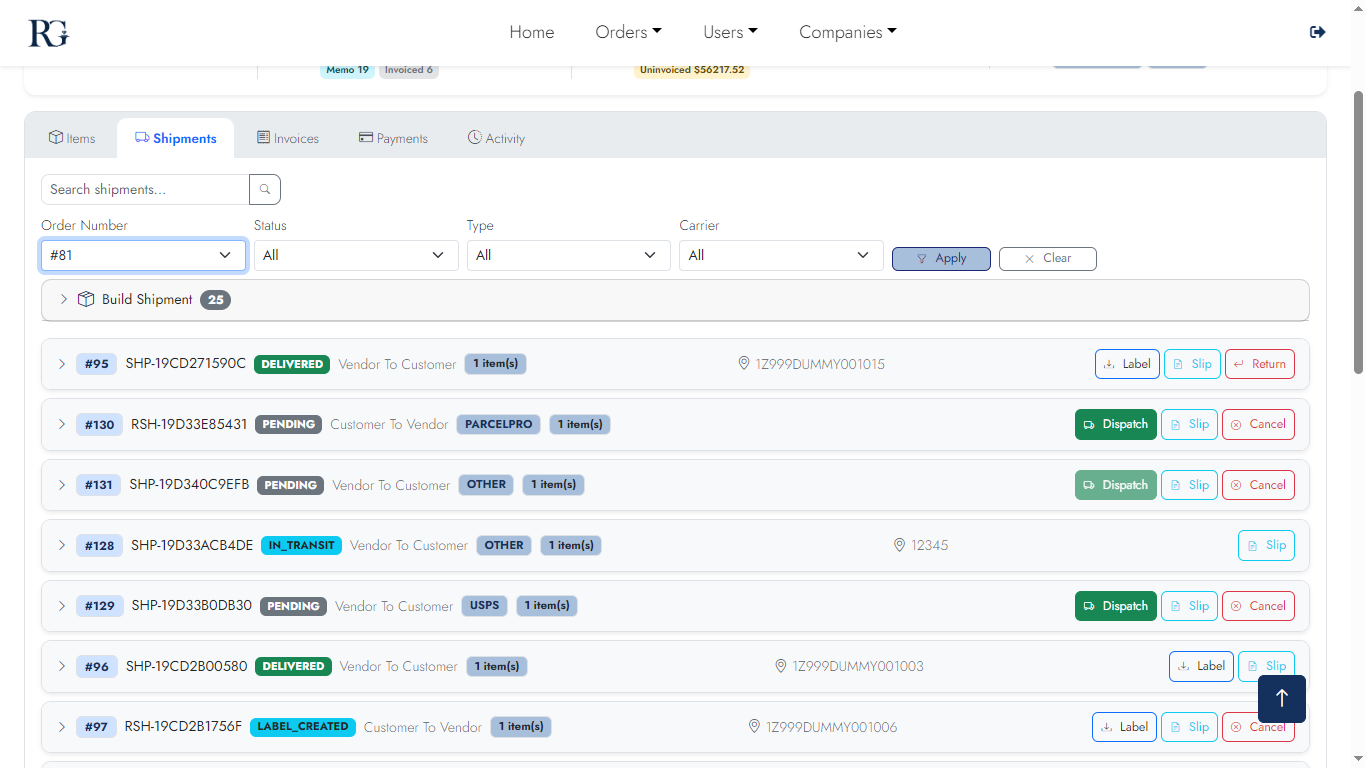
Drag verified items from the pool into a shipment, or use "Auto-Split by Vendor" to create all shipments in one click. Carrier label and tracking number generated via ParcelPro instantly.
Desktop
Builder 1
Item pool & staging
Builder 2
Carrier selection
Builder 3
Dispatch & label
Builder 4
Confirmation
Mobile
Builder m1
Item pool
Builder m2
Staging
Builder m3
Dispatch
Screen 07

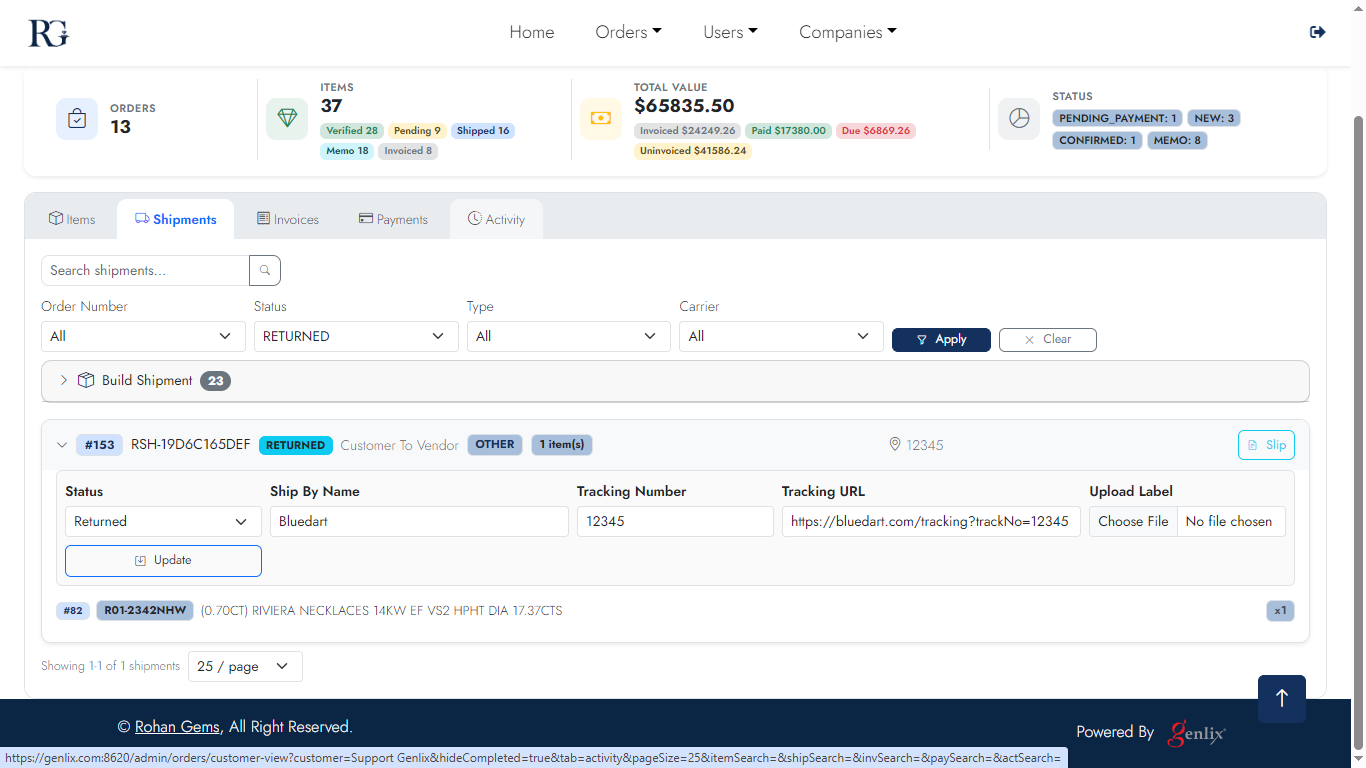
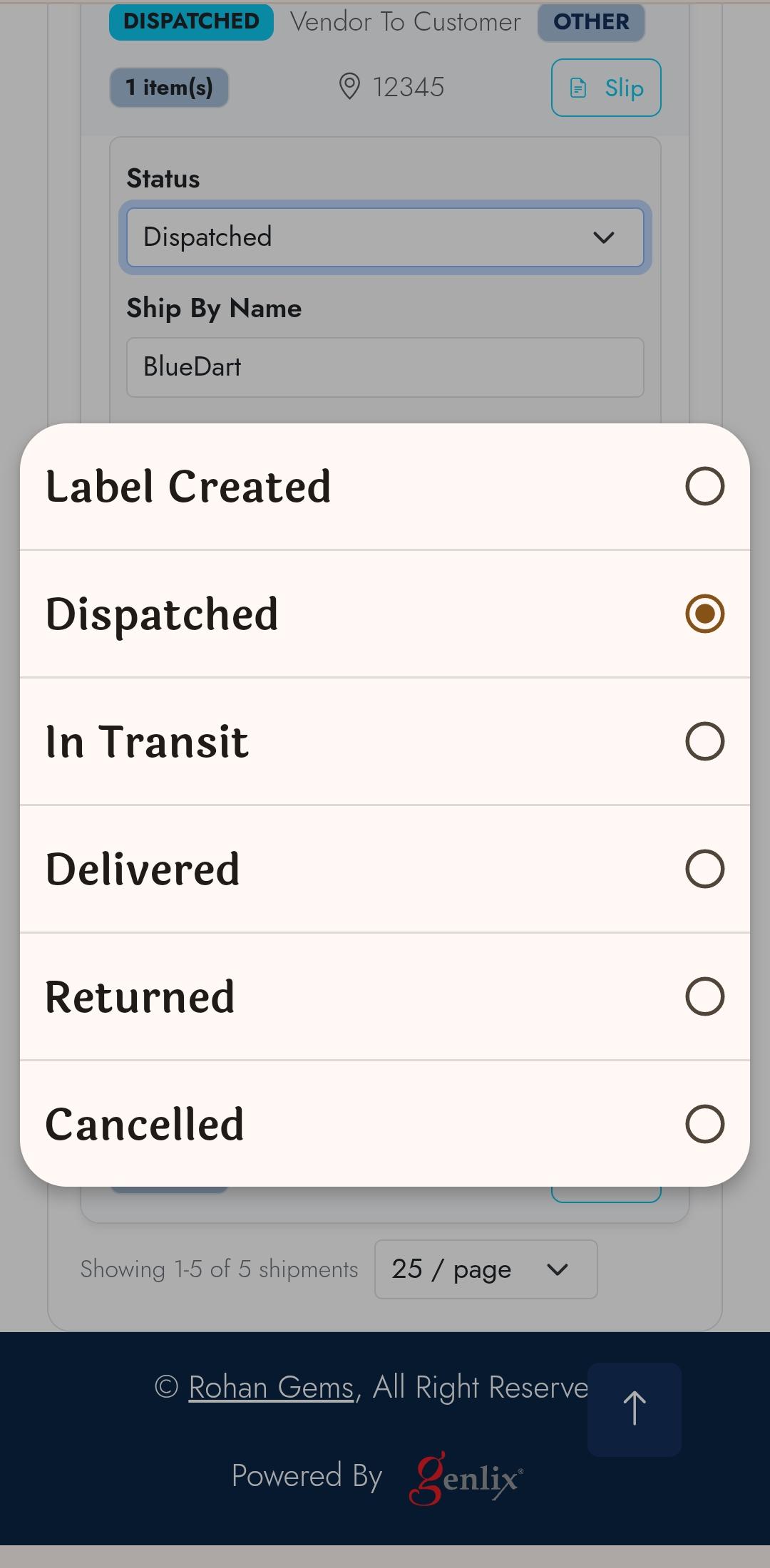
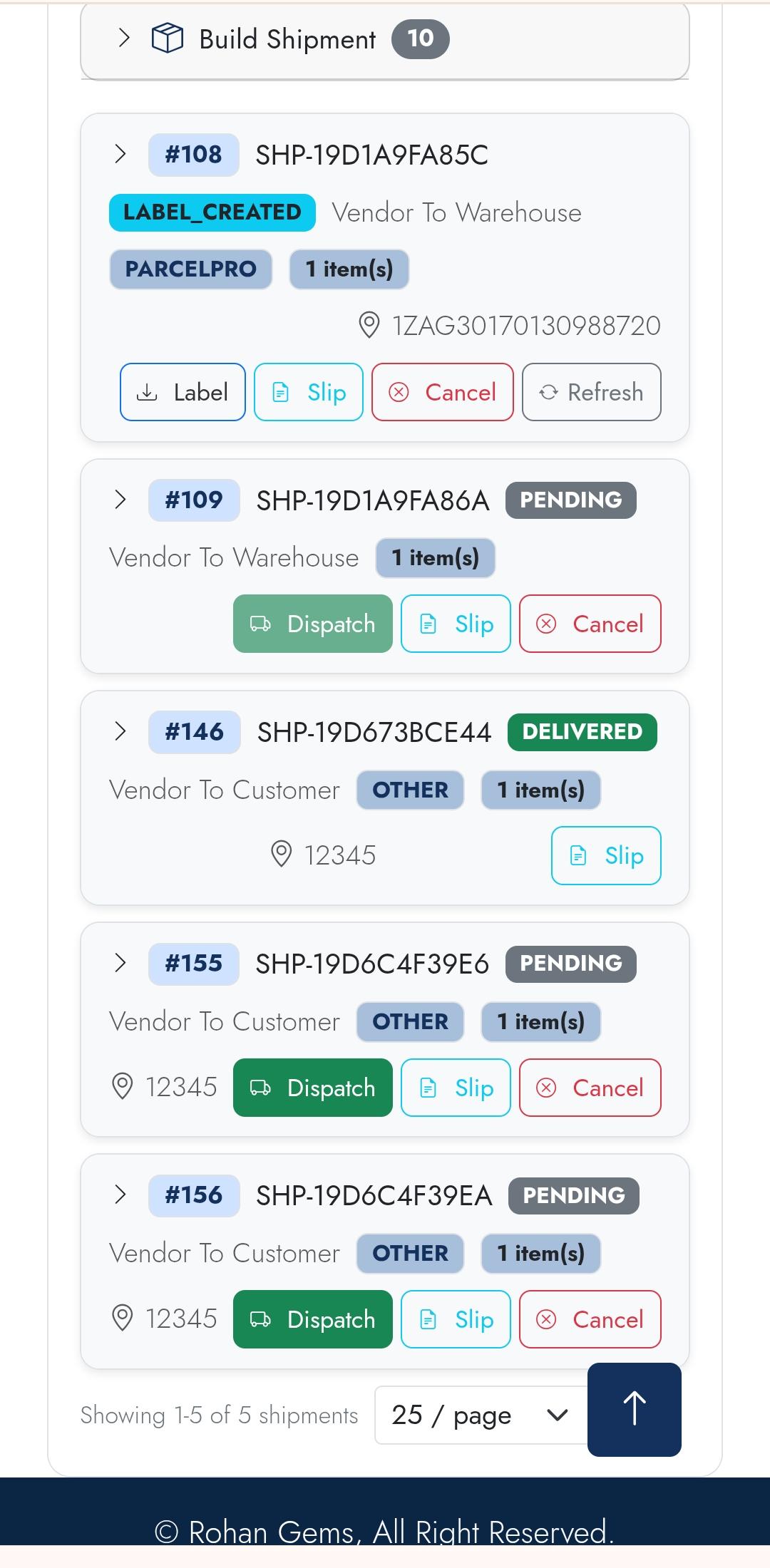
Shipments — Dispatched & Returns

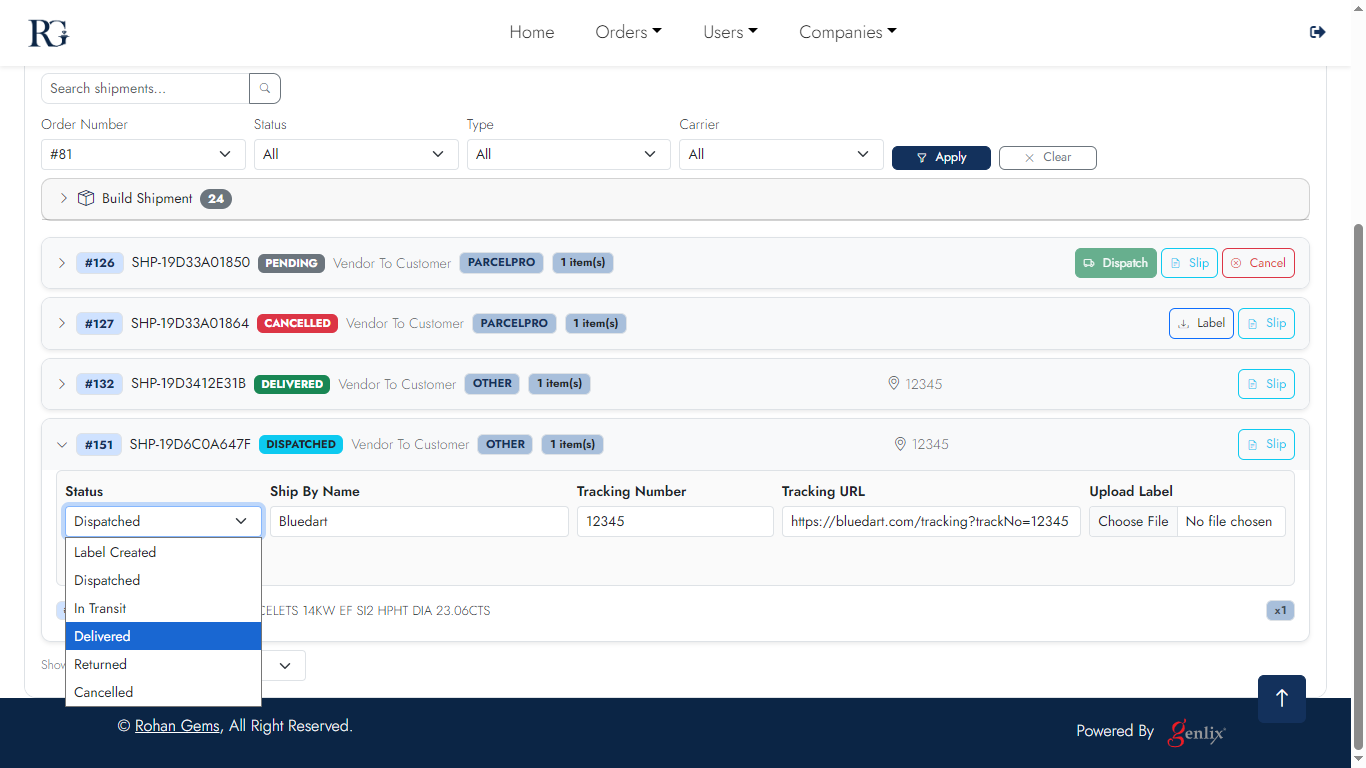
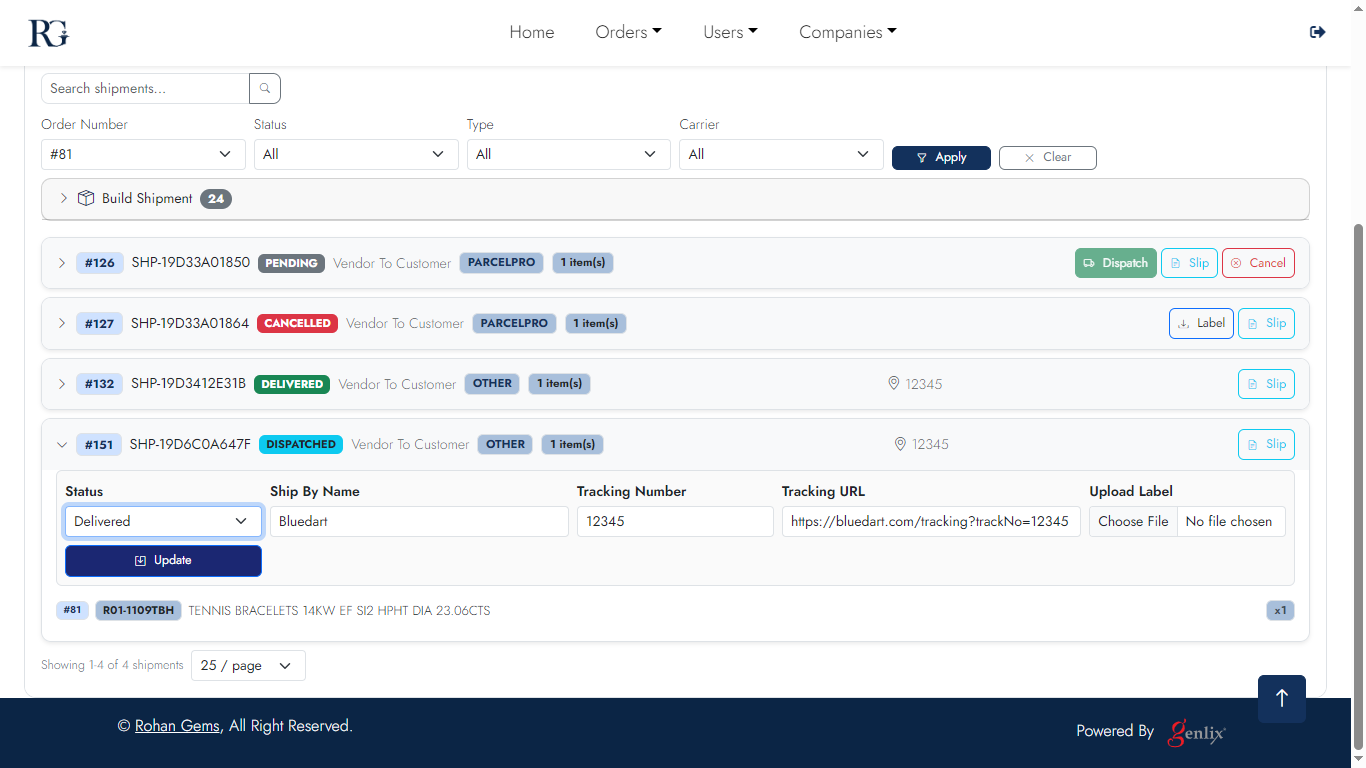
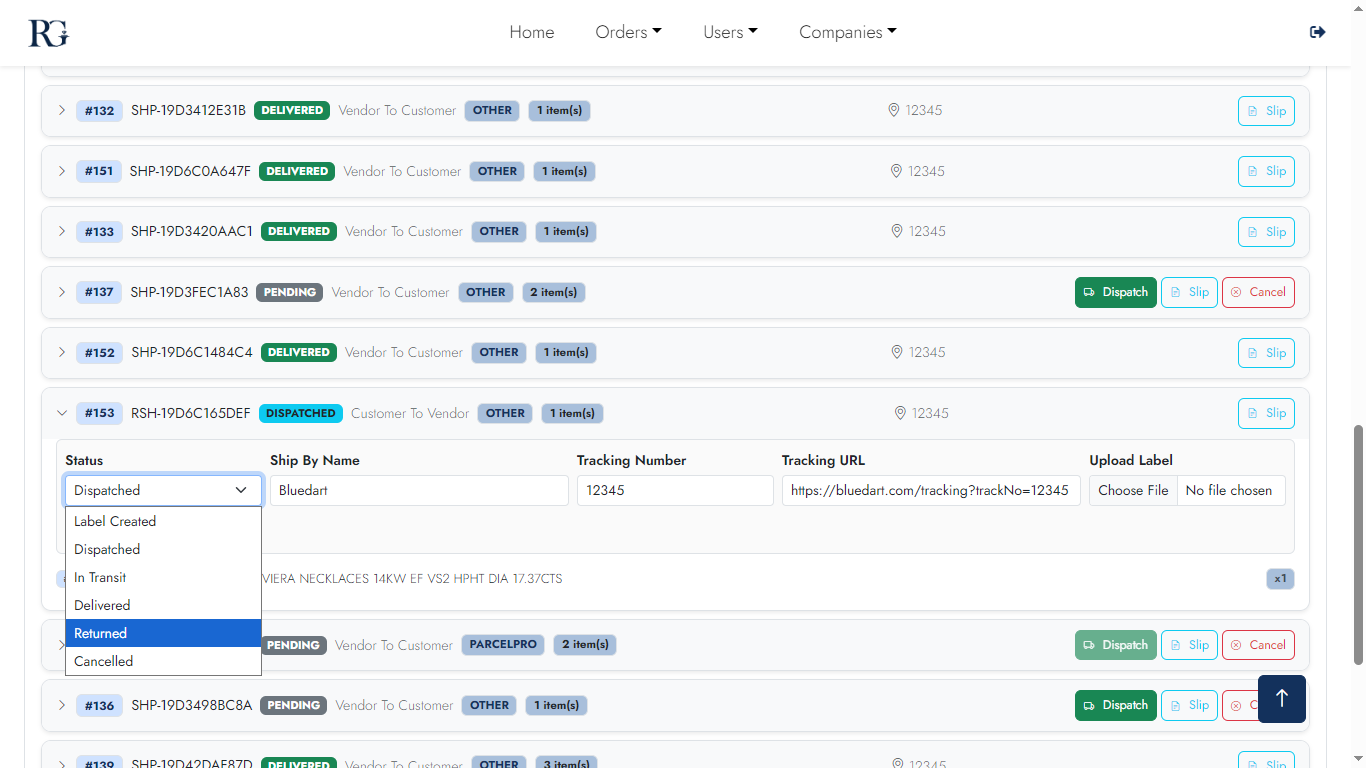
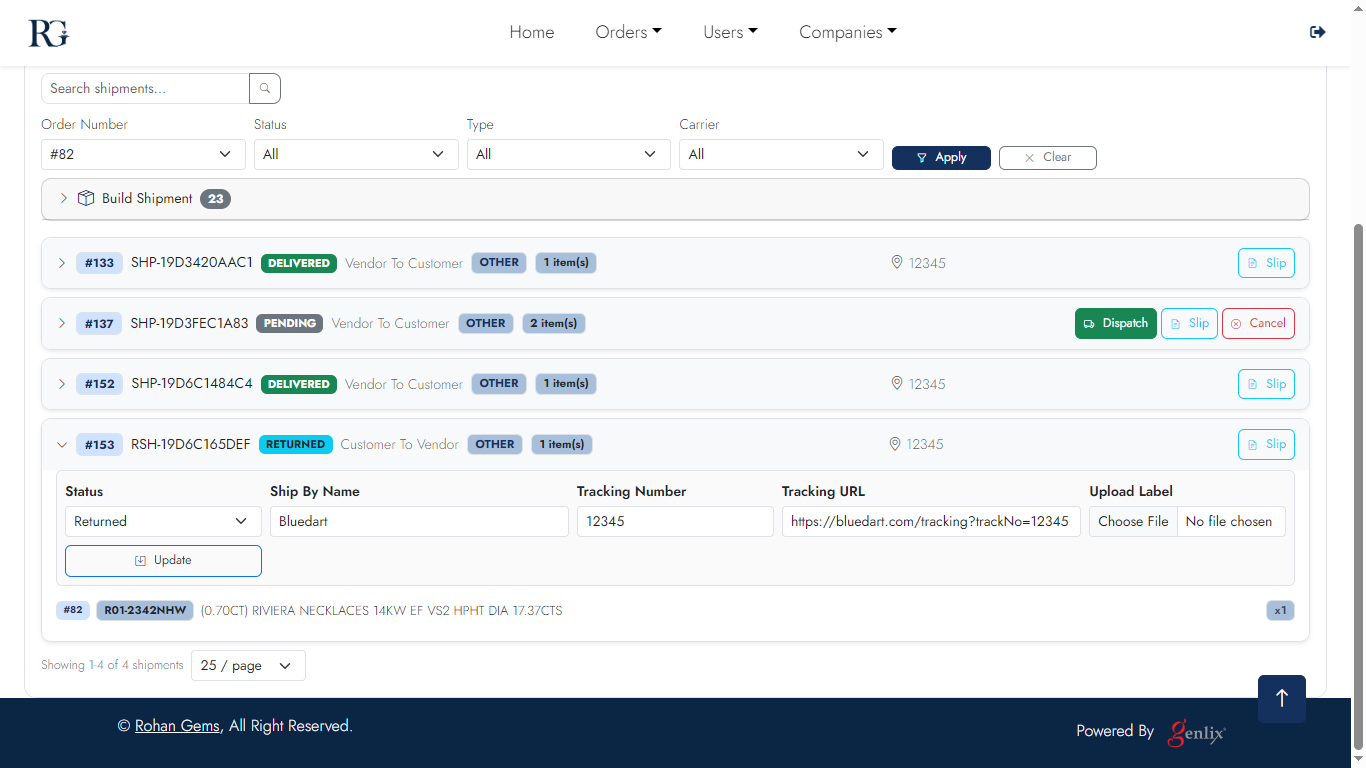
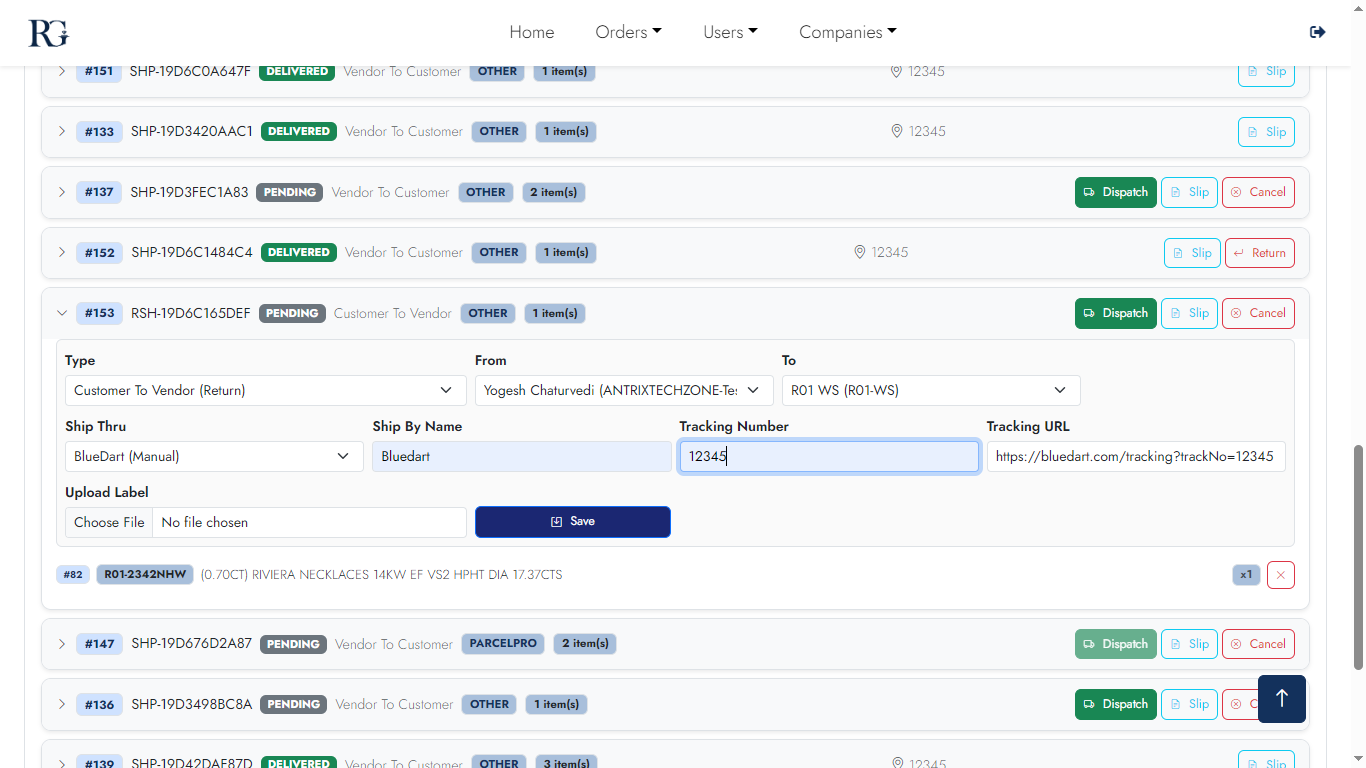
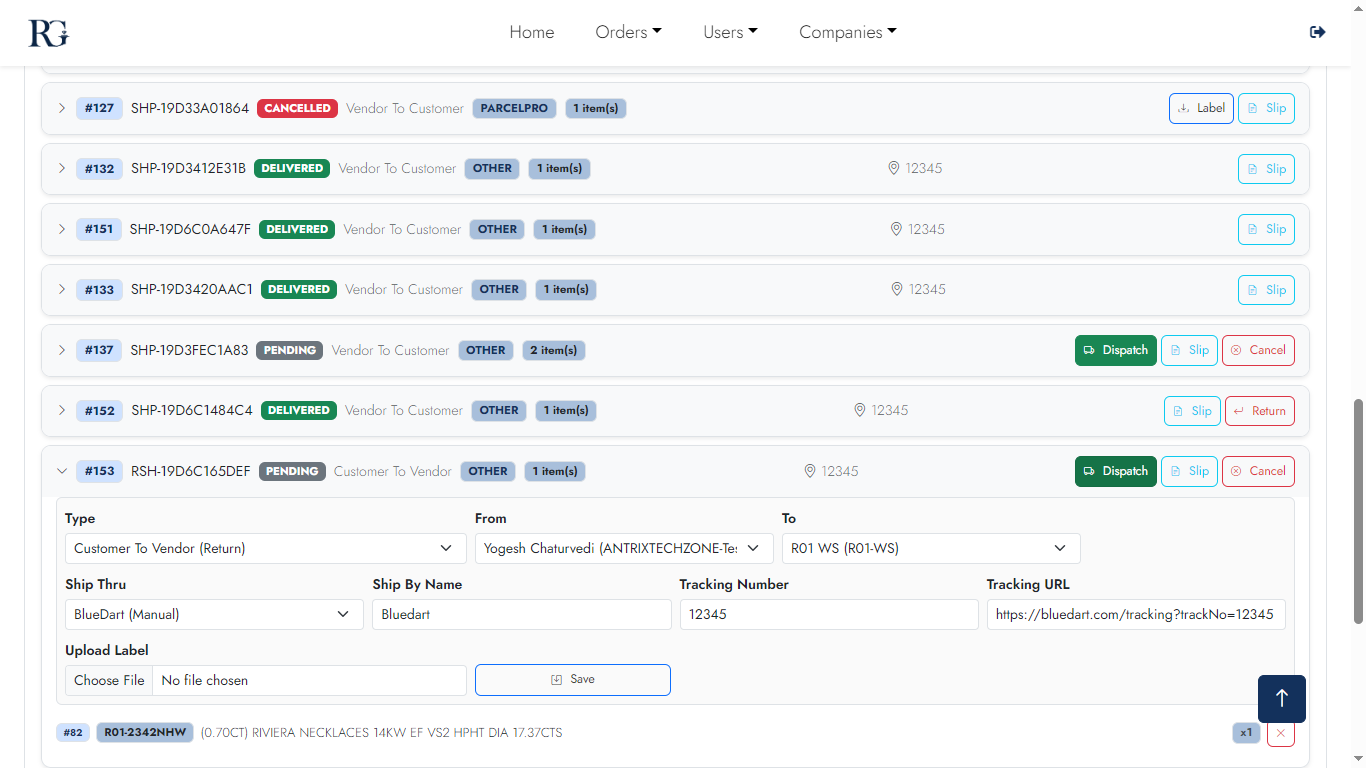
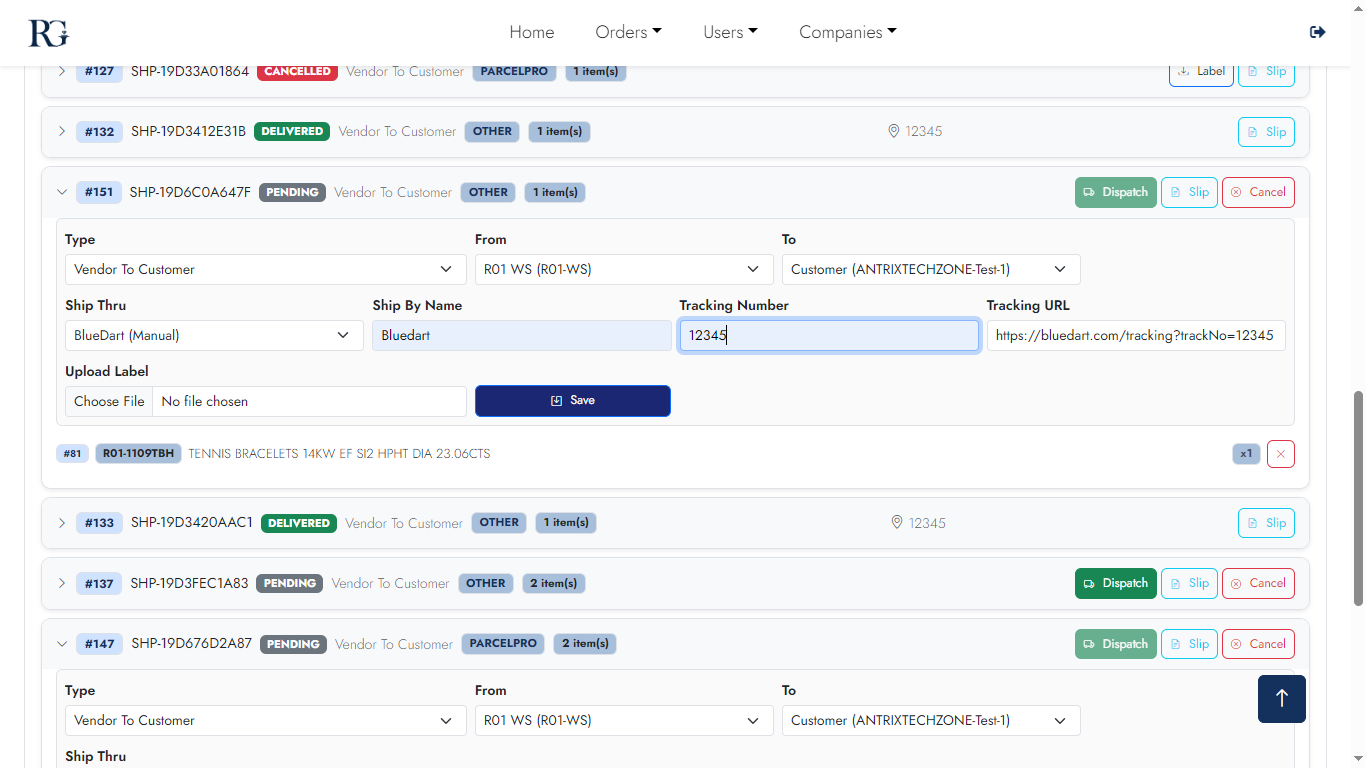
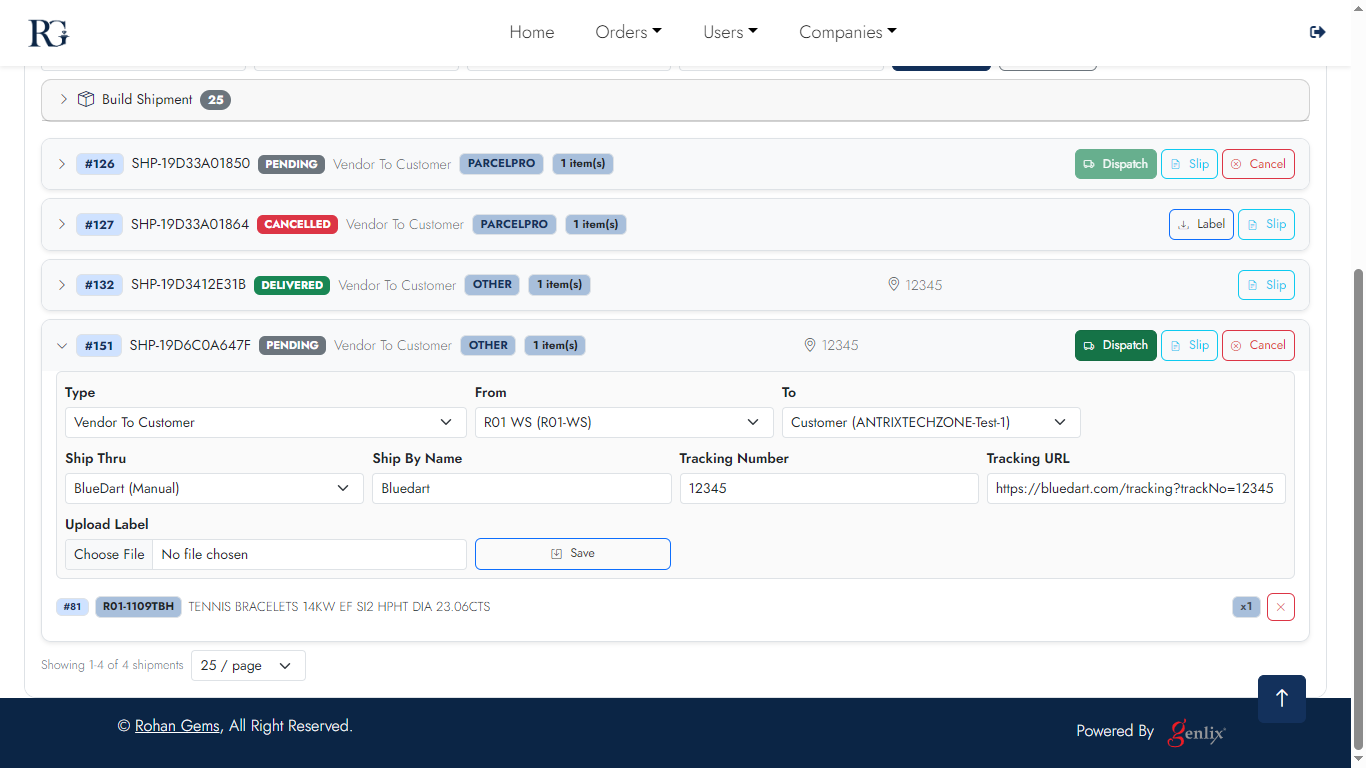
Track every outbound and return shipment. Dispatched shipments show carrier, tracking, and status. Return shipments track the journey back from customer to warehouse.
Desktop — Dispatched
Dispatched 1
Dispatched list
Dispatched 2
Shipment detail
Dispatched 3
Items in shipment
Dispatched 4
Tracking status
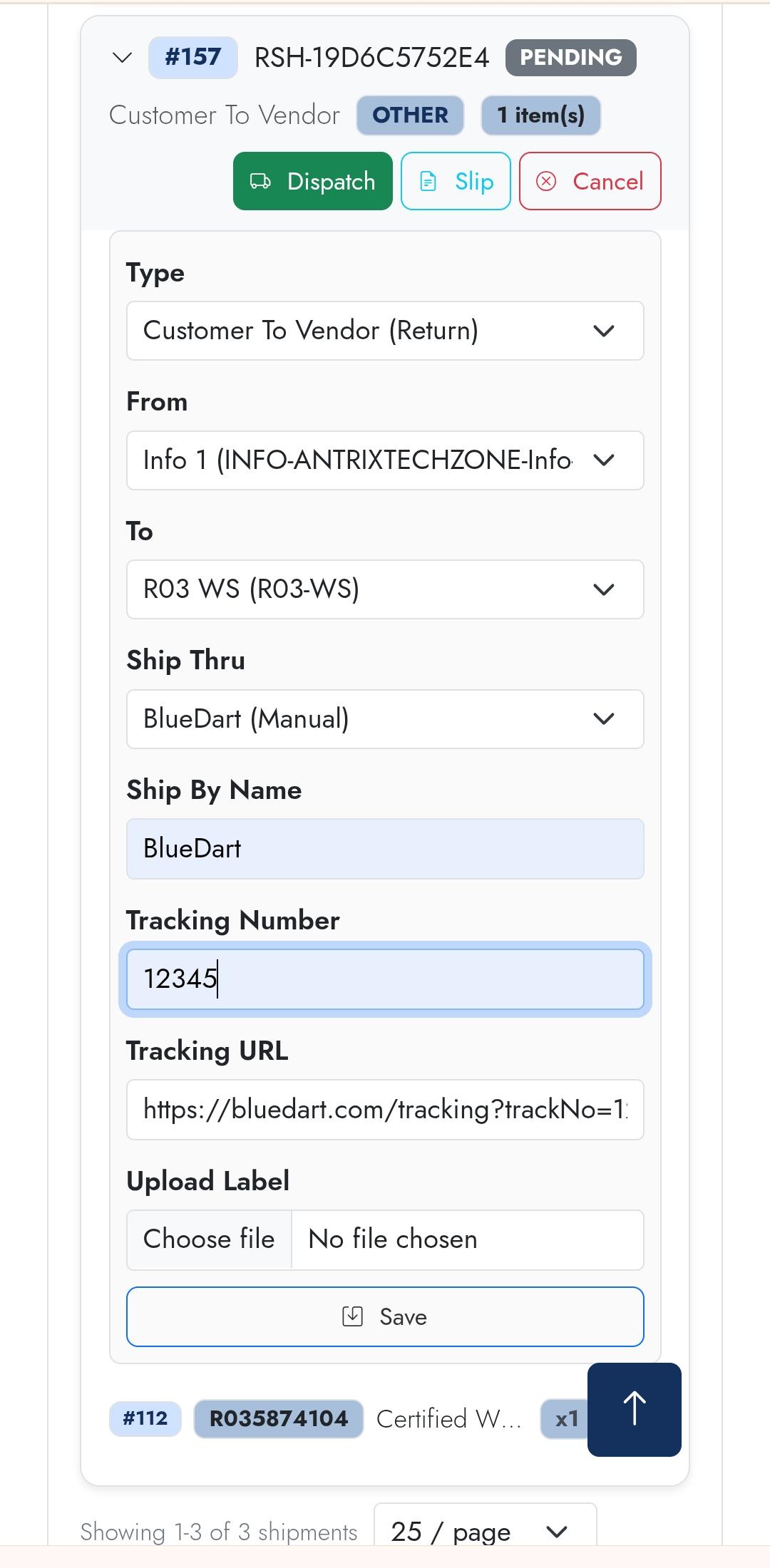
Desktop — Returns
Return 1
Return list
Return 2
Return detail
Return 3
Return items
Return 4
Return shipment preview
Return 5
Return shipment create
Return 6
Return complete
Mobile — Dispatched
Dispatched m1
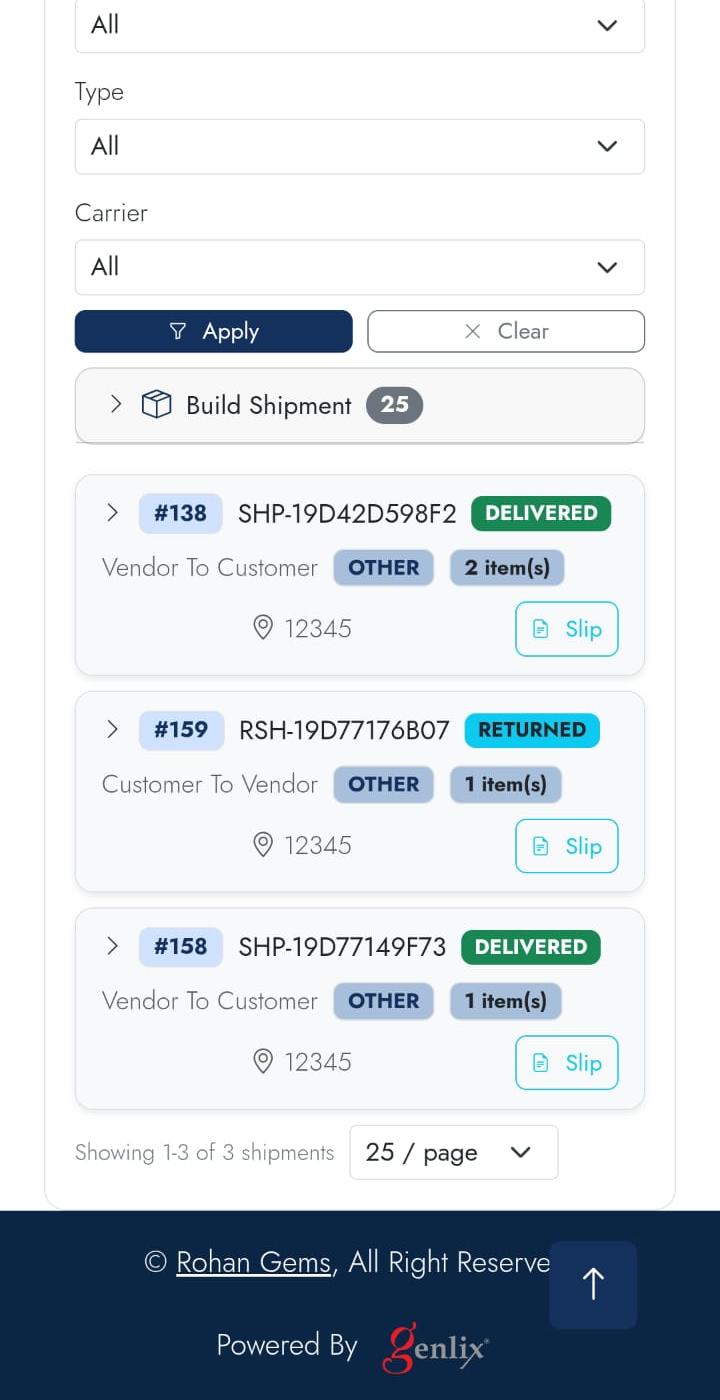
Dispatched
Dispatched m2
Info
Dispatched m3
Items
Dispatched m4
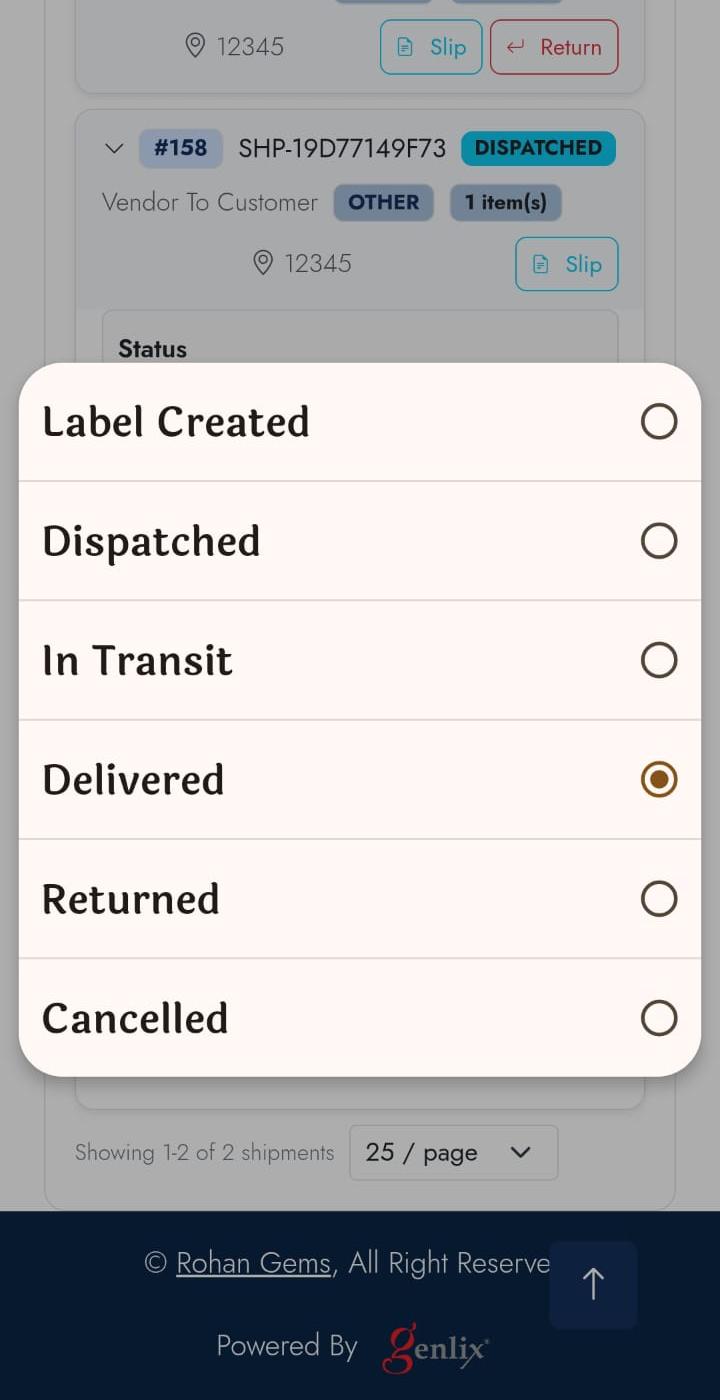
Change Status
Dispatched m5
View Orders
Mobile — Returns
Return m1
Returns
Return m2
Detail
Return m3
Progress
Return m4
Confirm
Screen 08

Invoices Tab

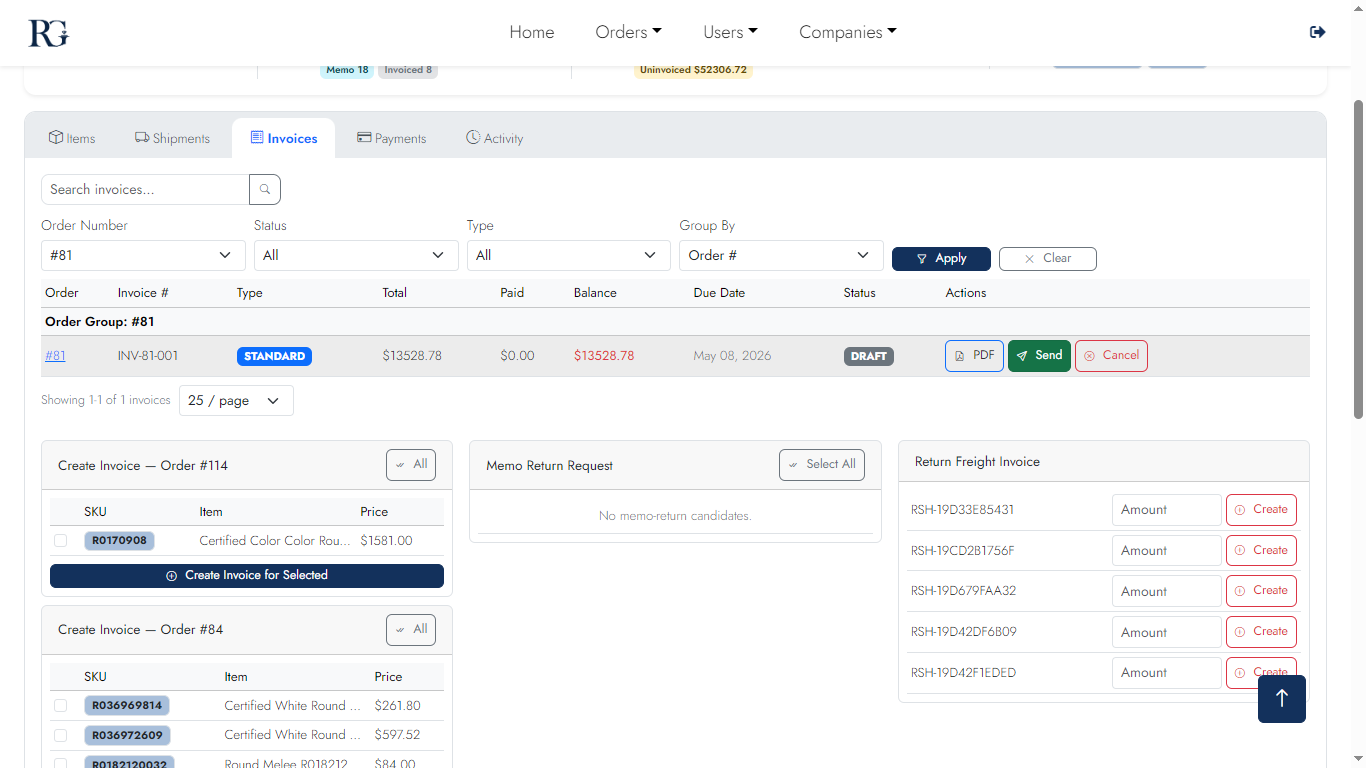
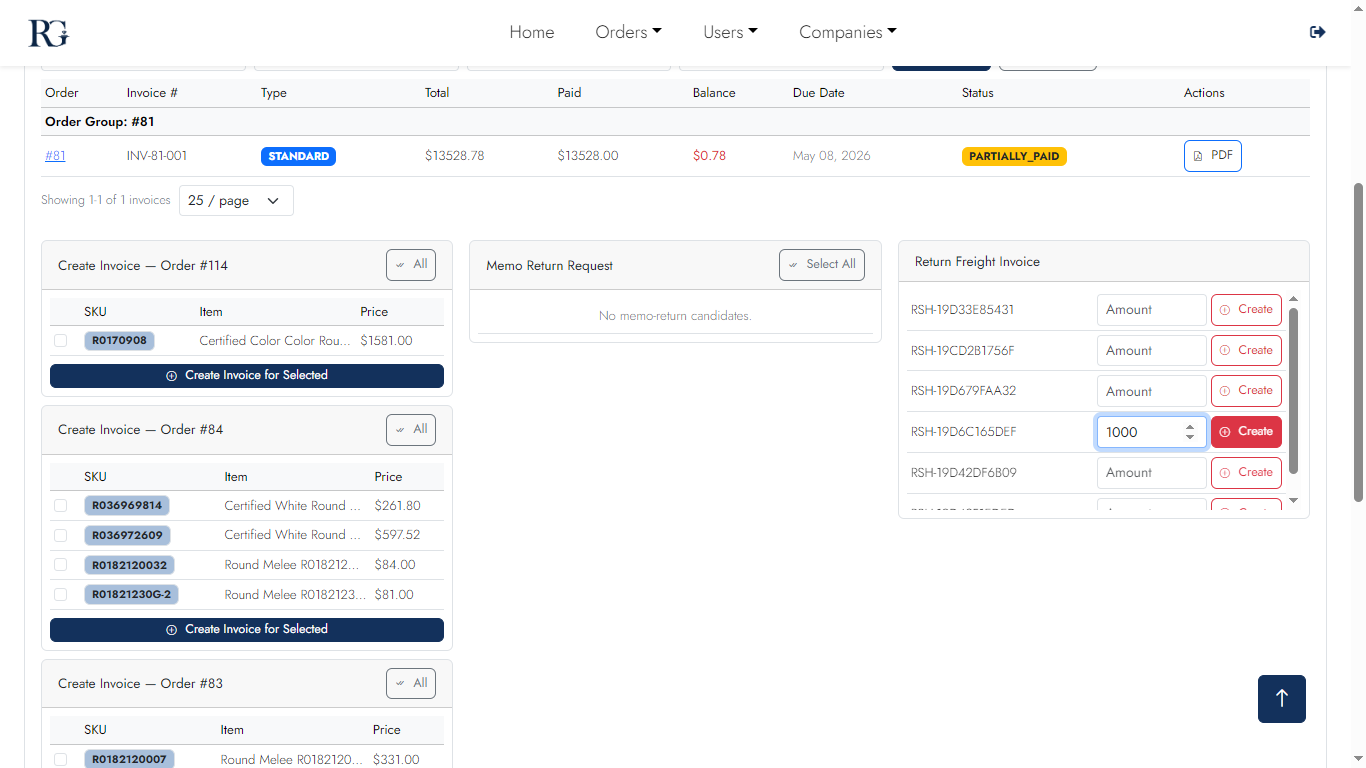
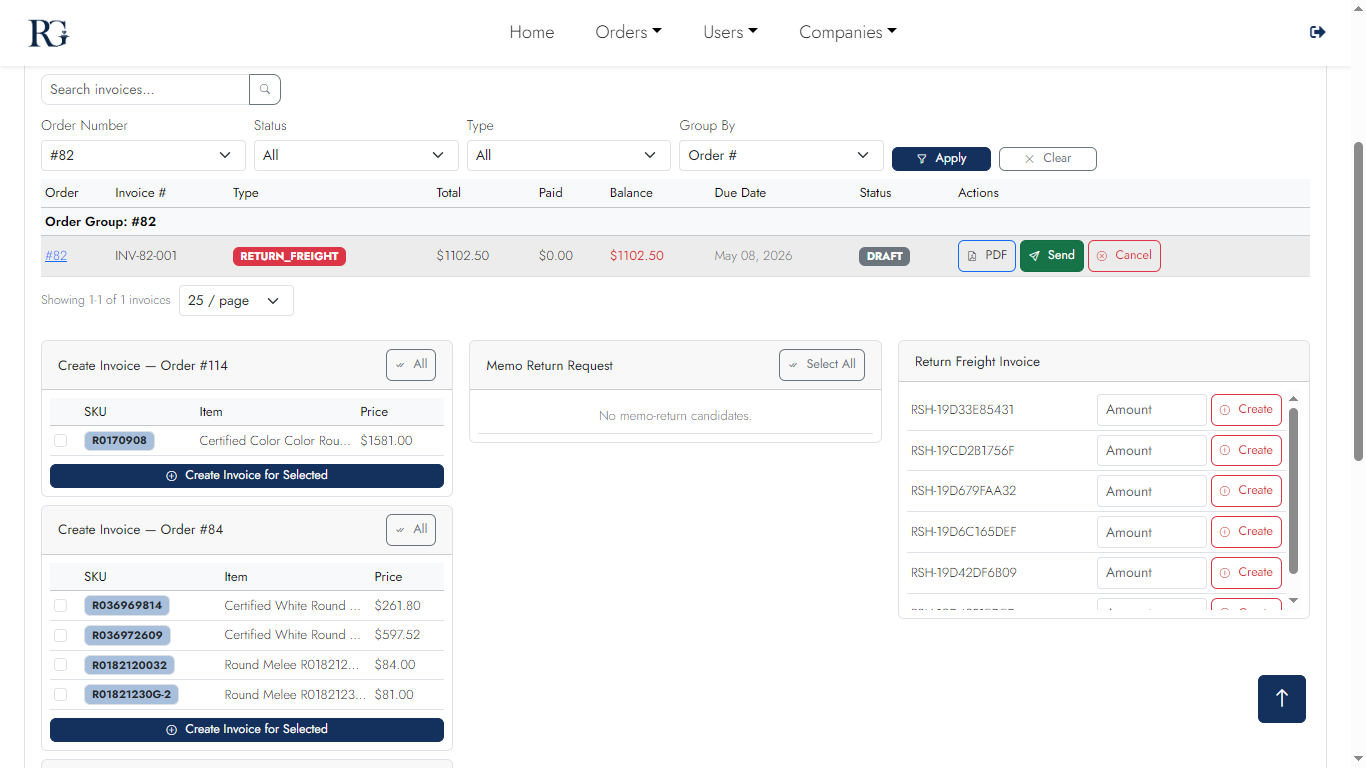
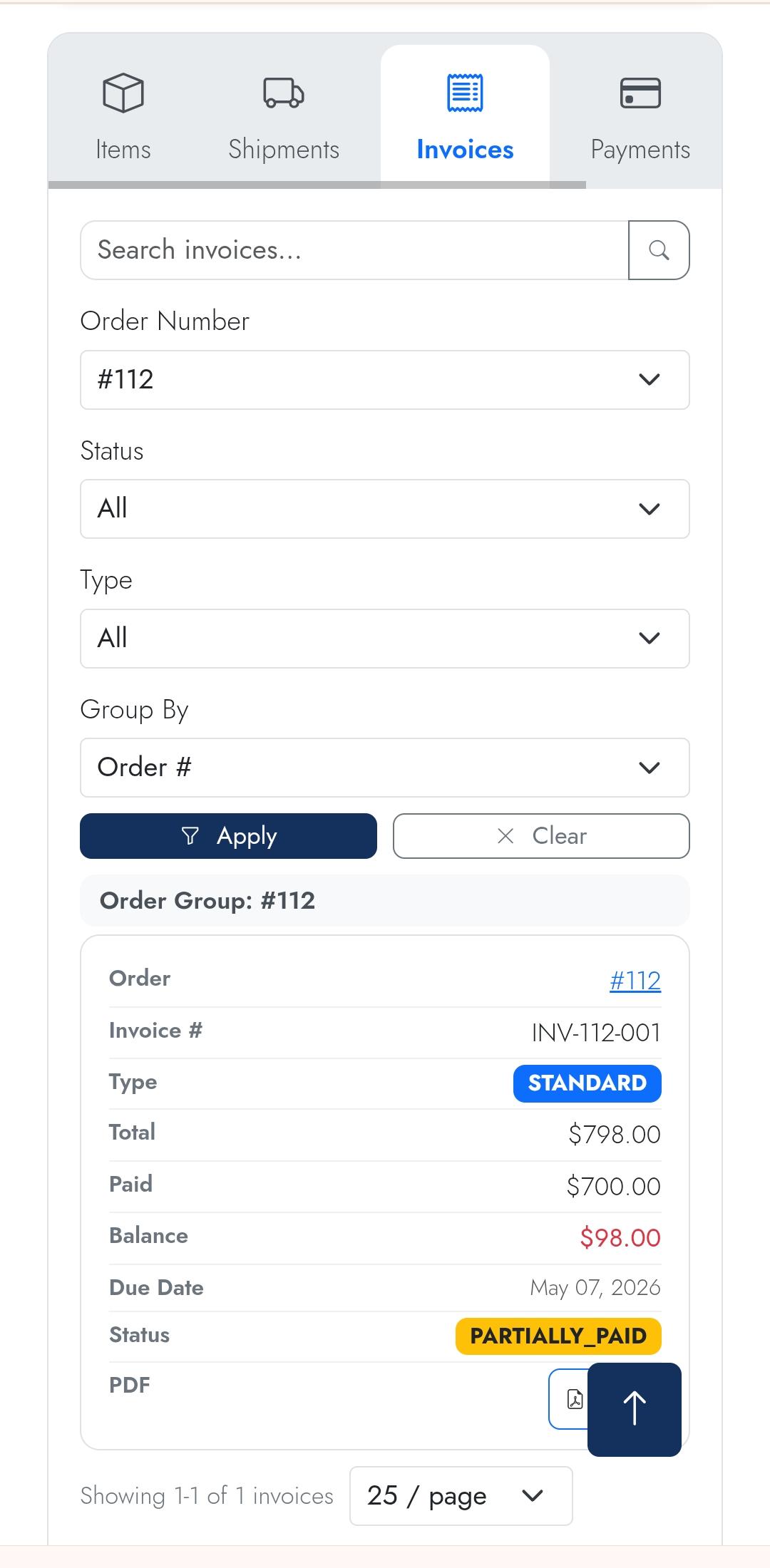
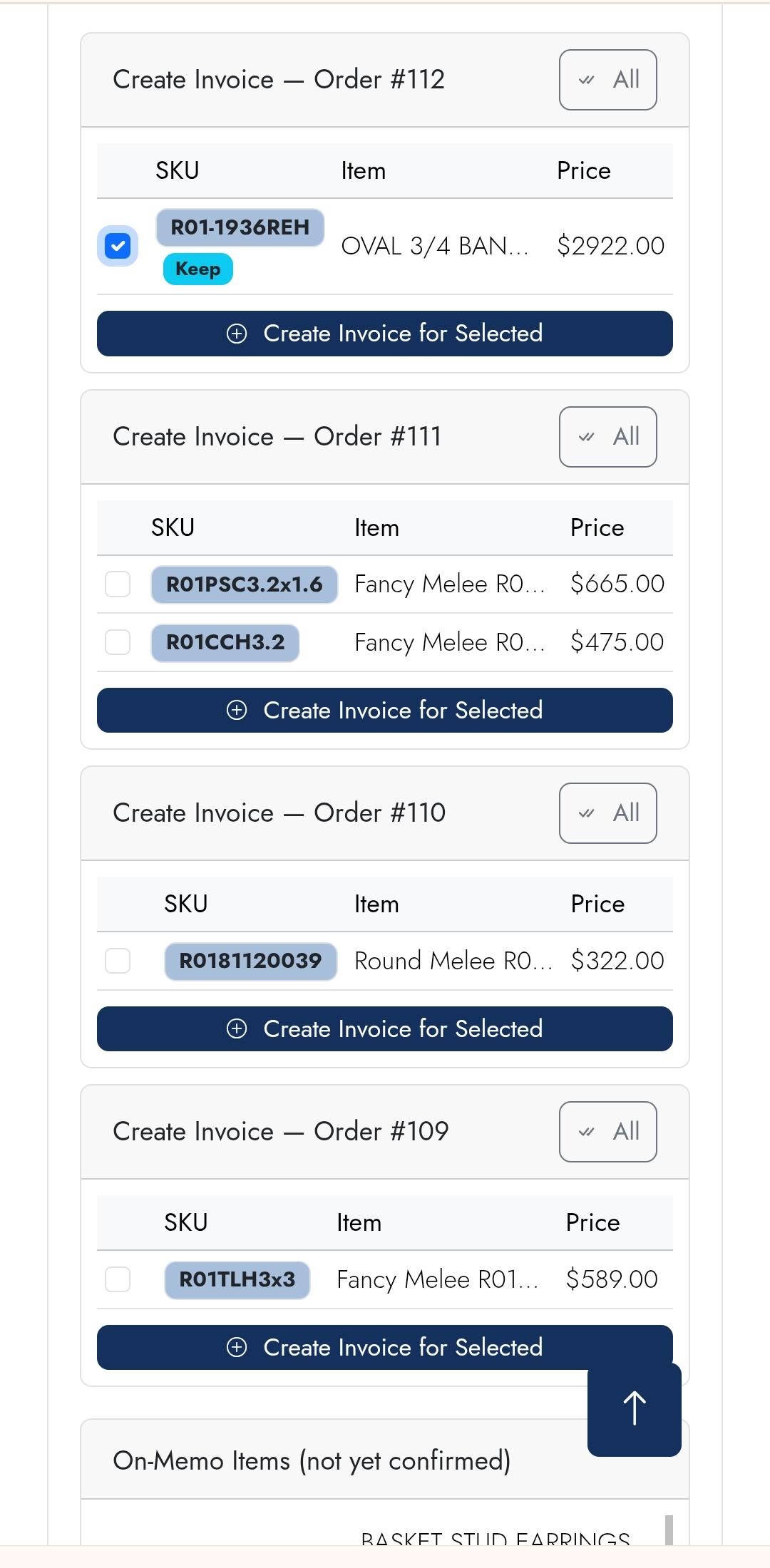
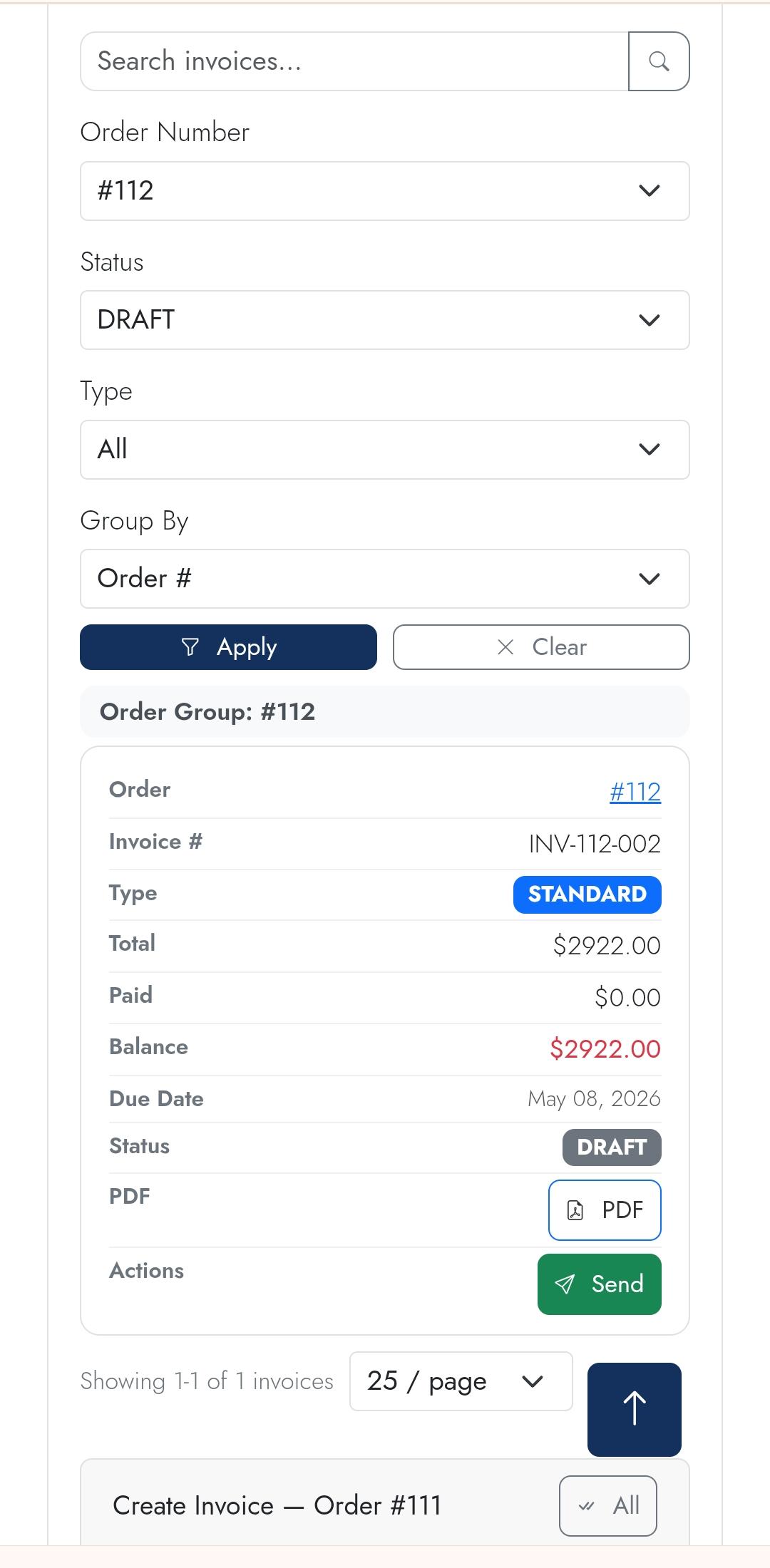
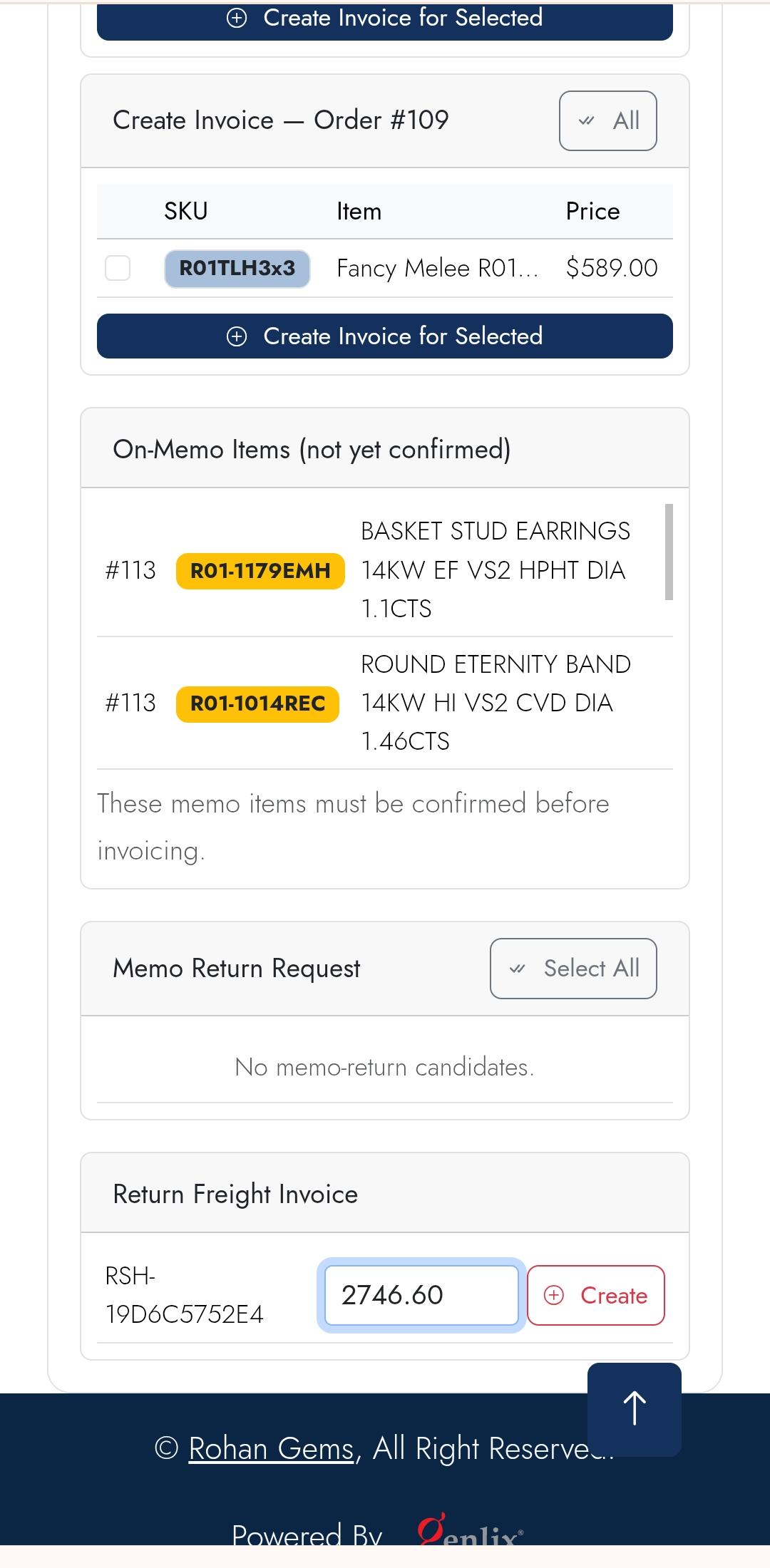
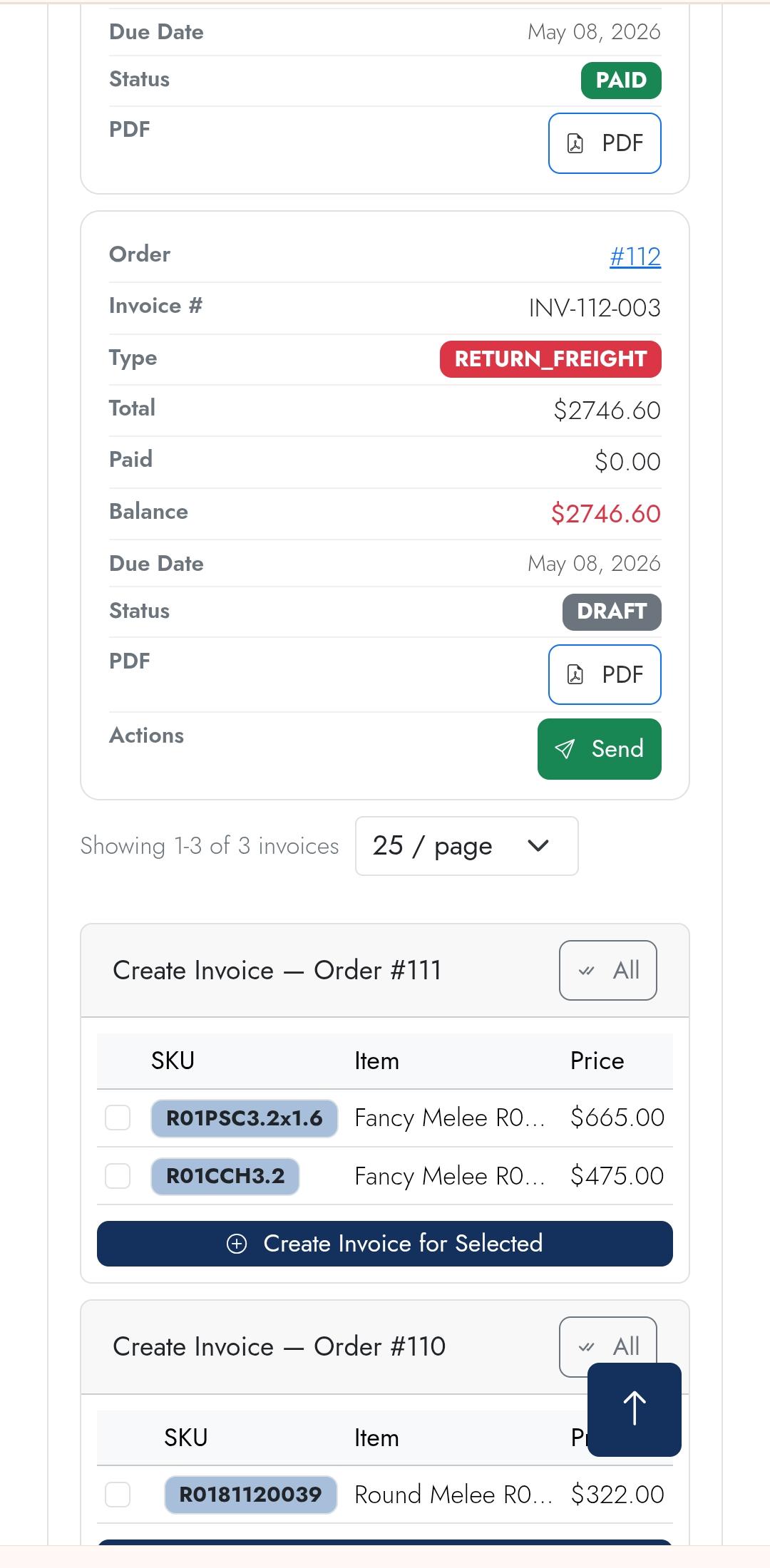
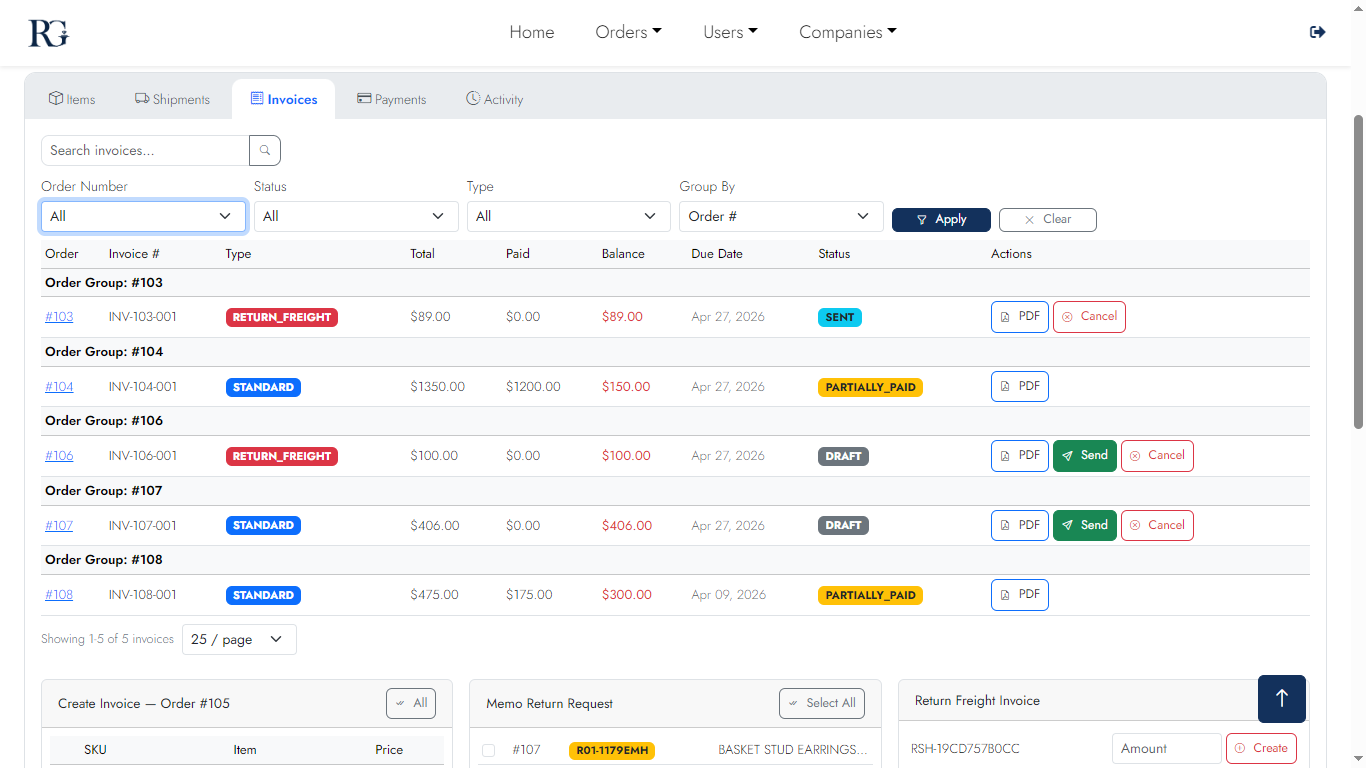
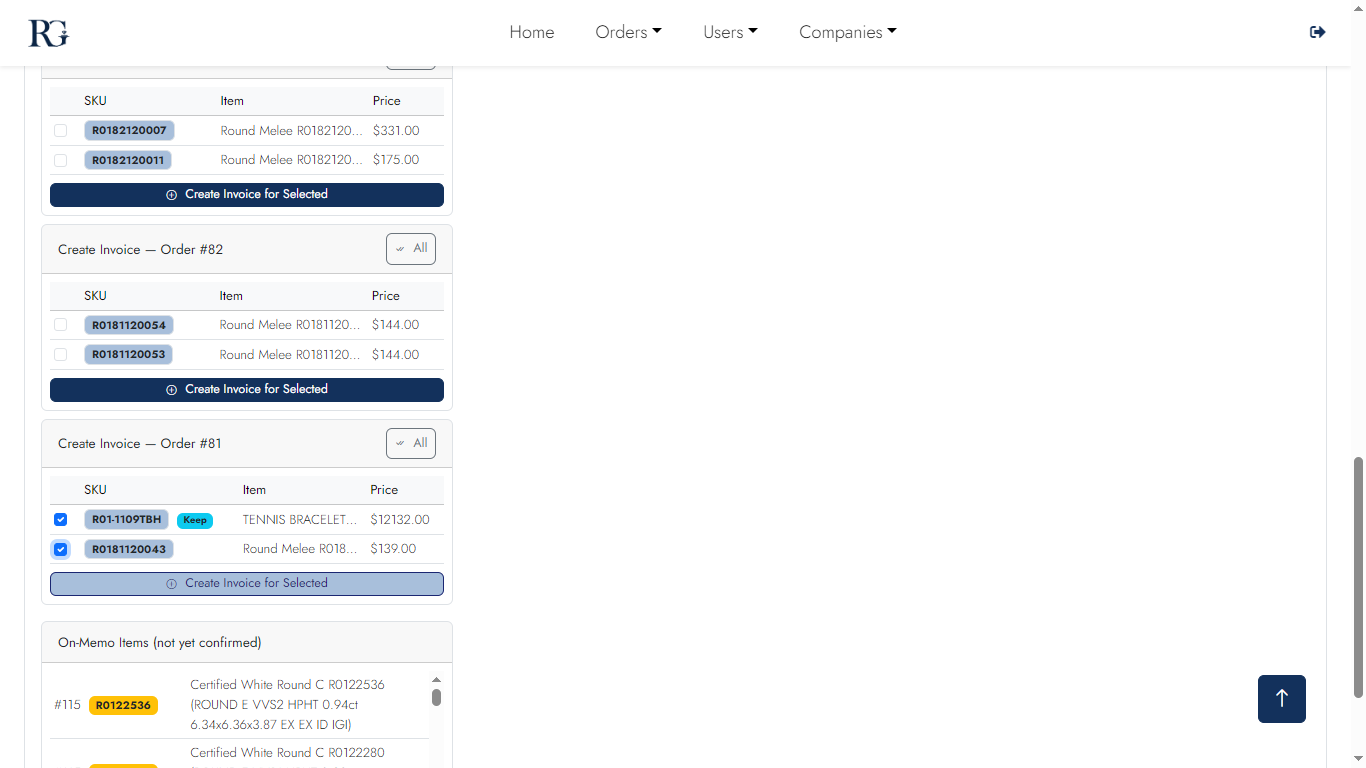
Create invoices for any subset of shipped items. Three types: Standard, Memo Confirmation, Return Freight. Download PDF, send by email, track payment status — all in one view.
Desktop — Standard Invoices
Invoice 1
Invoice list
Invoice 2
Create invoice
Invoice 3
Invoice detail
Invoice 4
PDF preview
Desktop — Return Invoices
Return Invoice 1
Return invoice
Return Invoice 2
Return freight
Mobile
Invoice m1
List
Invoice m2
Detail
Invoice m3
PDF view
Return Invoice mobile 1
Create Return
Return Invoice mobile 2
Return
Screen 09

Payments Tab

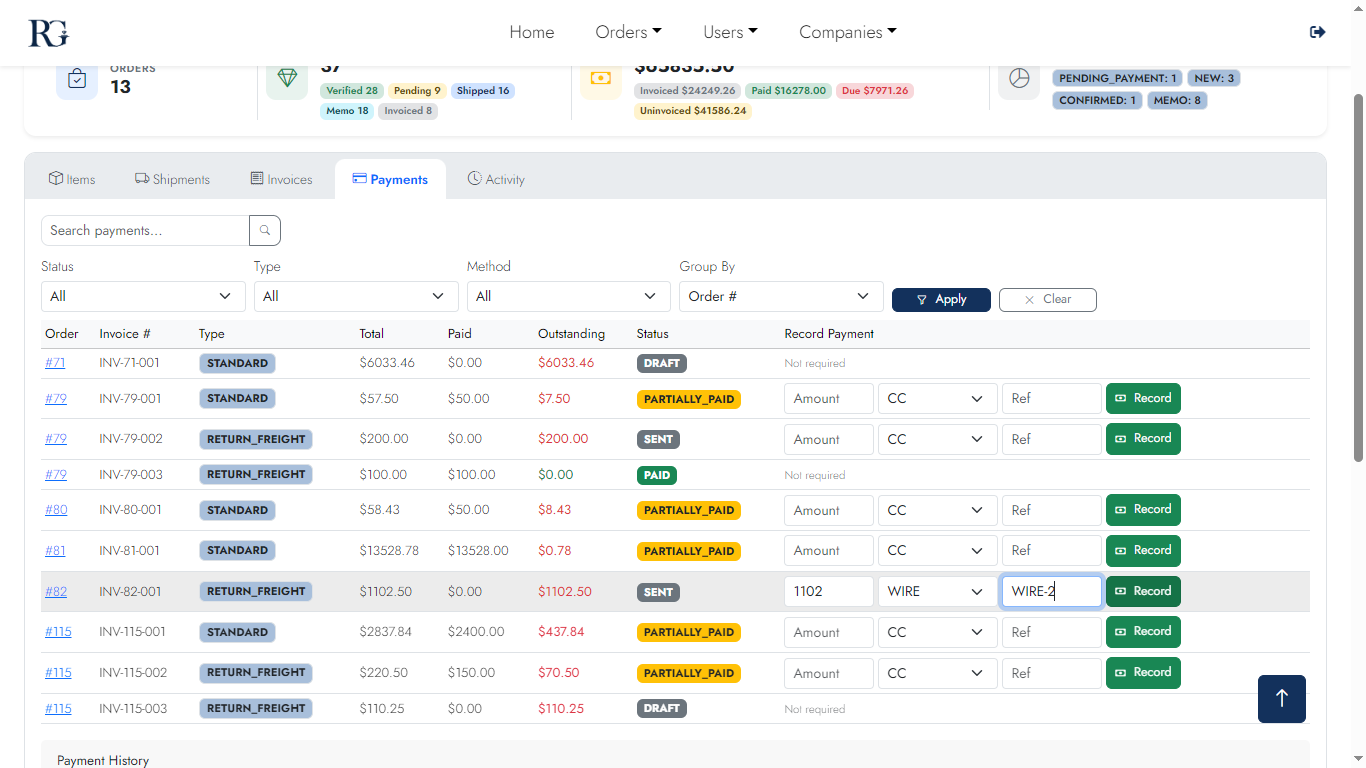
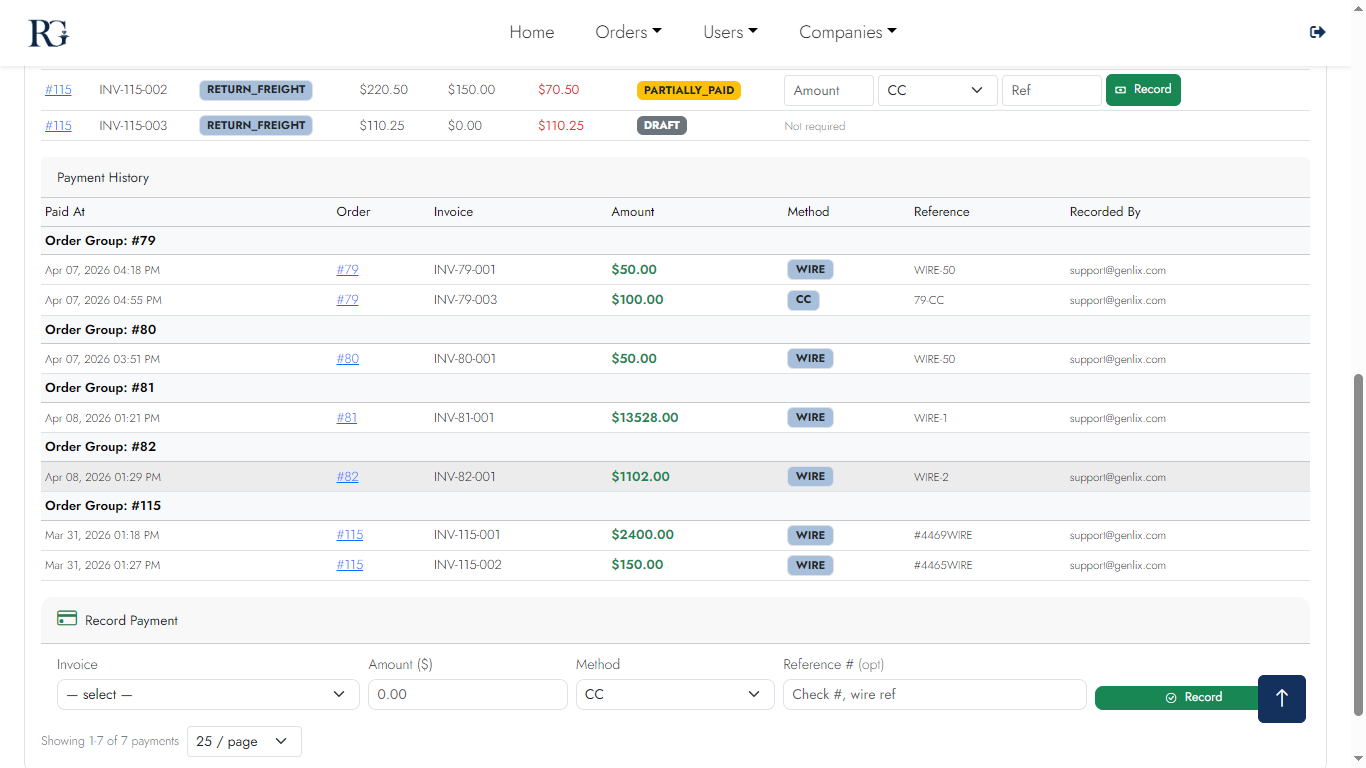
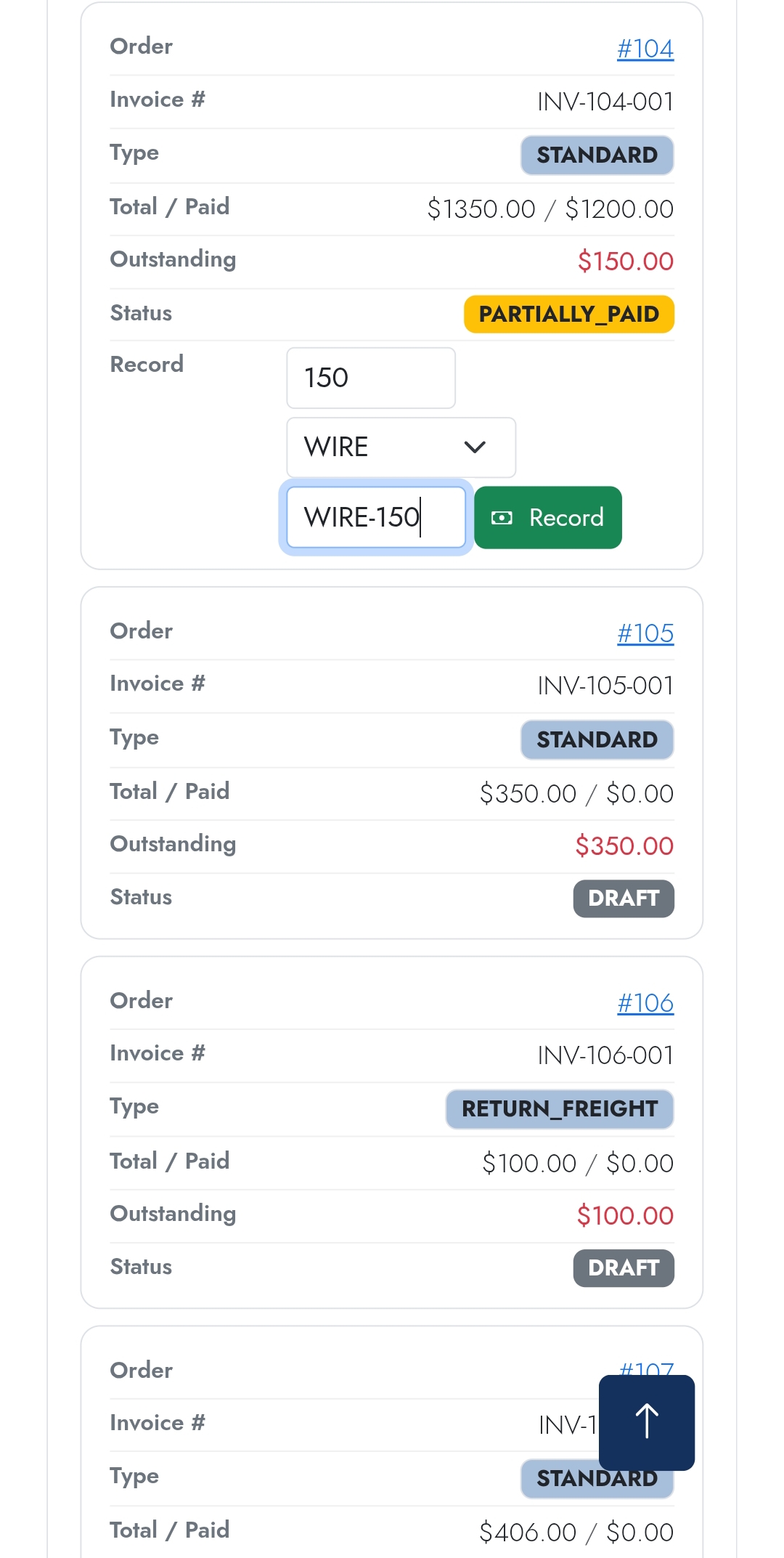
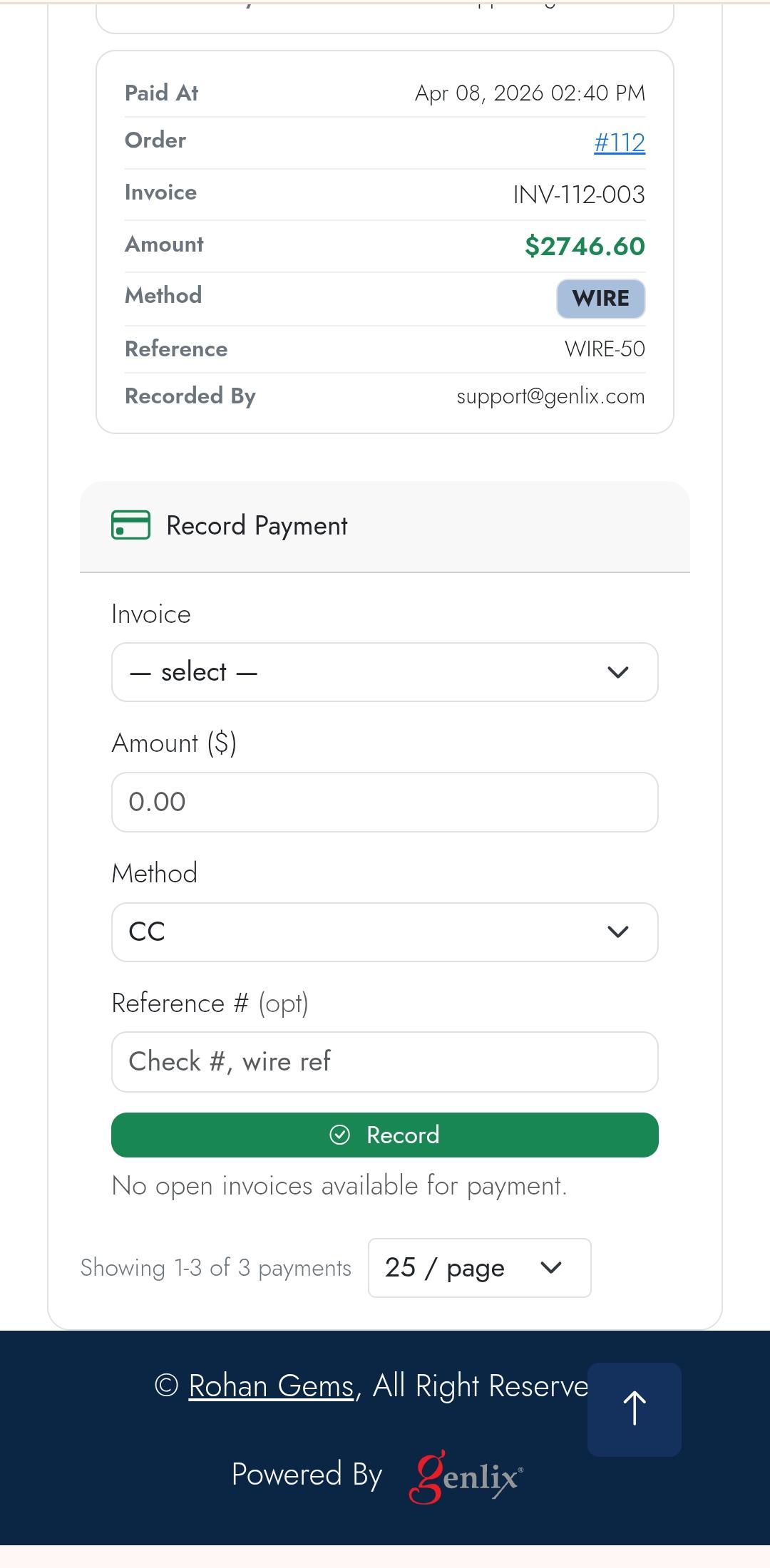
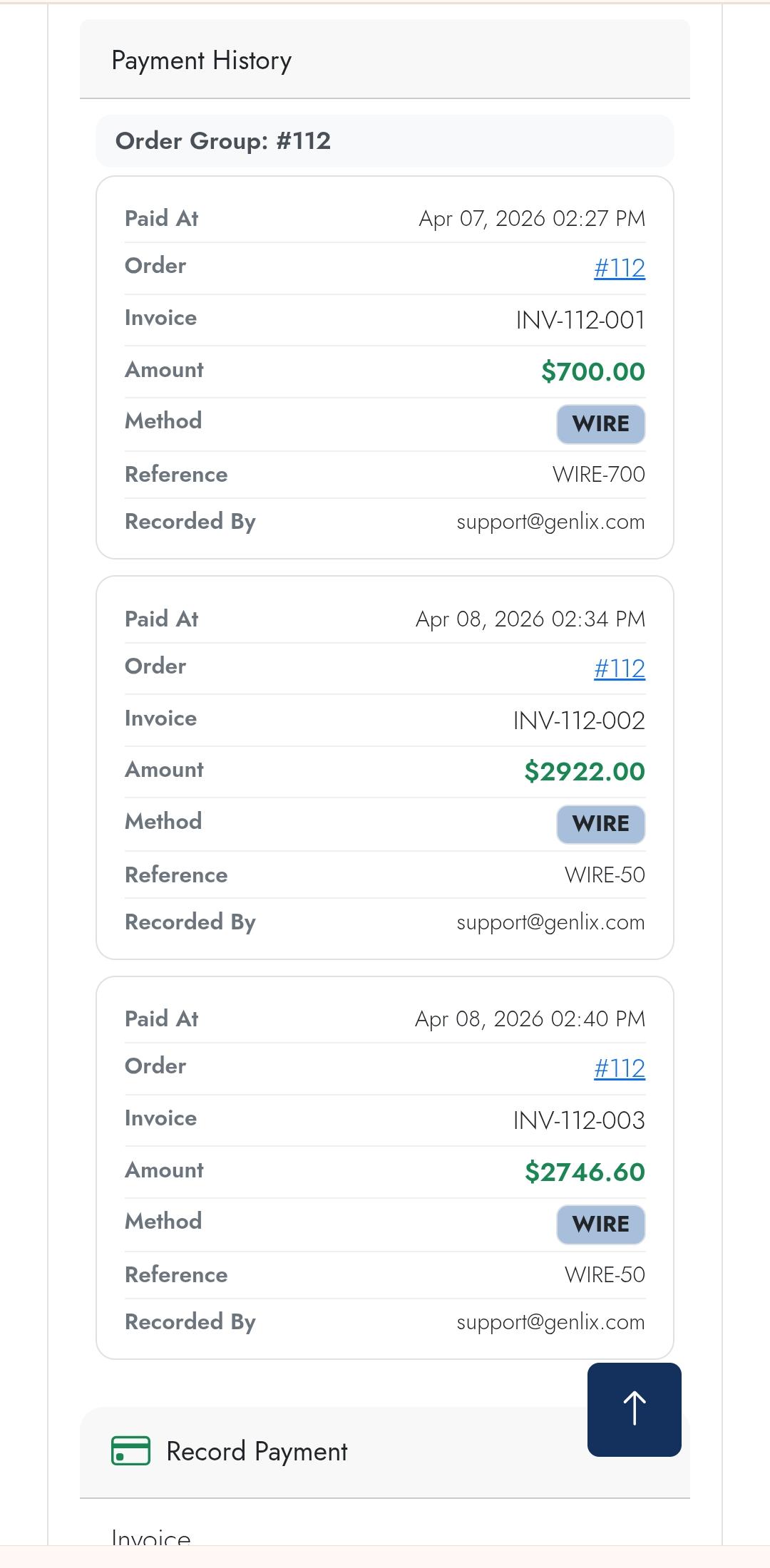
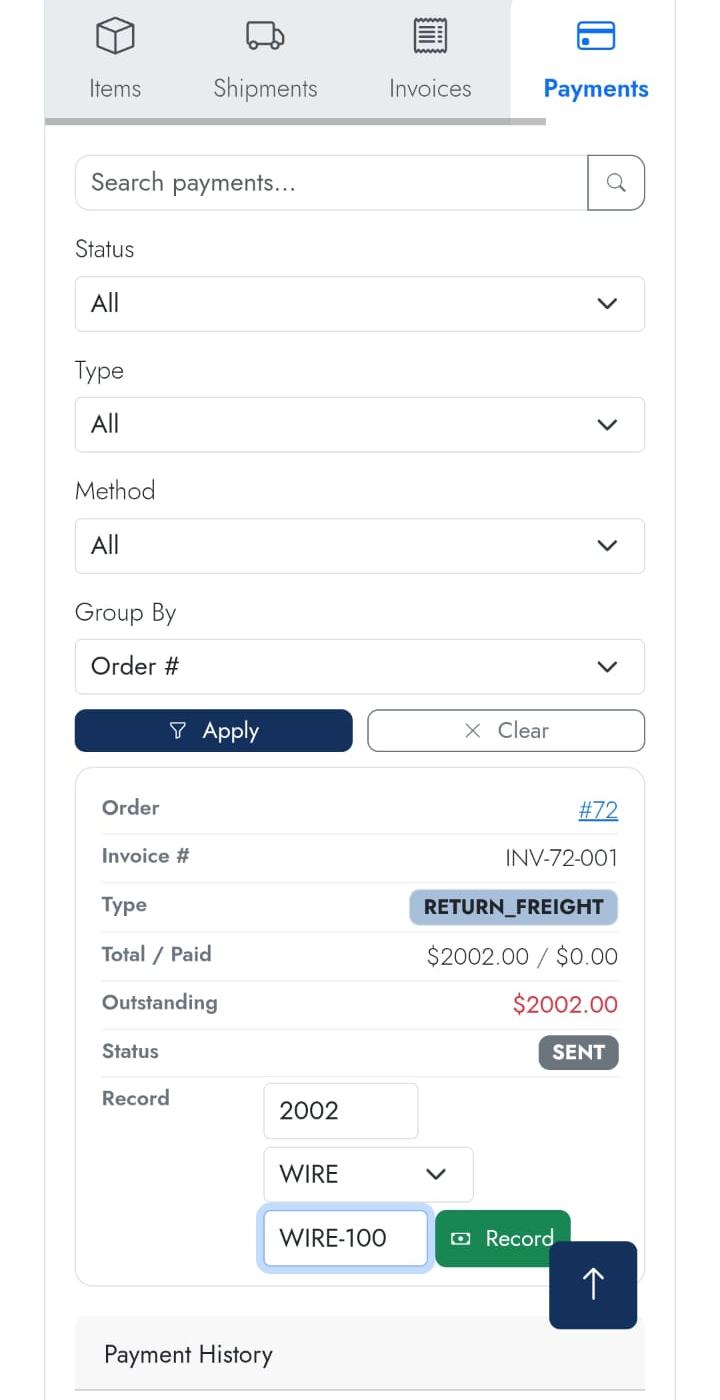
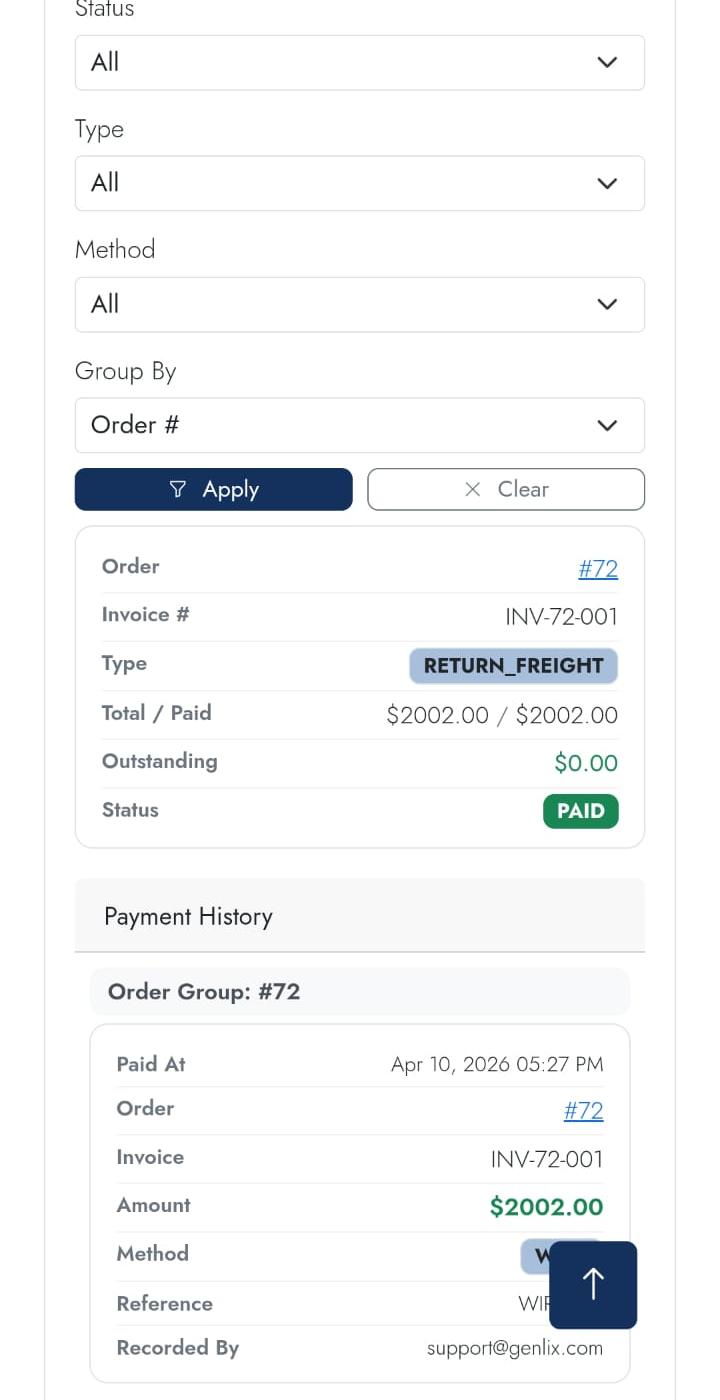
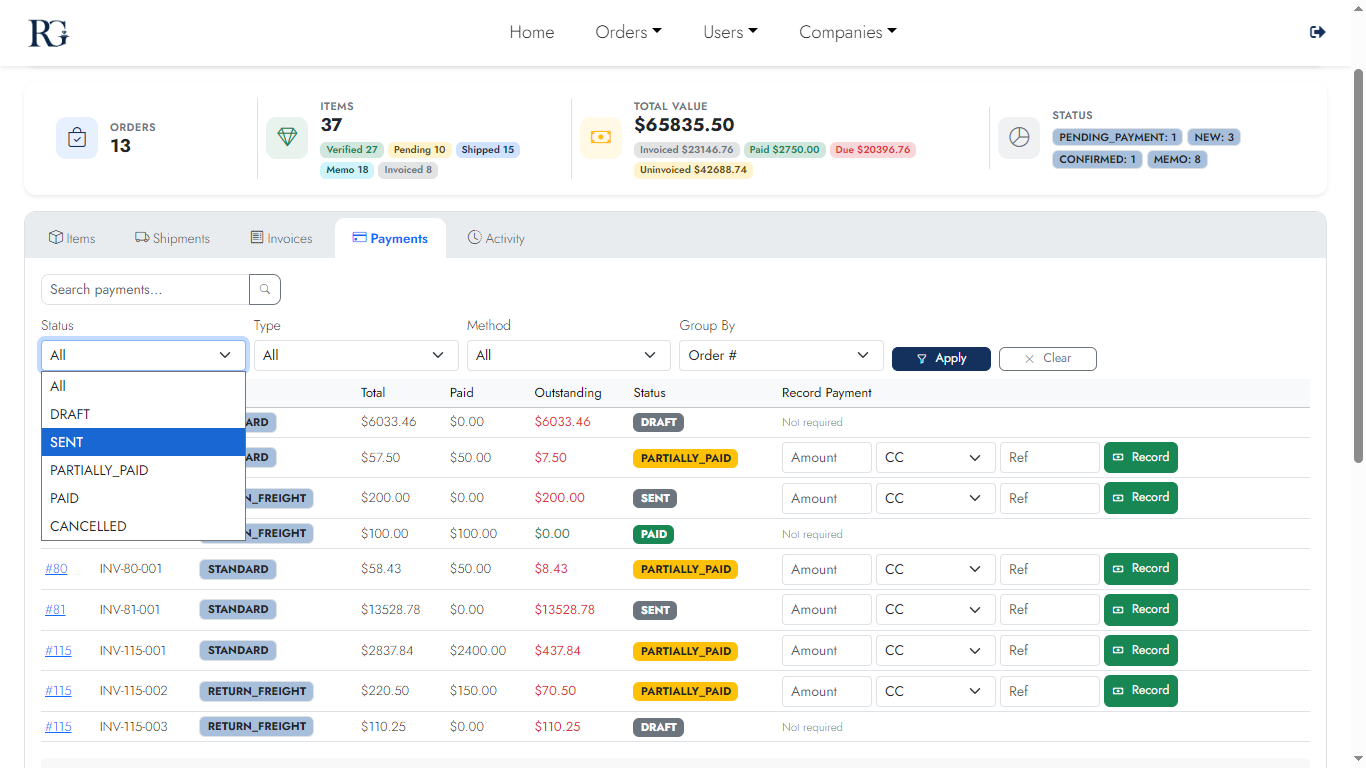
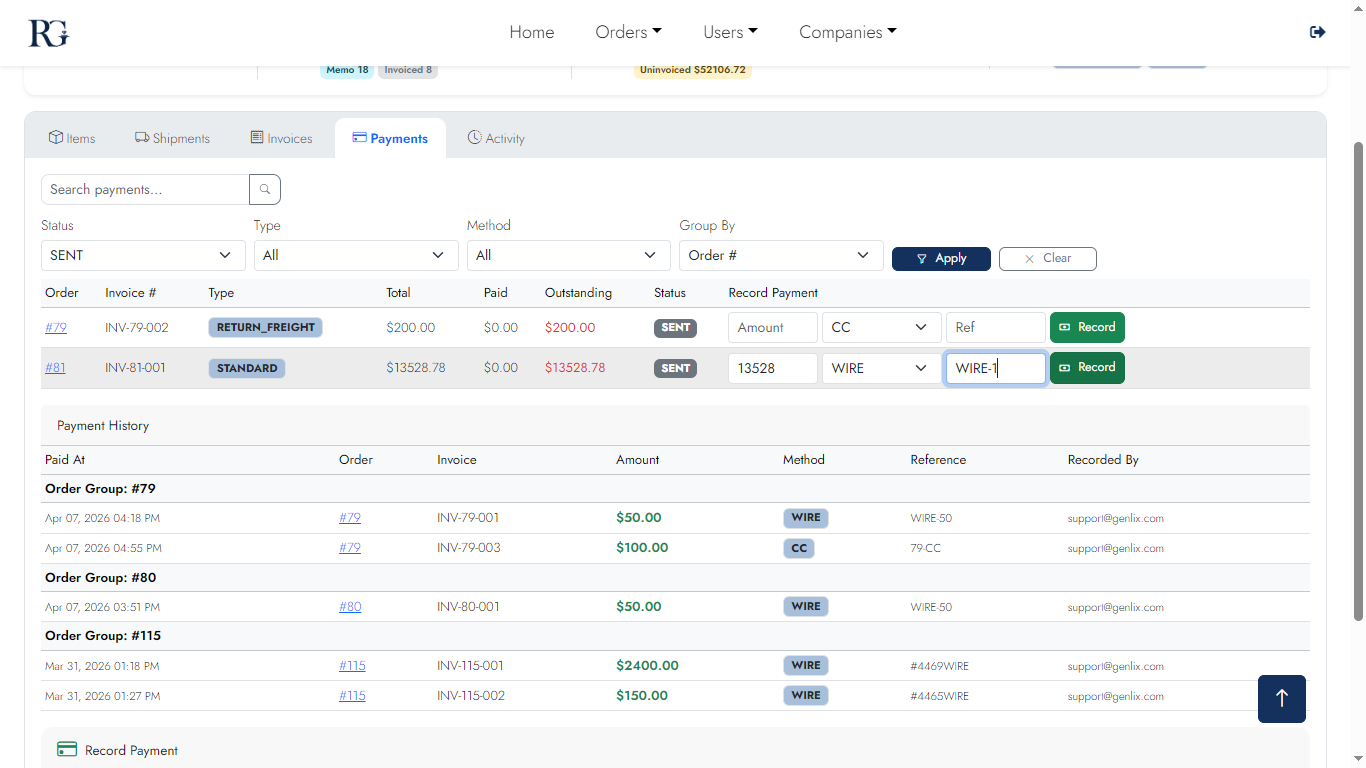
Record wire transfers, checks, and ACH payments against open invoices. Payment history shows exact allocation, outstanding balance, and payment method for every transaction.
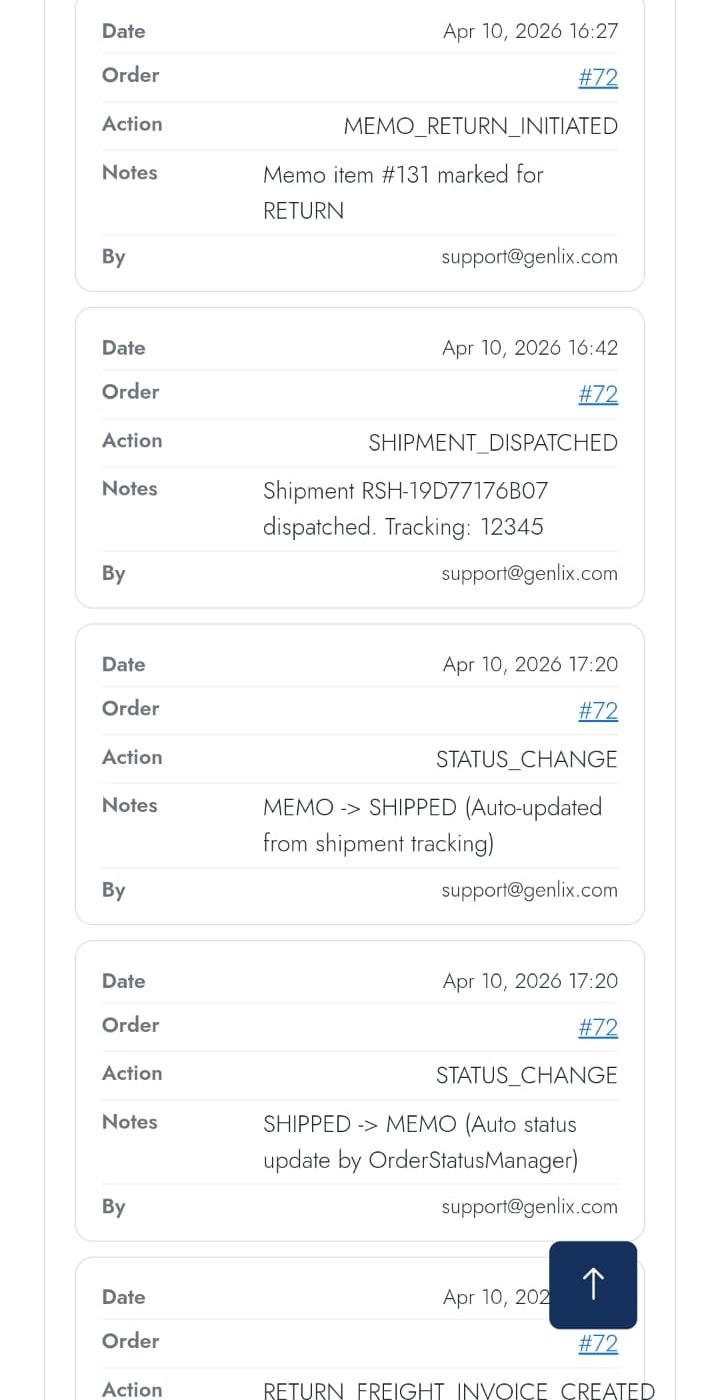
Desktop
Payments 1
Payment list
Payments 2
Record payment
Return Payments 1
Return payment
Return Payments 2
Return confirm
Mobile
Payments m1
List
Payments m2
Record
Payments m3
Detail
Return payment mobile 1
Return
Return payment mobile 2
View Returns
Screen 10

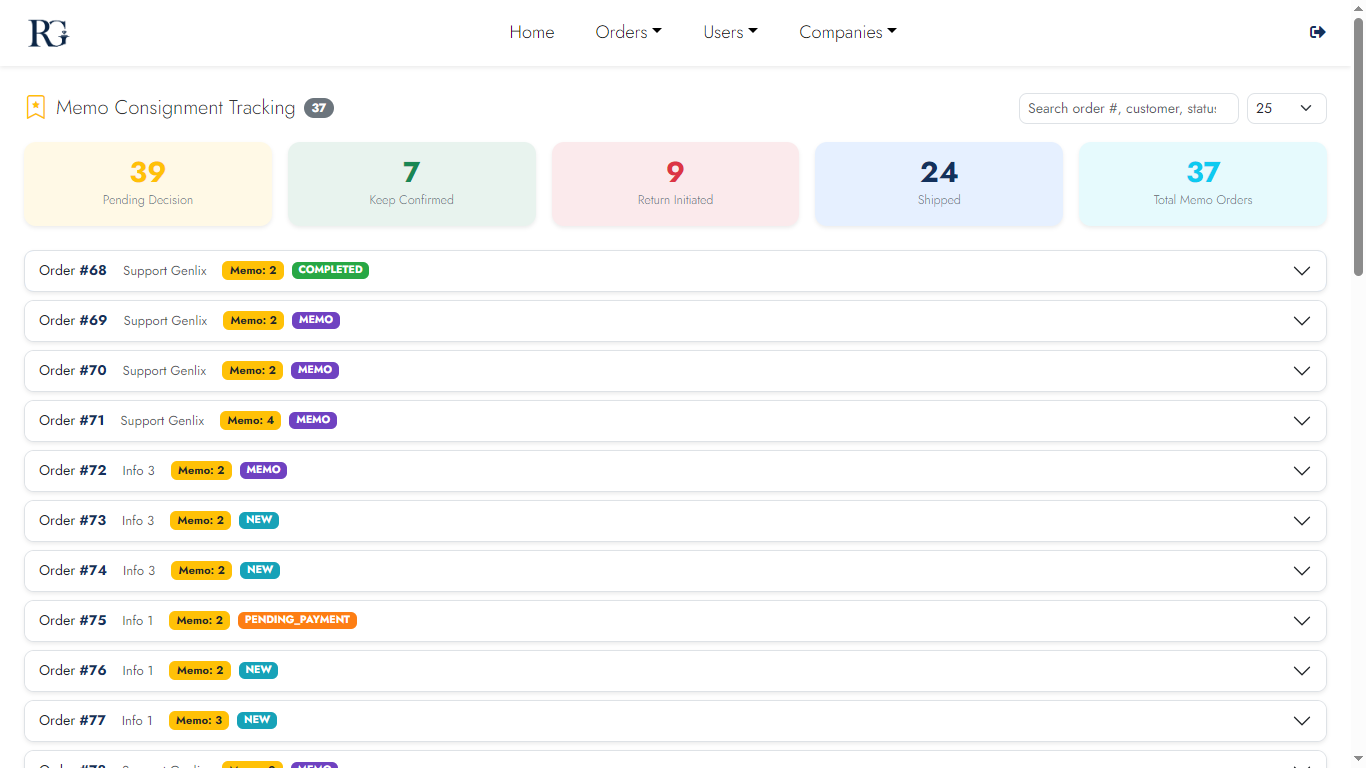
Memo Tracking Dashboard

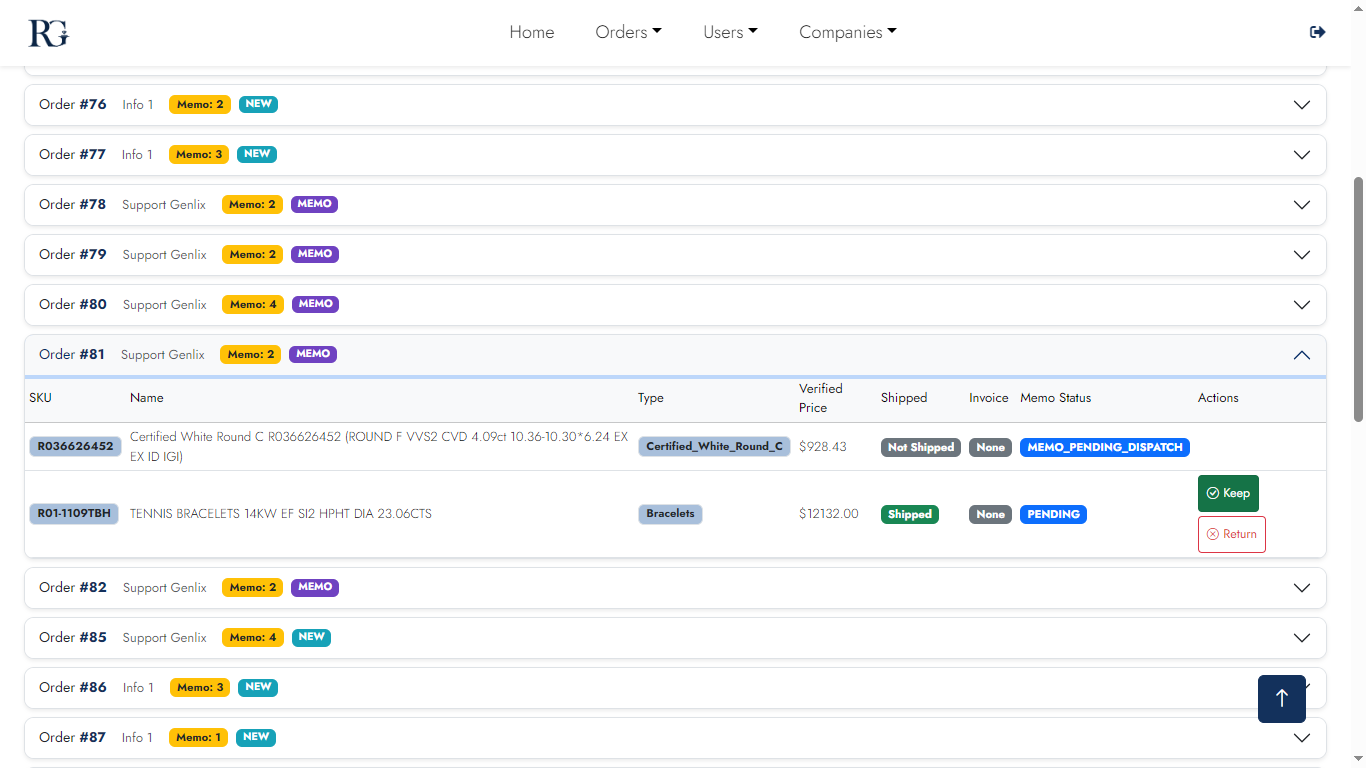
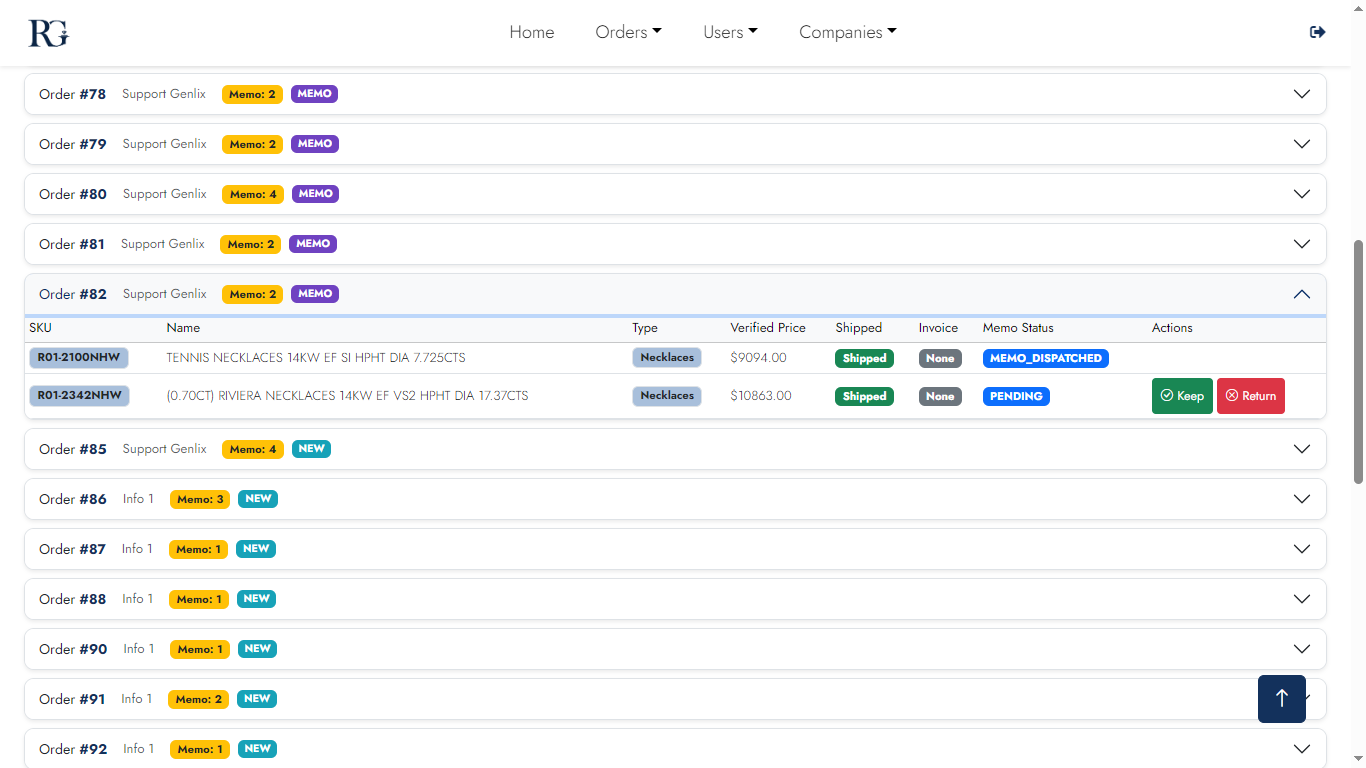
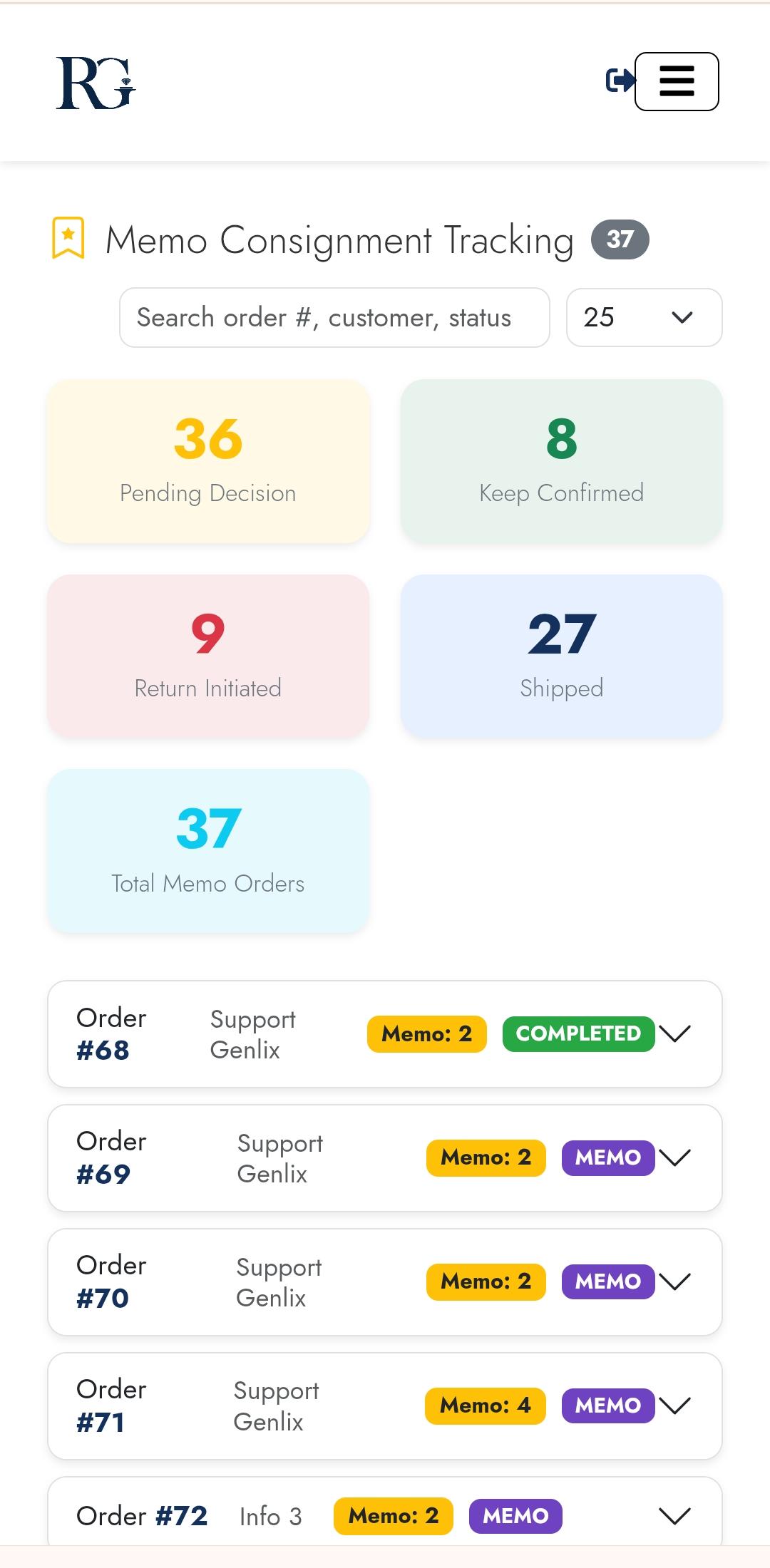
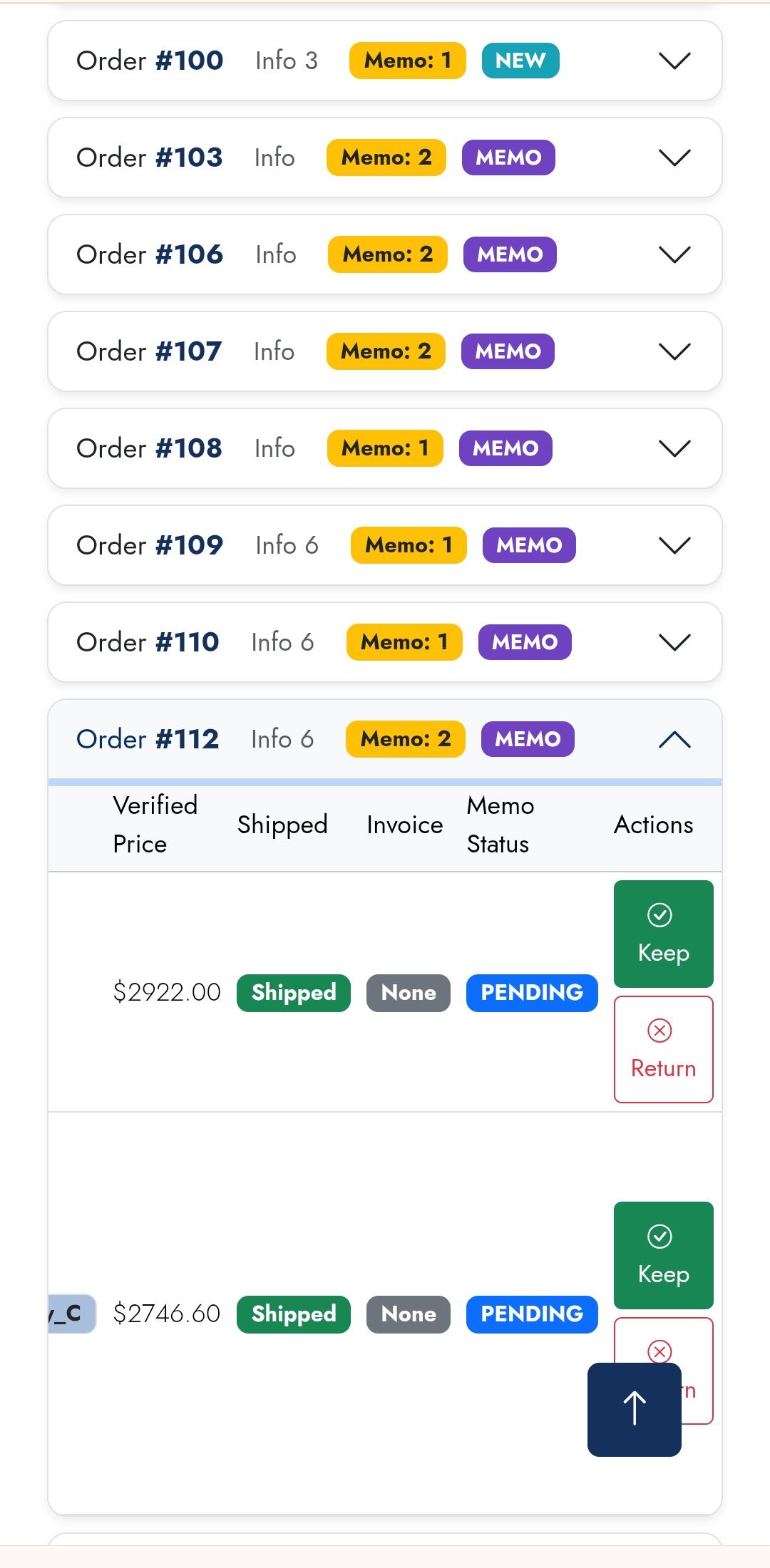
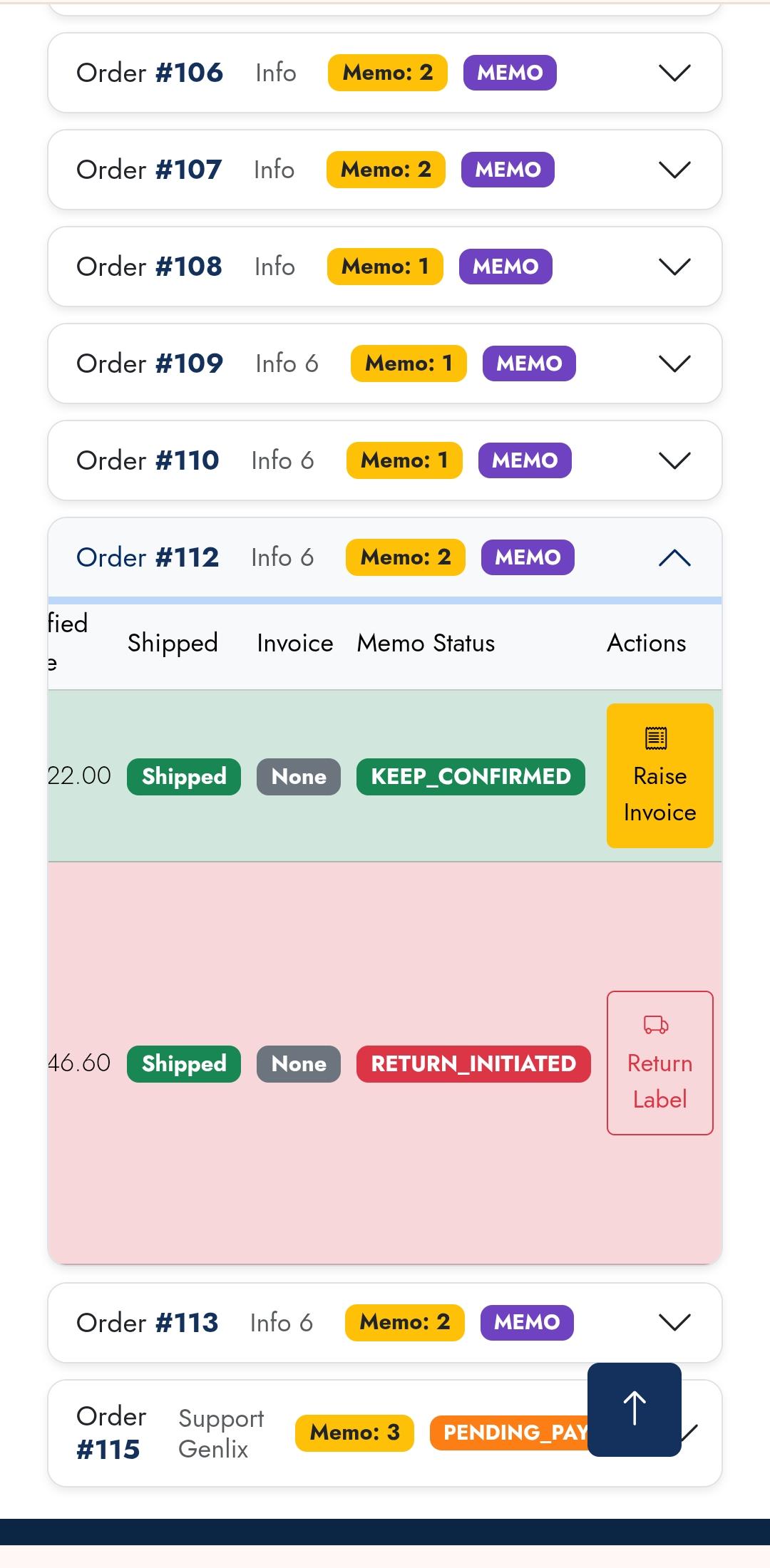
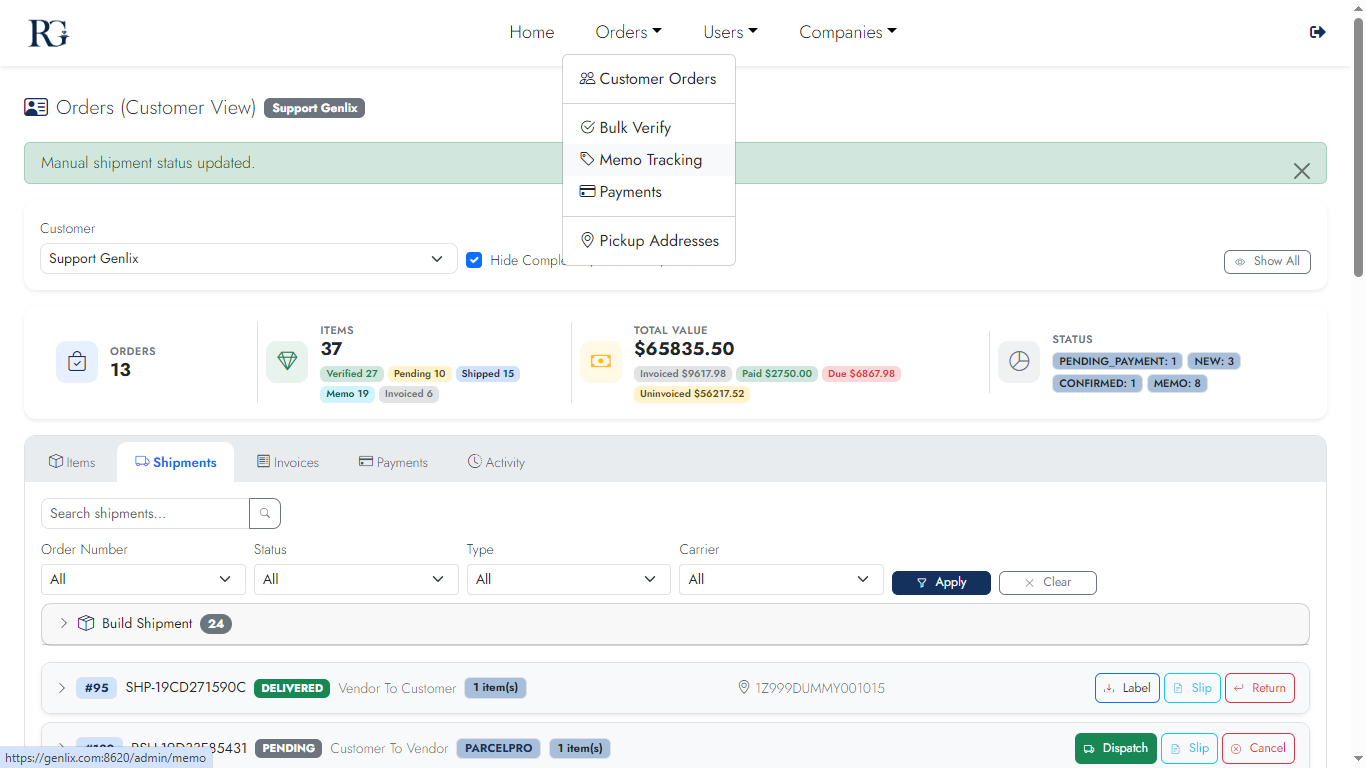
Full consignment lifecycle management. Track every item sent on approval across all customers — dispatch, keep-confirmed, invoice issued, or return. Automated reminder emails included.
Desktop
Memo 1
Overview
Memo 2
Item list
Memo 3
Keep / Return actions
Memo 4
Keep confirmed
Memo 5
Return initiated
Memo 6
In-transit return
Memo 7
Returned
Memo 8
Closed
Mobile
Memo m1
Overview
Memo m2
Items
Memo m3
Actions
Memo m4
Return flow
Screen 11

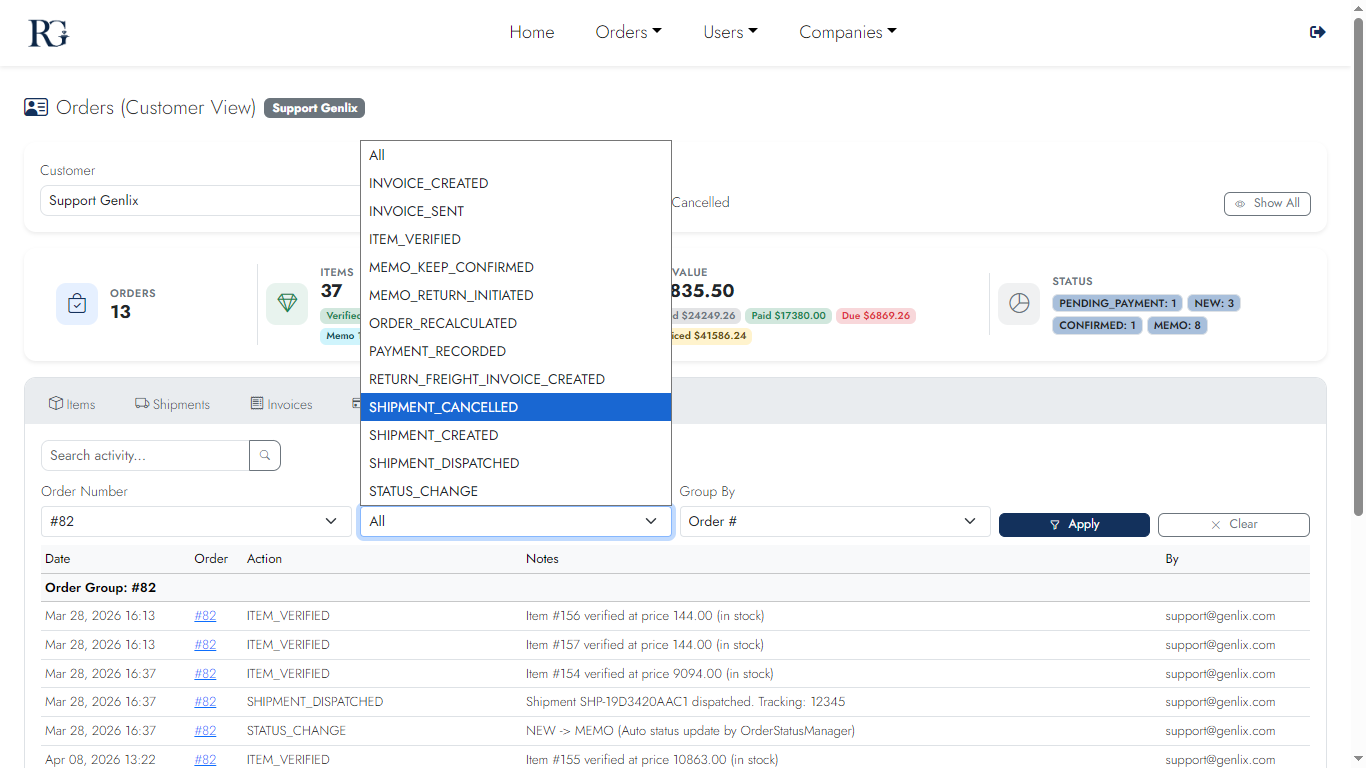
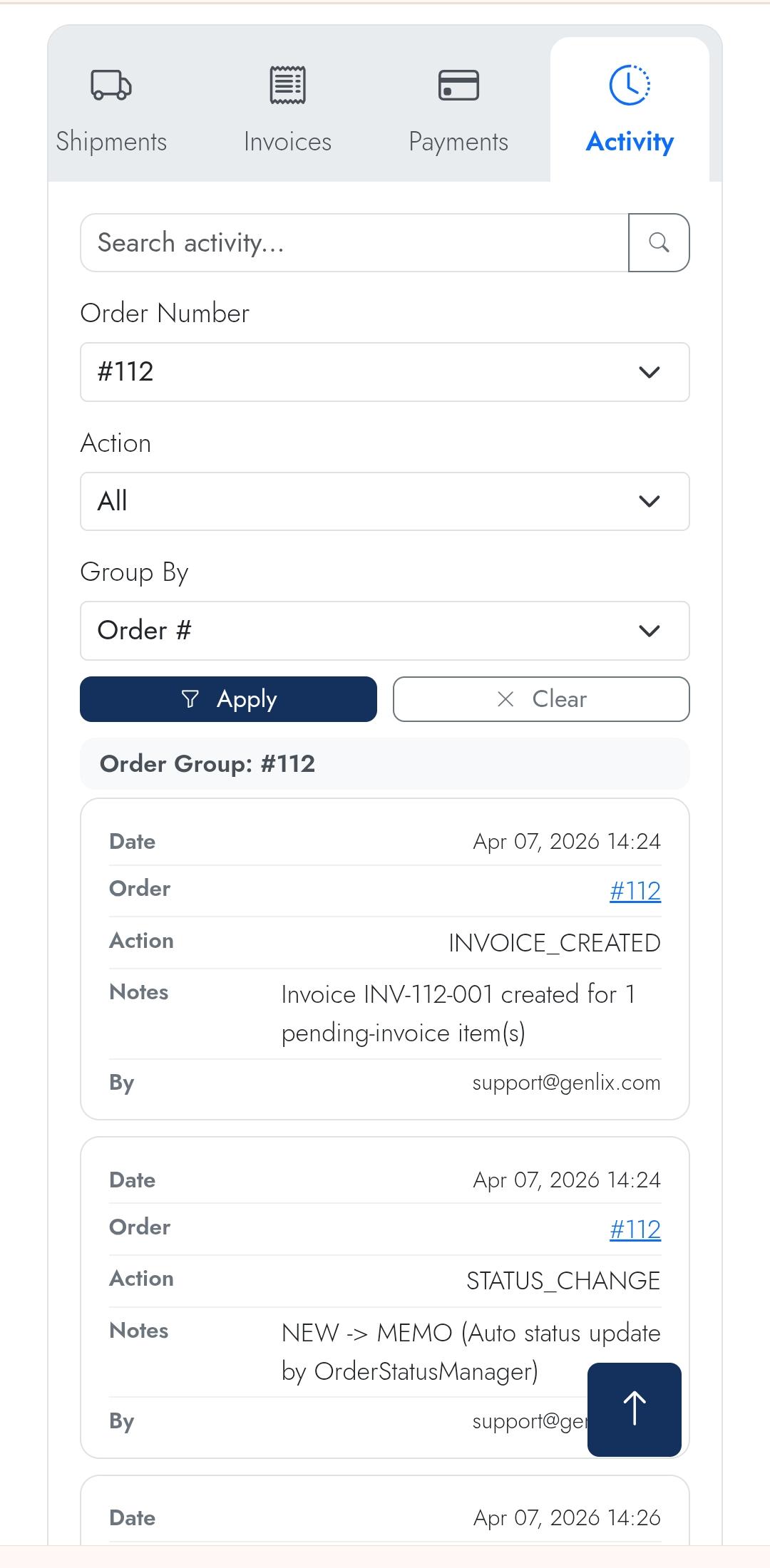
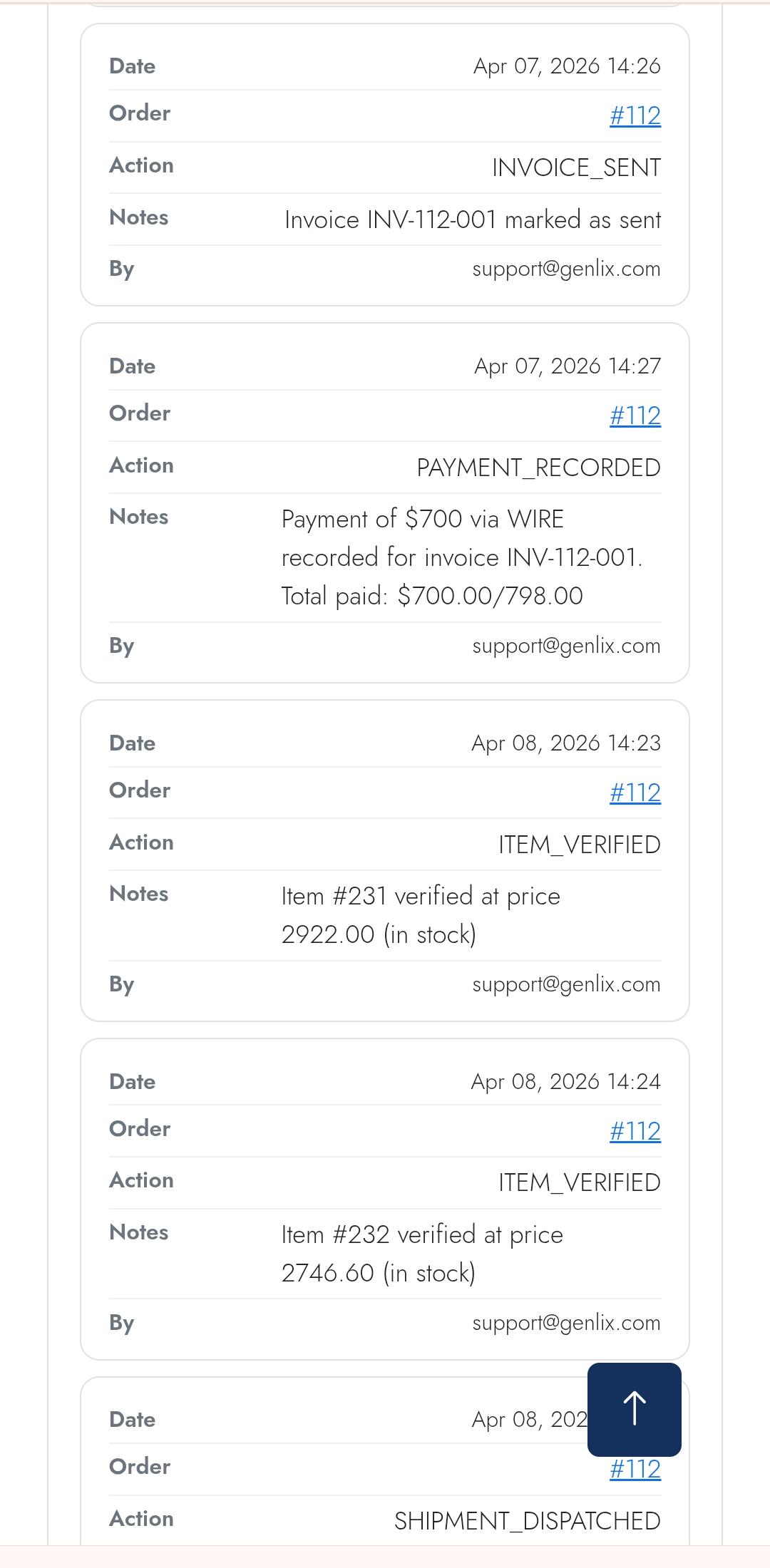
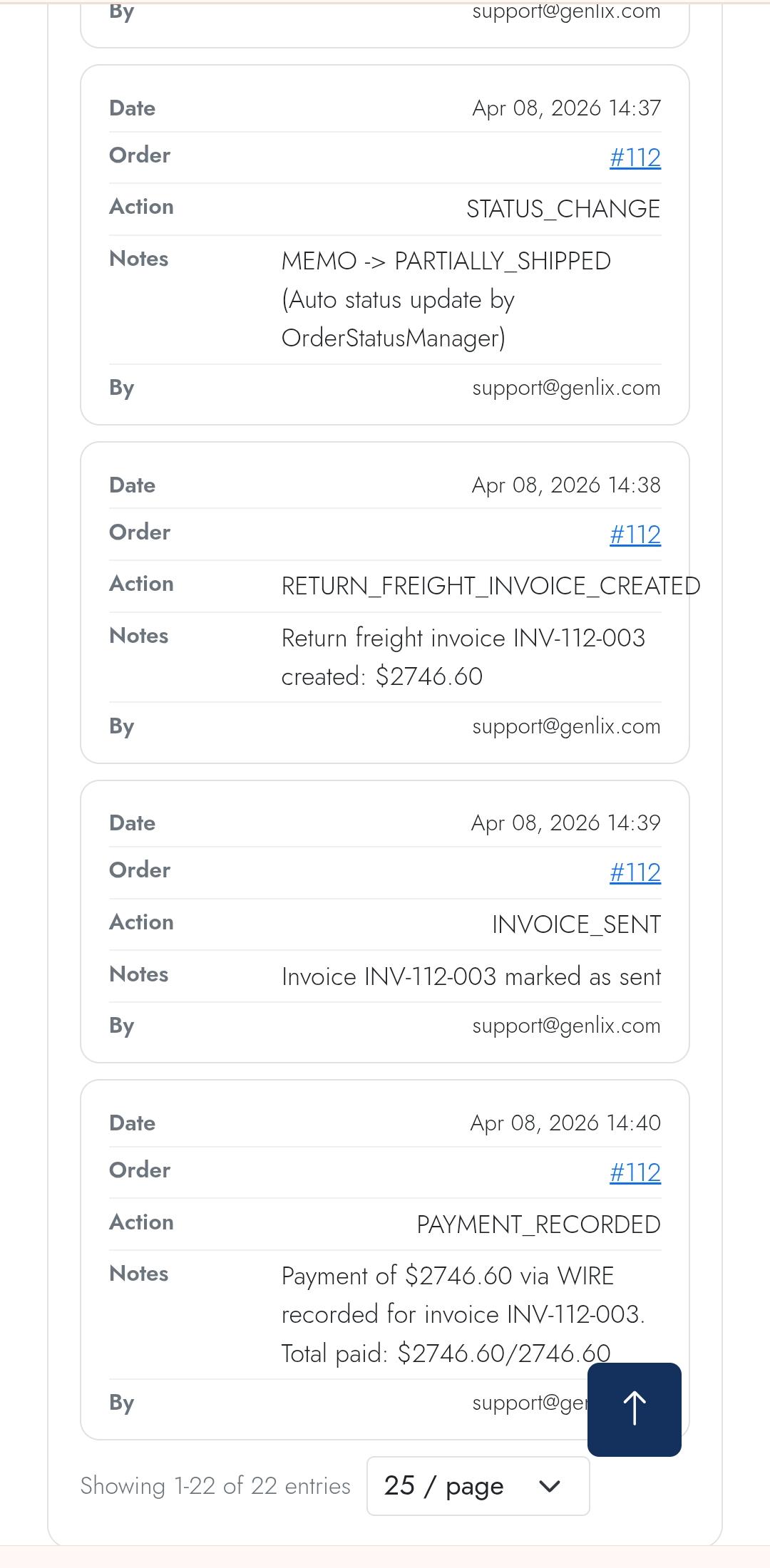
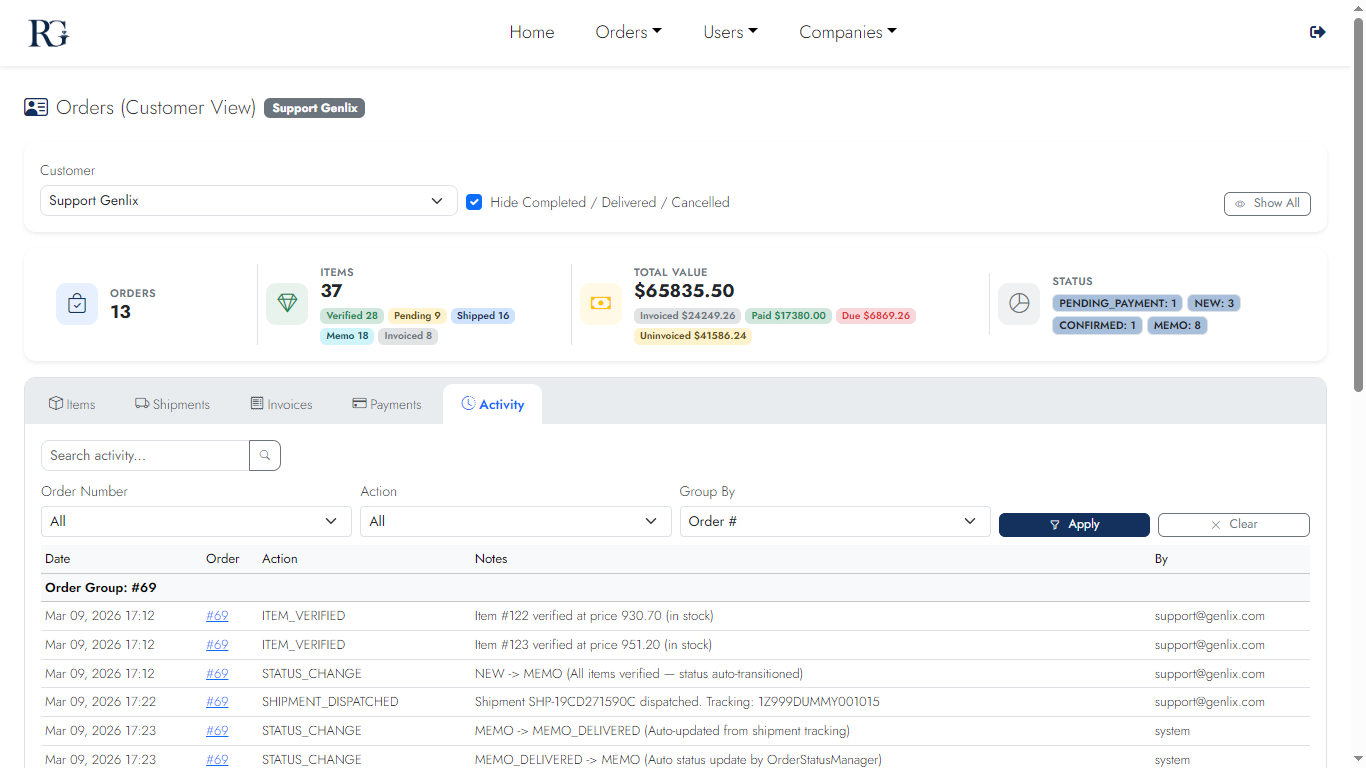
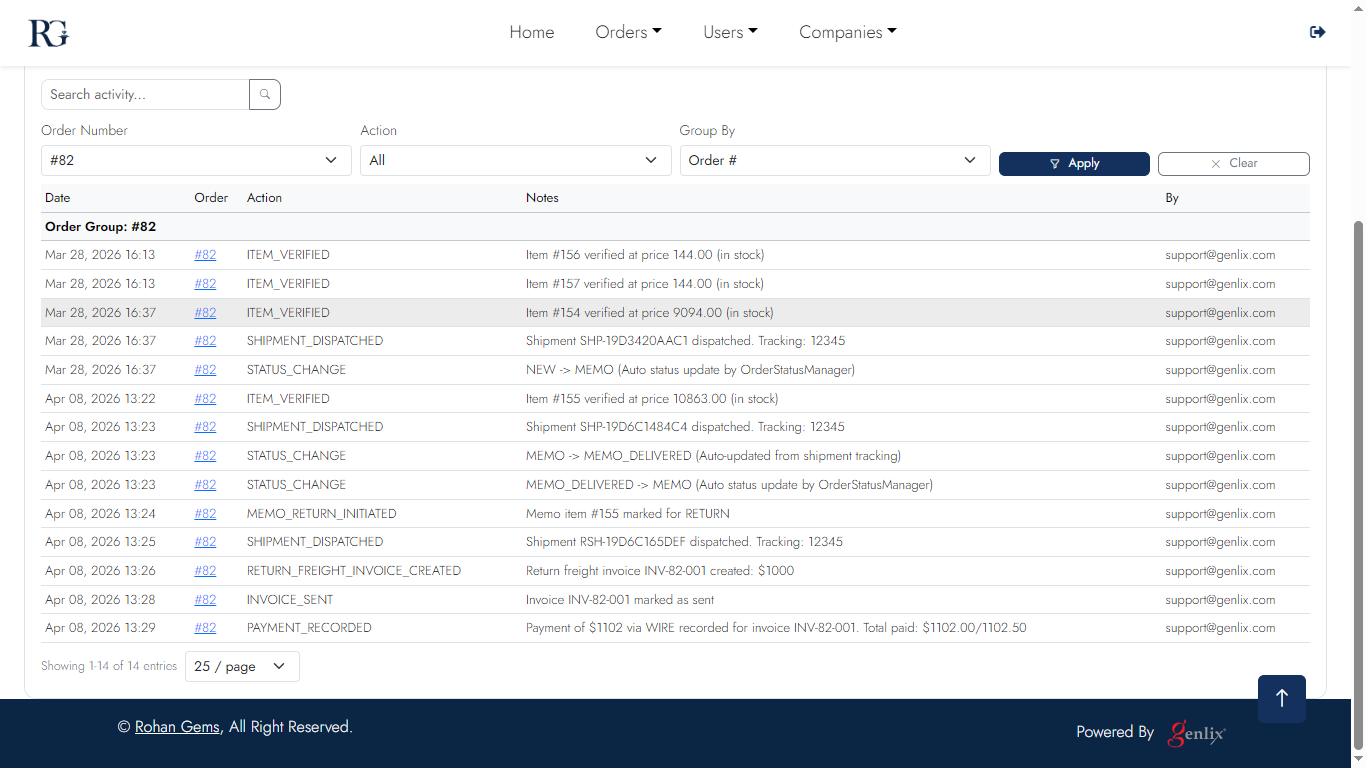
Activity Log

Full audit trail of every action on a customer's account — orders created, items verified, shipments dispatched, invoices sent, payments recorded, and memo decisions. Filterable and paginated.
Desktop
Activity 1
Log overview
Activity 2
Event detail
Activity 3
Filtered log
Mobile
Activity m1
Log
Activity m2
Events
Activity m3
Detail
Activity m3
Return
Screen 12

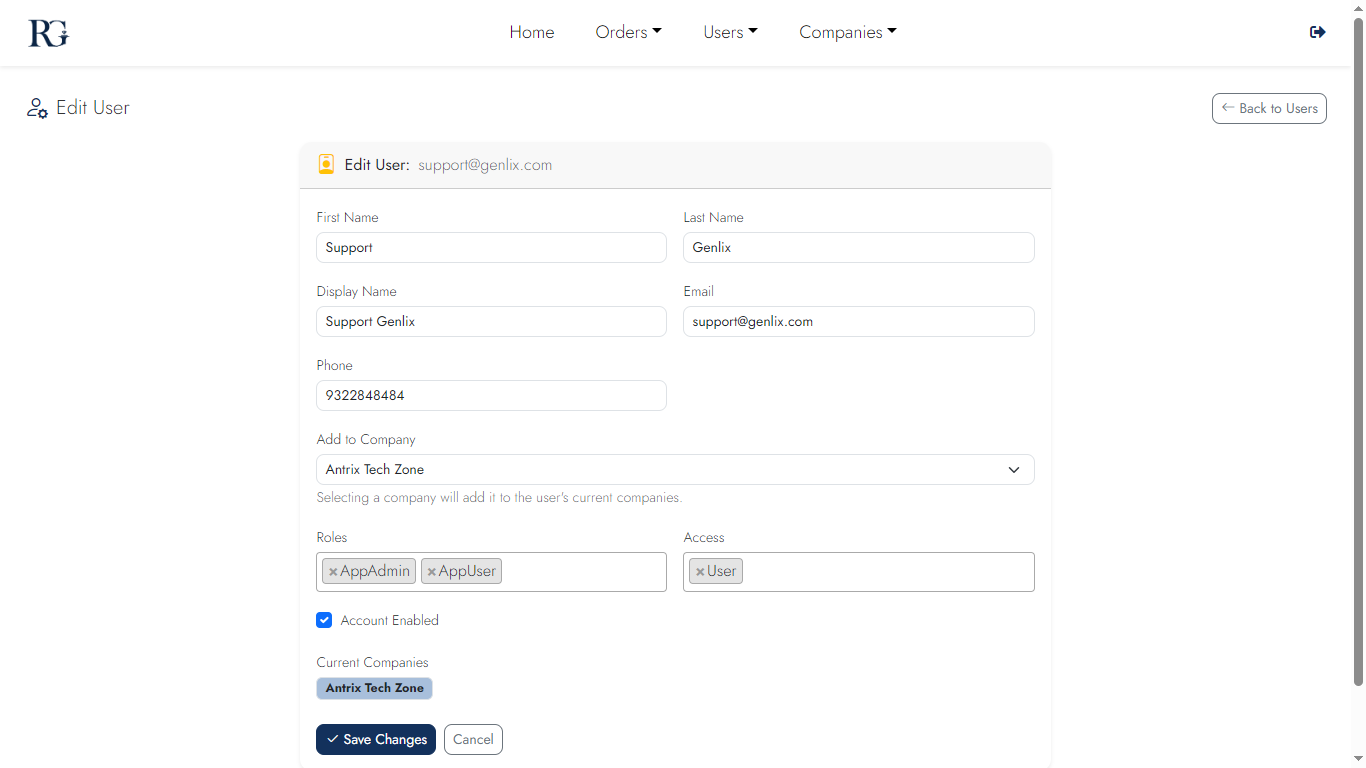
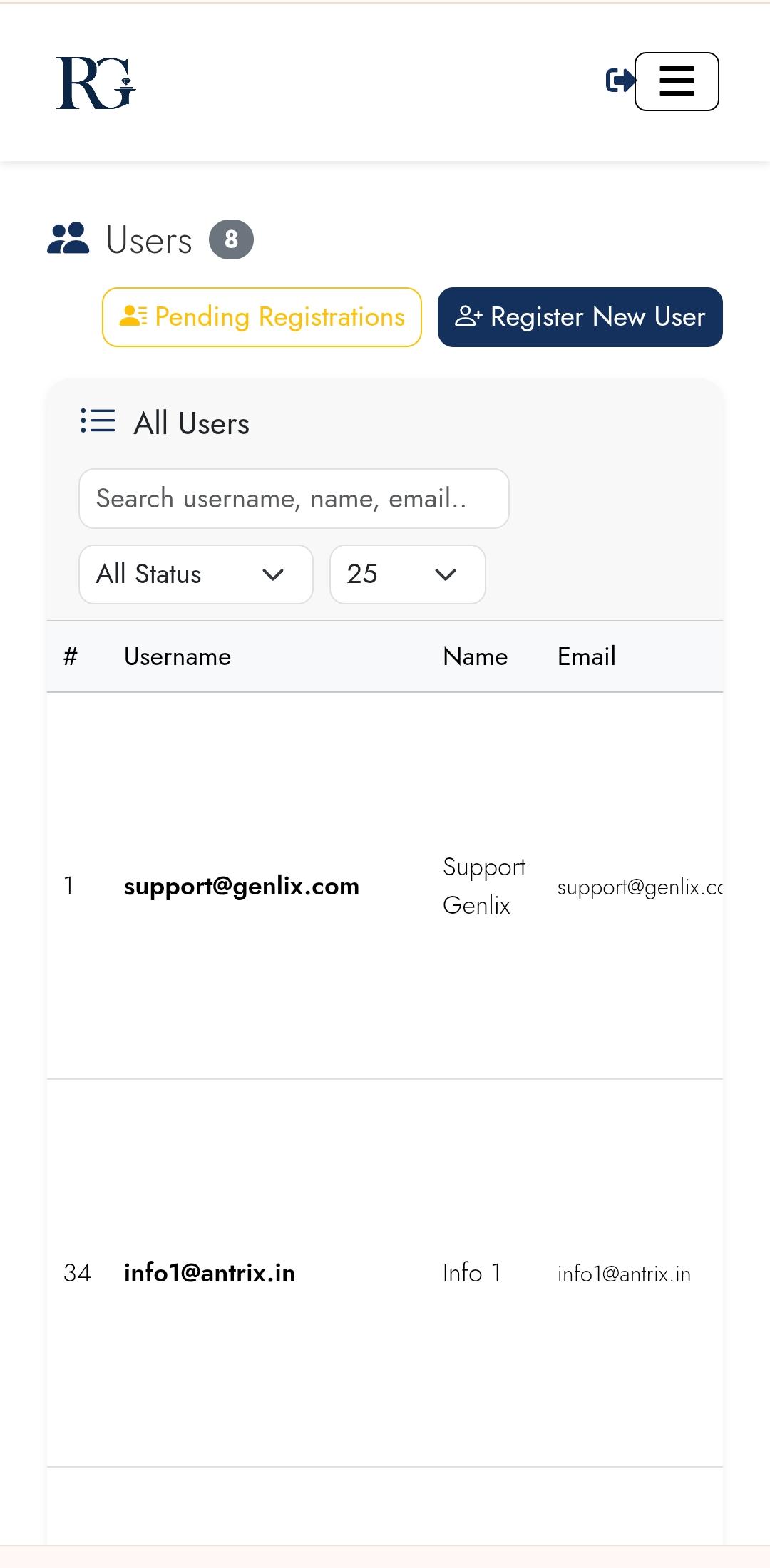
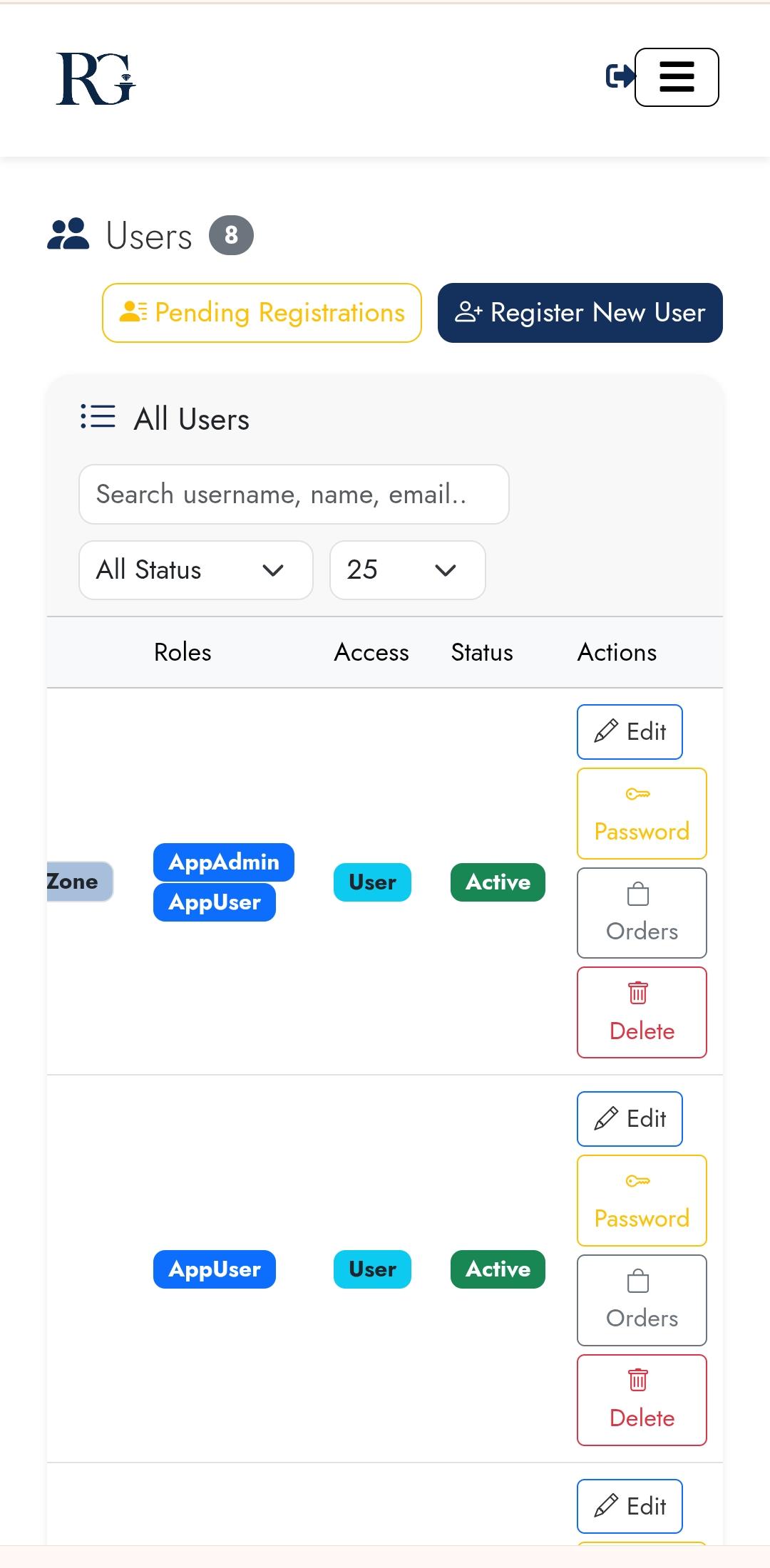
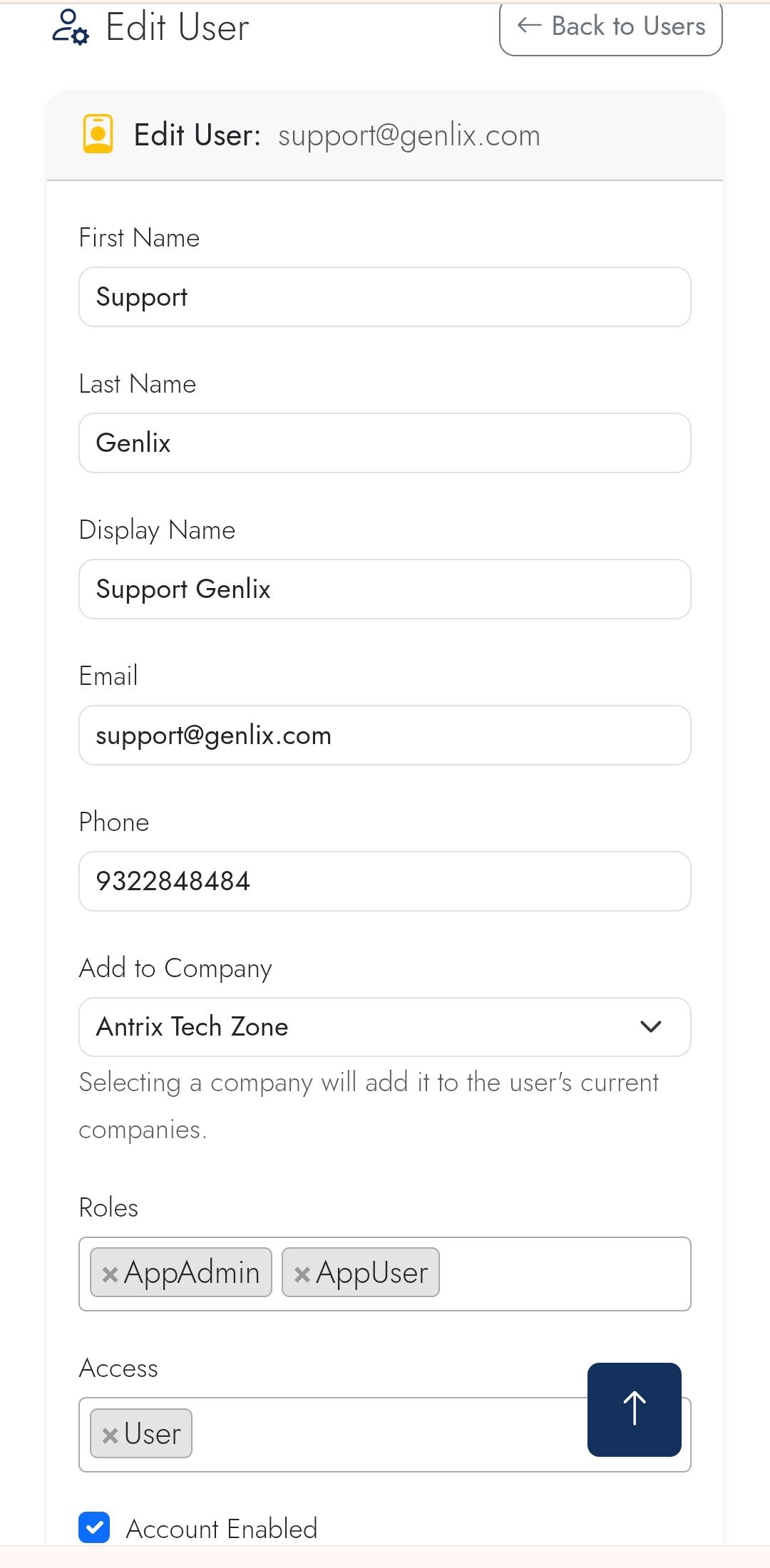
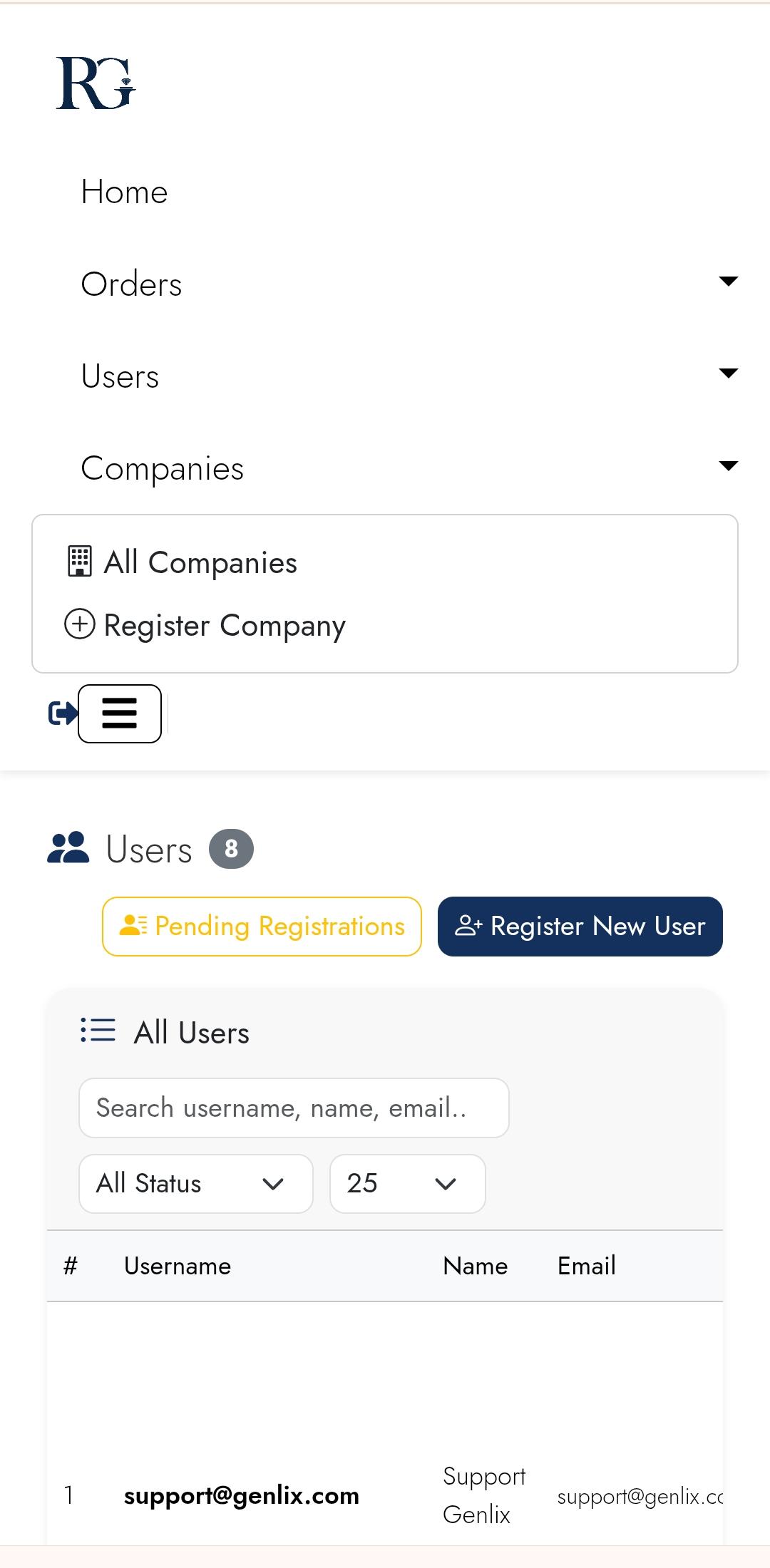
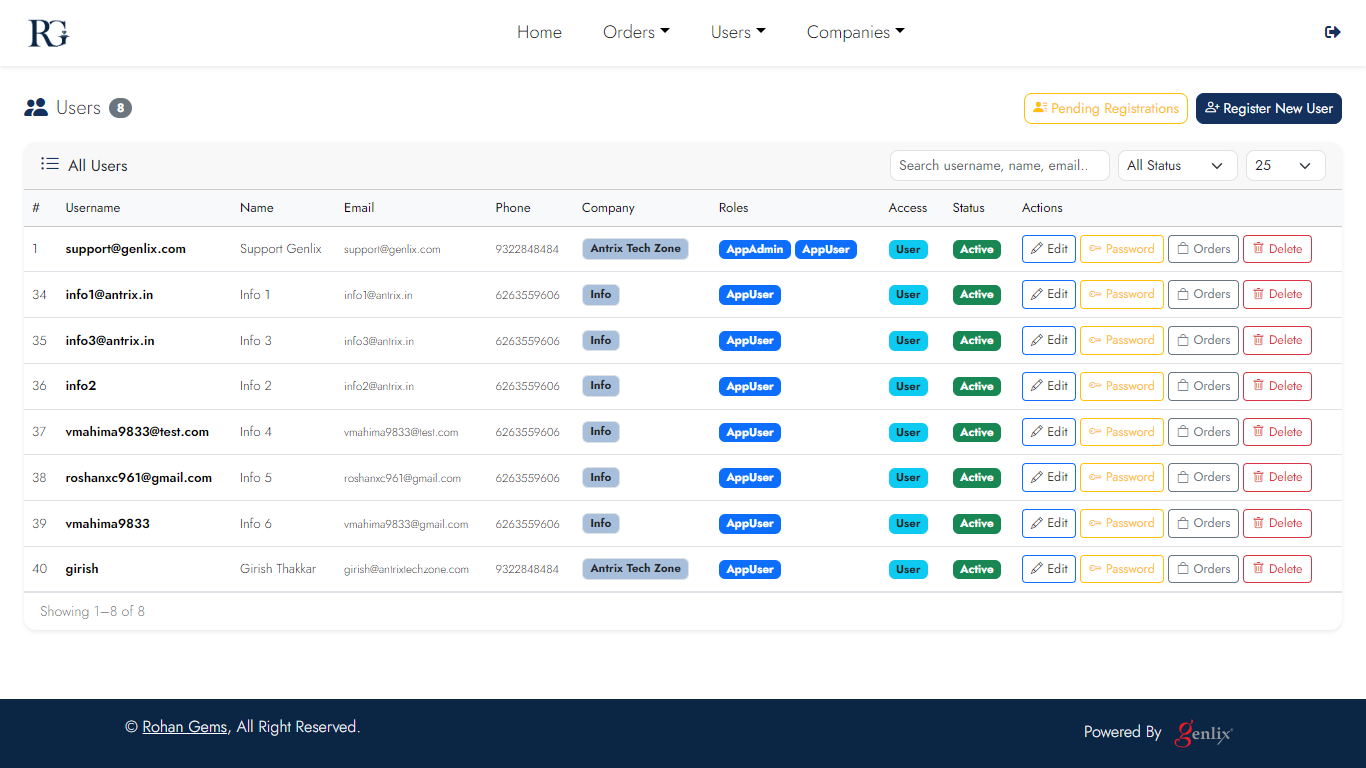
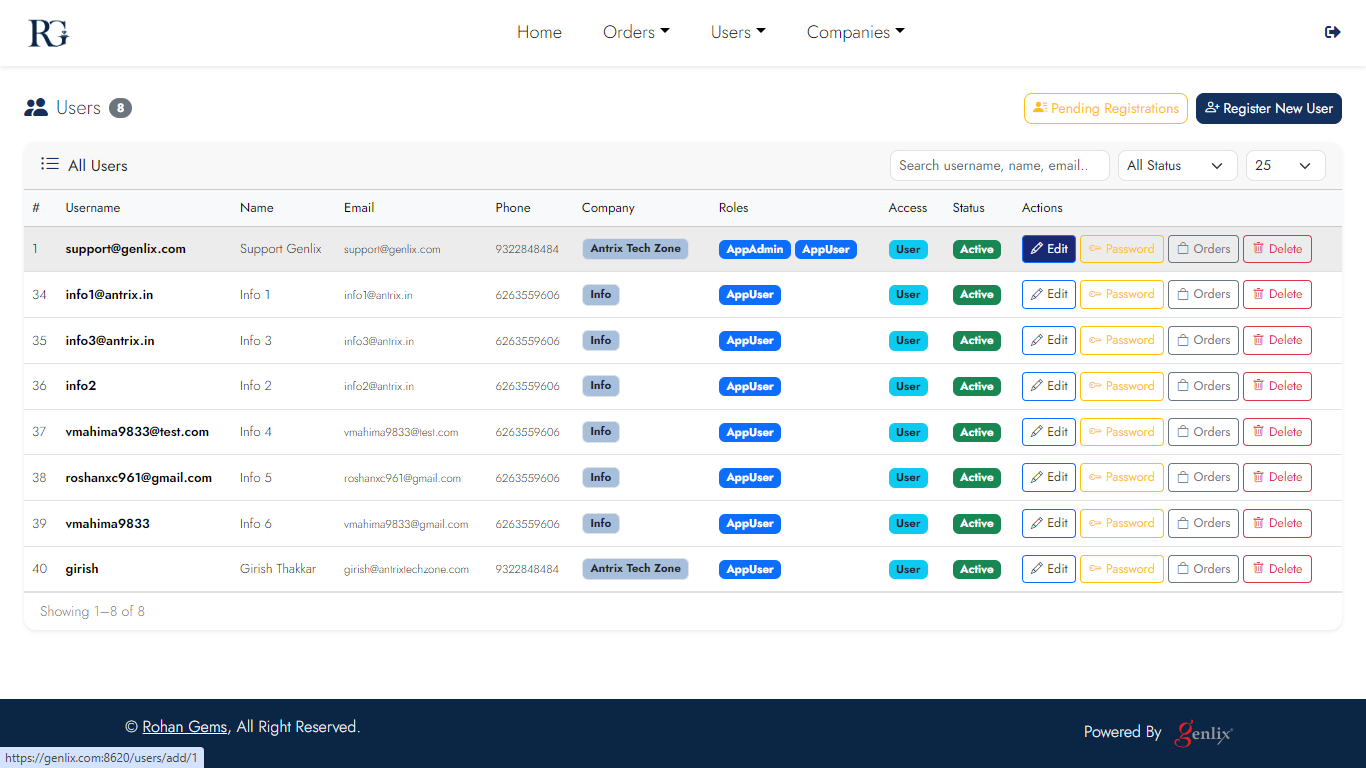
User Management

Create and manage admin users with role-based access control. Assign roles, enable/disable accounts, and manage per-device API tokens for mobile clients.
Desktop
User 1
User list
User 2
Edit user
User 3
Role assignment
Mobile
User m1
List
User m2
Edit
User m3
Roles & tokens
Screen 13

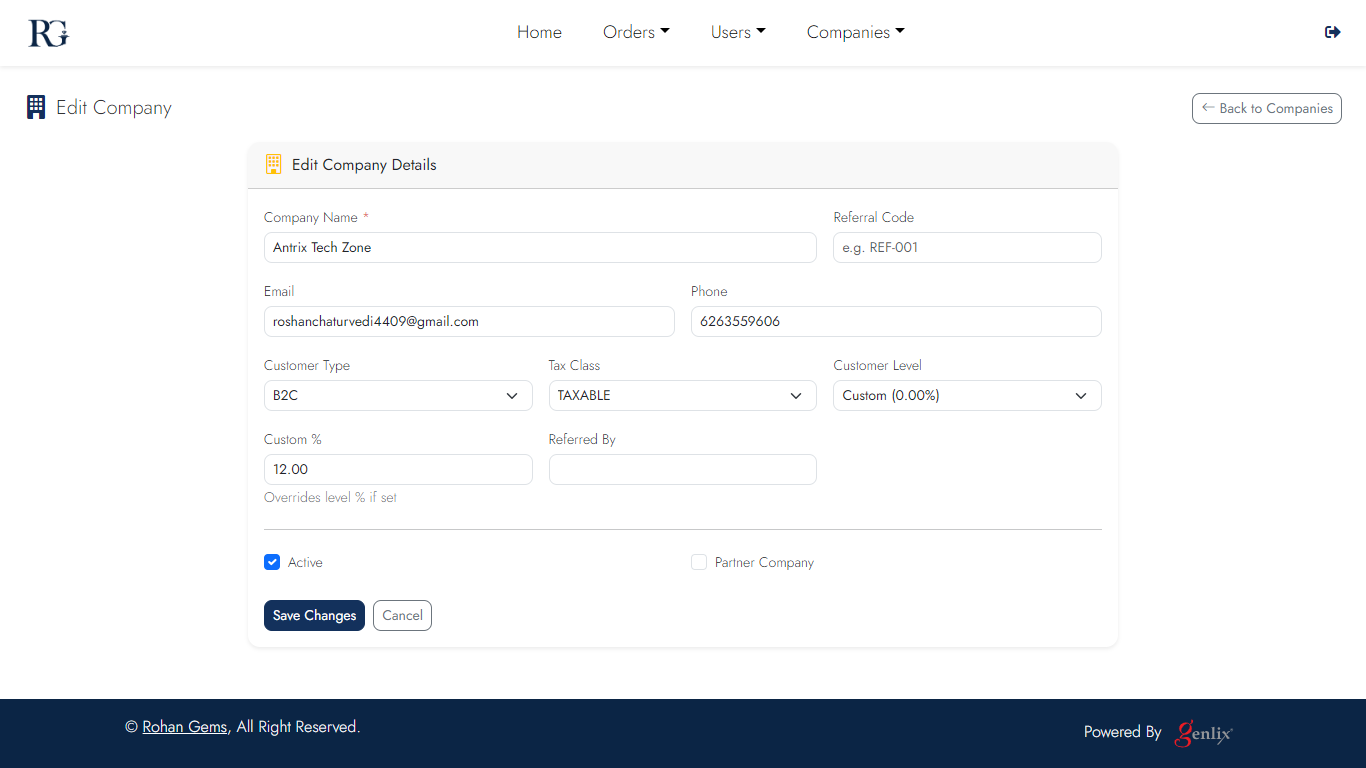
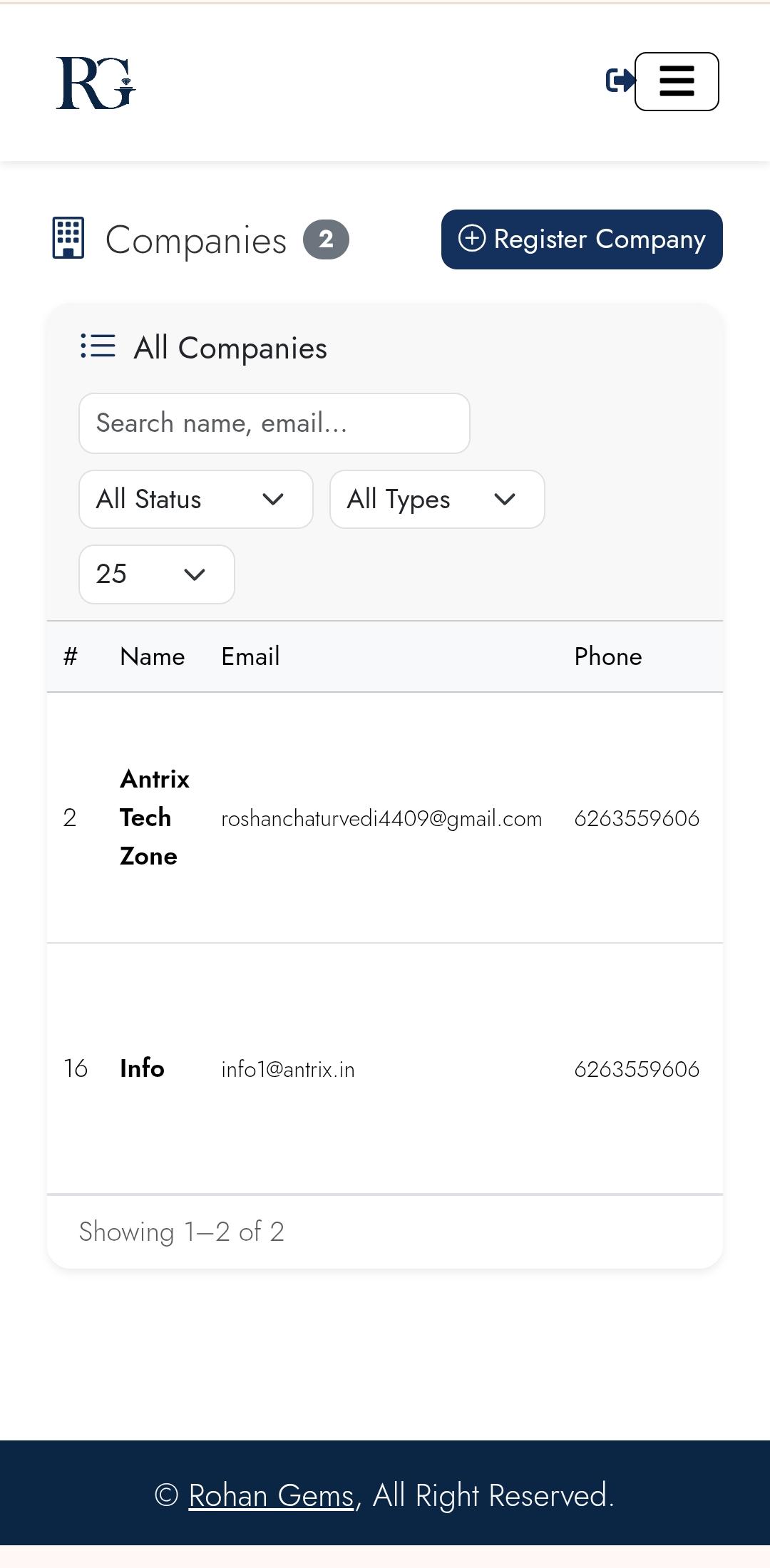
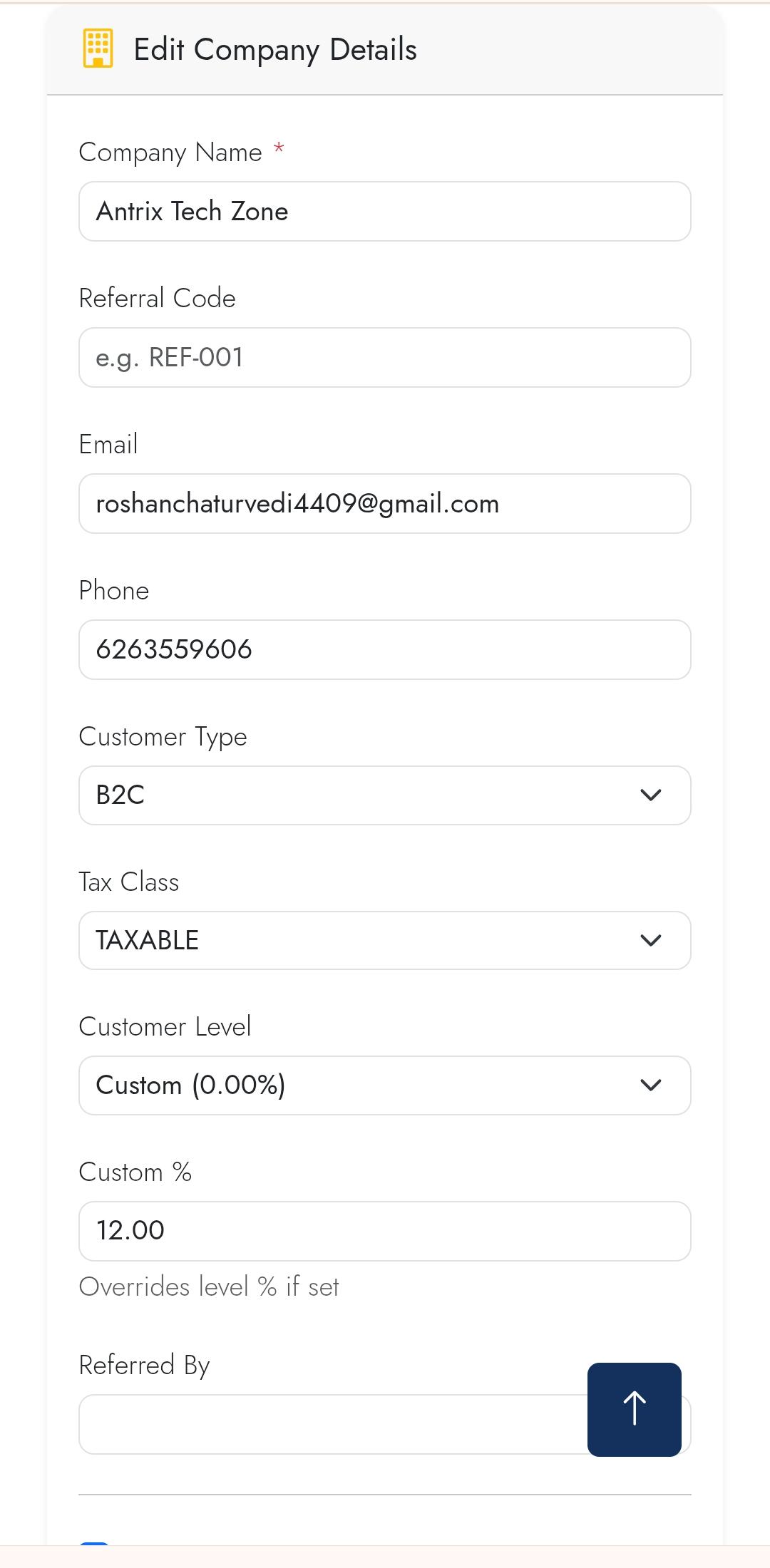
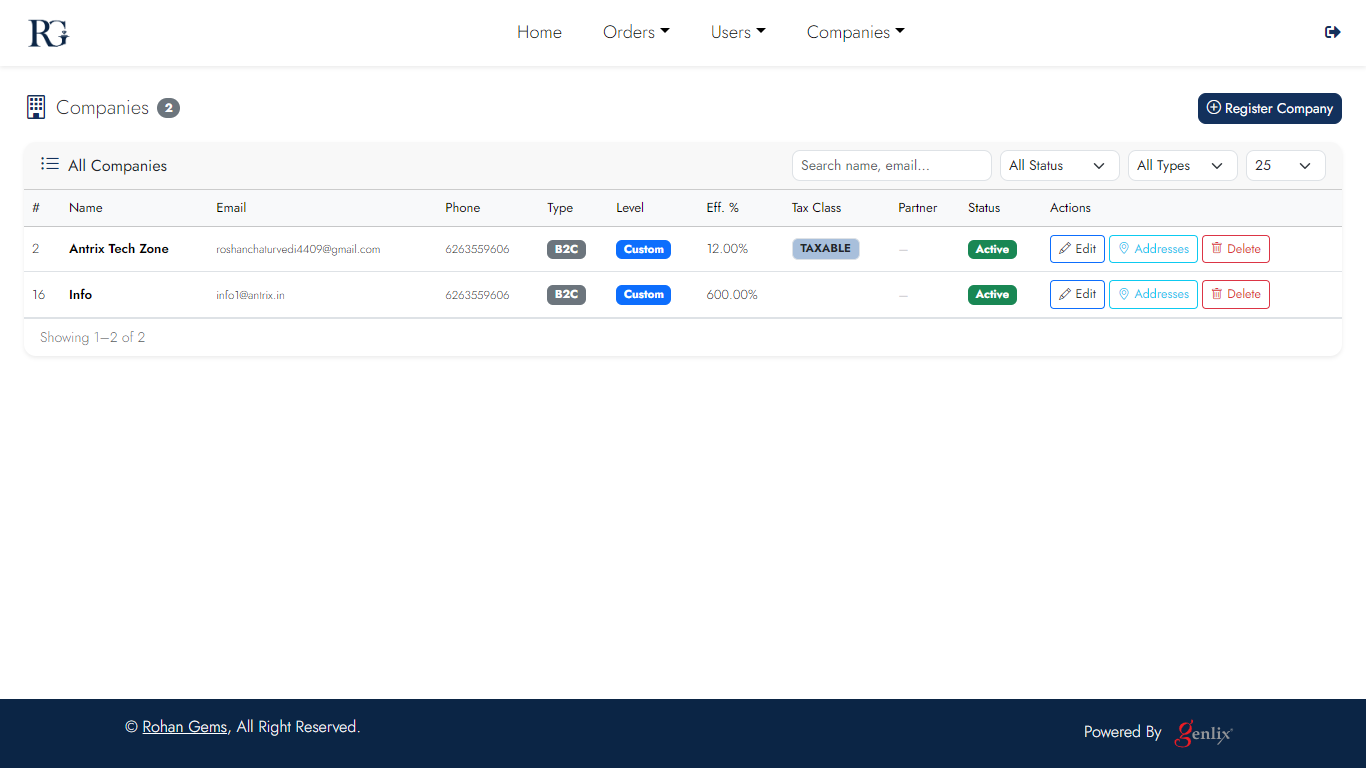
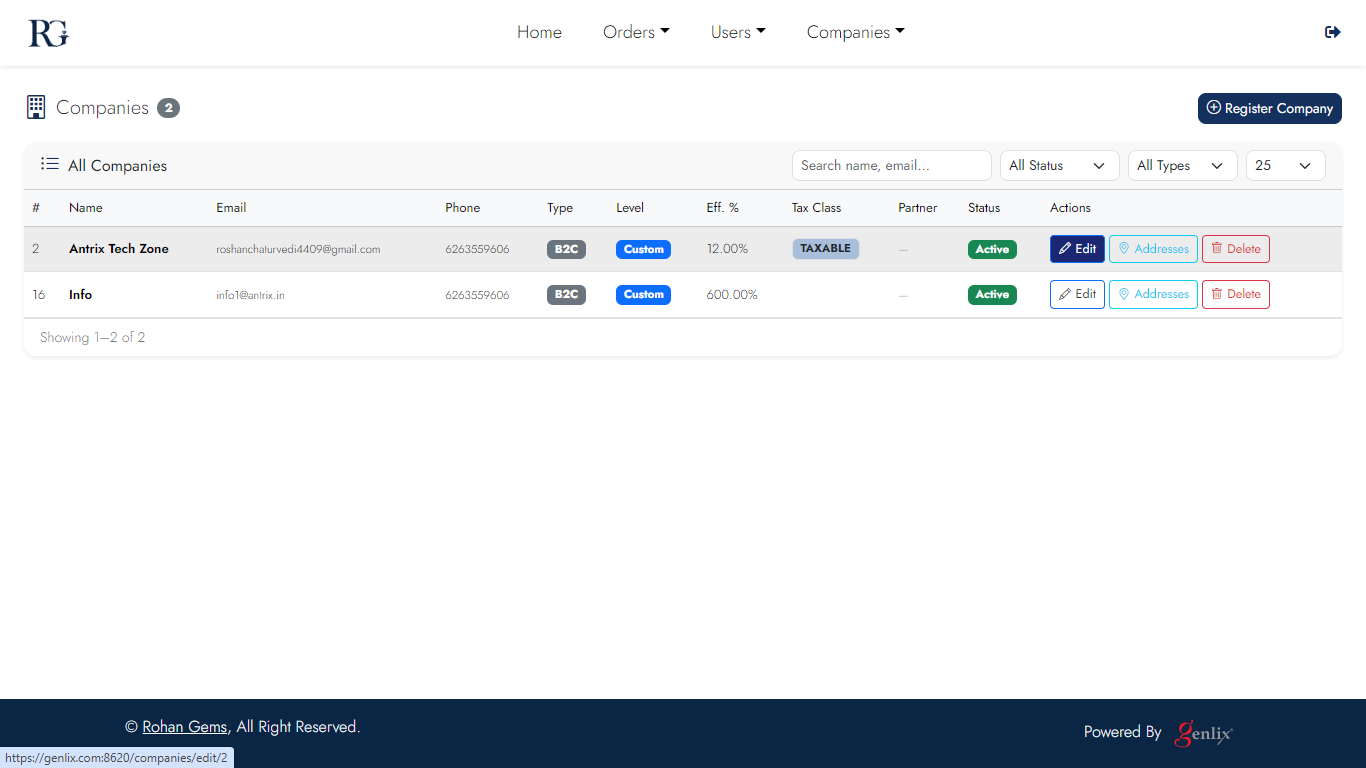
Company Management

Manage customer companies — contact info, billing addresses, associated users, and payment terms. Central repository for all your wholesale trade partners.
Desktop
Company 1
Company list
Company 2
Company profile
Company 3
Settings
Mobile
Company m1
List
Company m2
Profile
Company m3
Settings
Screen 14

Pickup Address

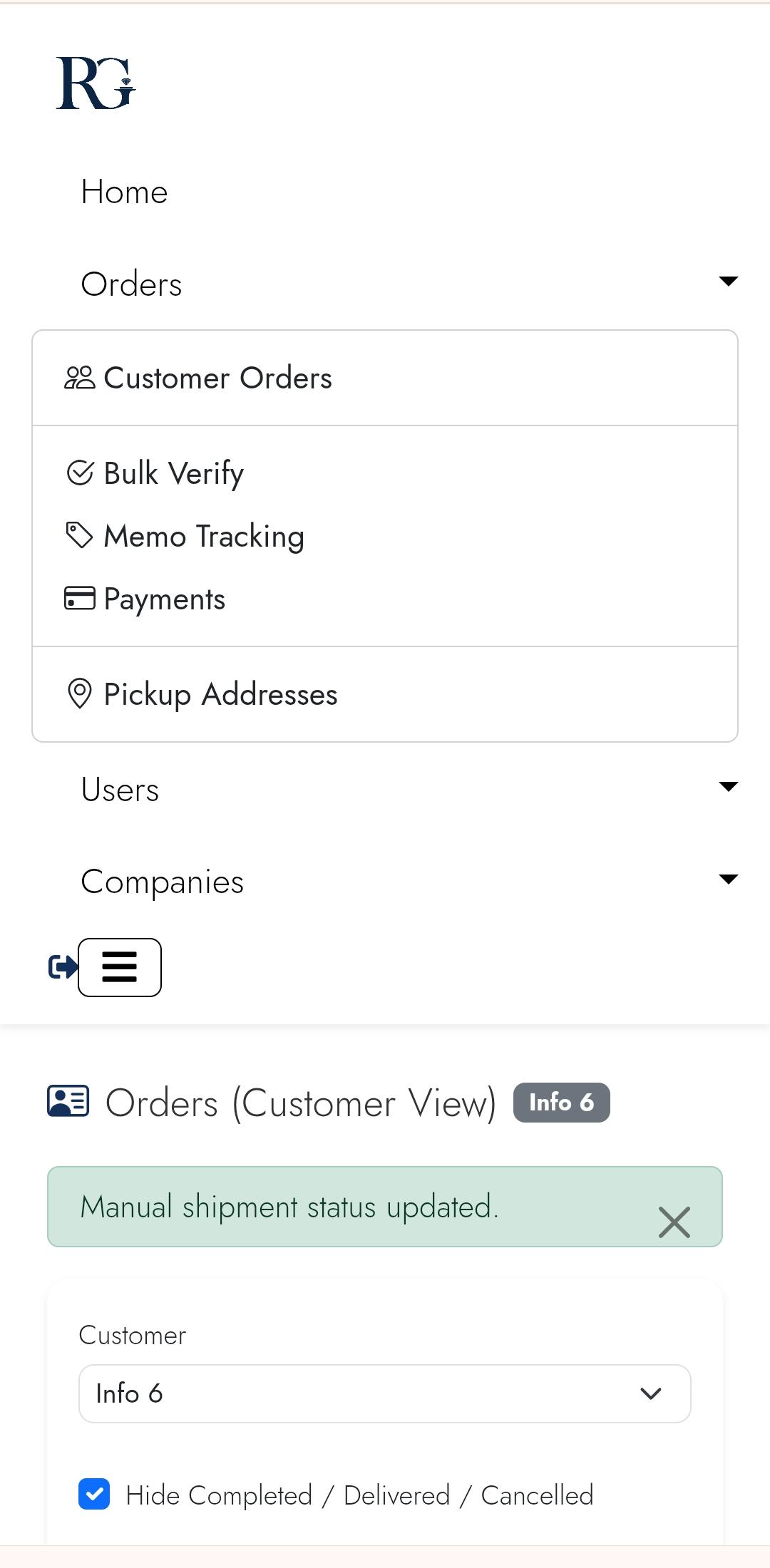
Manage warehouse pickup addresses used when generating carrier labels. Multiple addresses can be configured and selected per shipment.

Desktop
Pickup Address desktop
Pickup addresses
Mobile
Pickup m1
Address list
Pickup m2
Add address
Genlix DMS

The complete platform for diamond and jewelry dealers. Self-hosted, secure, and purpose-built for the wholesale trade.

Self-hosted End-to-end workflows Wholesale ready
Ready to modernize?

Book a walkthrough to see how Genlix DMS handles orders, memos, shipments, and invoicing for your business.

Request a Demo Contact Support

Product

  • Features
  • Screenshots
  • FAQ
  • How It Works

Platform

  • Orders & Memos
  • Shipments
  • Invoicing
  • Verification

Company

  • Back to Home
  • Request a Demo
  • Support
  • Privacy Policy

© 2026 Genlix. All rights reserved.

Built with Genlix Framework. Designed in Mumbai.

support@genlix.com +91 90004 95848 Mumbai, Maharashtra